
內容簡介
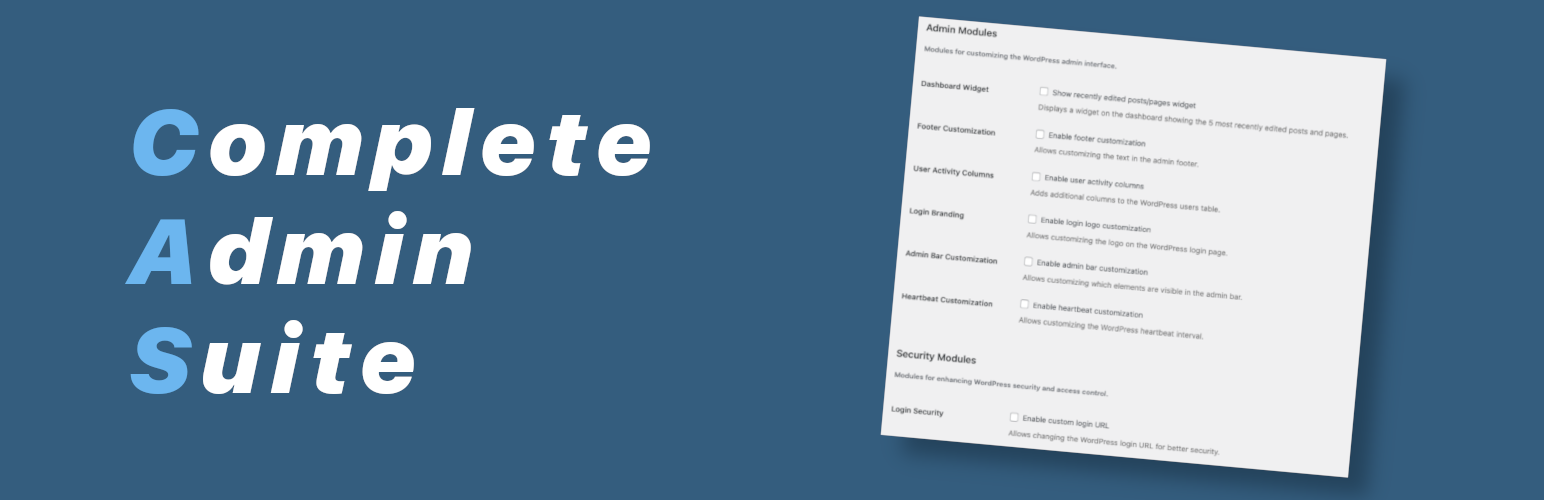
總結:Complete Admin Suite集合了必備工具和自定義選項,讓你在一個套件中精簡化WordPress管理體驗。這個外掛讓你只啟用需要的功能,對網站速度影響小,且易於配置。
1. Complete Admin Suite 為什麼值得選擇?
- 精簡插件數量:使用單一全面的工具簡化WordPress管理
- 一致界面:統一設計跨越所有功能
- 優化效能:對你的網站速度影響最小
- 定期更新:保持相容性與最新WordPress版本
- 客製化體驗:只啟用你需要的功能,打造簽洗純粹的管理界面
2. 可用模組
- 內容管理
- 文章複製器: 點擊一下立即複製任何文章或頁面,包括所有元數據、分類和自定欄位。非常適合快速創建模板或相似內容。
- 古鐵伯格關閉器: 針對特定文章類型選擇性關閉古鐵伯格編輯器,同時保留其他開啟。非常適合使用經典編輯器的網站。
- 媒體管理
- 附件替換器: 取代現有媒體文件,同時保持相同URL和附件ID。這有助於當你需要更新圖片或文件時避免破壞連結。
- 媒體檔案大小欄: 在媒體庫中顯示檔案大小,更好地管理和識別可能影響頁面載入時間的大檔案。
- 管理介面
- 管理工具列自定義: 隱藏WordPress管理工具列中不必要的項目,為團隊創造更整潔、更專注的工作空間。
- 頁腳自定義: 自定義管理頁尾文字,加入公司資訊、支援連結或其他對網站管理人員有用的資源。
- 最近的內容小工具: 在儀表板小工具中顯示最近編輯過的各種文章類型的內容,使返回進行中的工作更輕鬆。
- 用戶活動列: 在用戶列表中添加註冊日期和最後登錄列,幫助你一目了然地識別閒置帳戶或新註冊。
- 安全與維護
- 登入標誌自定義: 用你自己的品牌標誌取代登入頁面上的WordPress標誌,創造更專業和品牌化的登入體驗。
- 登入URL自定義: 更改登入頁面的URL以提高安全性,減少針對預設WordPress登入頁面的自動機器人攻擊。
- 維護模式: 輕鬆將你的網站設置為維護模式,附帶自定義訊息或頁面,讓你執行更新或更改而不影響用戶體驗。
外掛標籤
開發者團隊
原文外掛簡介
Complete Admin Suite streamlines your WordPress admin experience with essential tools and customization options in one package. This modular plugin lets you enable only the features you need, with minimal performance impact and easy configuration.
Why Choose Complete Admin Suite?
Complete Admin Suite eliminates the need for multiple admin plugins by combining essential tools in one solution. Key benefits include:
Reduced Plugin Count: Simplify your WordPress management with a single, comprehensive tool
Consistent Interface: Unified design across all functionality
Performance Optimized: Minimal impact on your site’s speed
Regular Updates: Maintained for compatibility with the latest WordPress versions
Customizable Experience: Enable only what you need for a lean admin interface
Available Modules
Content Management
Post Duplicator: Clone any post or page with a single click, including all metadata, taxonomies, and custom fields. Perfect for creating templates or similar content quickly.
Gutenberg Disabler: Selectively disable the Gutenberg editor for specific post types while keeping it enabled for others. Ideal for sites that use classic editor for certain content types.
Body Class Customizer: Add custom CSS body classes to specific post types or individual posts, making it easier to style specific content with CSS.
Media Management
Attachment Replacer: Replace existing media files while maintaining the same URL and attachment ID. This prevents broken links when you need to update images or documents.
Media Filesize Column: Displays file sizes in the media library for better management and identification of large files that might impact page load times.
Media Bulk Downloader: Download multiple media files at once as a ZIP archive, saving time when you need to backup or transfer files.
Media Library Sorter (coming soon): Enhanced sorting options for your media library including file size and adding date.
Attachment Renamer (coming soon): Rename your media files directly from the WordPress admin without breaking links or losing attachment metadata.
Admin Interface
Admin Bar Customizer: Hide unnecessary items from the WordPress admin bar to create a cleaner, more focused workspace for your team.
Admin Logo Customizer (coming soon): Replace the WordPress logo in the admin bar with your own brand logo for a more personalized admin experience.
Admin Menu Customizer: Reorder and rename admin menu items to create a more intuitive navigation structure for your team.
Footer Customizer: Customize the admin footer text to add your company information, support links, or other useful resources for site administrators.
Heartbeat Customizer: Adjust the WordPress Heartbeat API interval to reduce server load and improve admin performance.
Notification Customizer (coming soon): Collect WordPress admin notices into a centralized panel for a cleaner interface and better notification management.
Recent Content Widget: Dashboard widget showing recently edited content across all post types, making it easier to return to work in progress.
User Activity Columns: Adds registration date and last login columns to the users list, helping you identify inactive accounts or new registrations at a glance.
ads.txt Editor: Edit your ads.txt file directly from the WordPress admin, making it easier to manage authorized digital sellers.
robots.txt Editor: Edit your robots.txt file directly from the WordPress admin, simplifying search engine crawl management.
Security & Maintenance
Login Logo Customizer: Replace the WordPress logo on the login page with your own brand logo to create a more professional and branded login experience.
Login URL Customizer: Change the URL of the login page for better security, reducing automated bot attacks targeting the default WordPress login page.
Admin Login Method Customizer: Restrict login to username only, email only, or both methods to enhance security and simplify the login process.
Maintenance Mode: Easily put your site in maintenance mode with a custom message or page, allowing you to perform updates or changes without affecting the user experience.











