外掛標籤
開發者團隊
② 後台搜尋「CommentMate – Visual Website Feedback」→ 直接安裝(推薦)
原文外掛簡介
CommentMate is a free visual website feedback plugin for WordPress designers, freelancers and agencies. Share a private review link so clients can leave comments on specific parts of a page, provide replacement text and upload images without logging in to WordPress. Client comments can be resolved directly or discussed in threaded replies. Images uploaded by your clients can be compressed and saved directly to your Media Library.
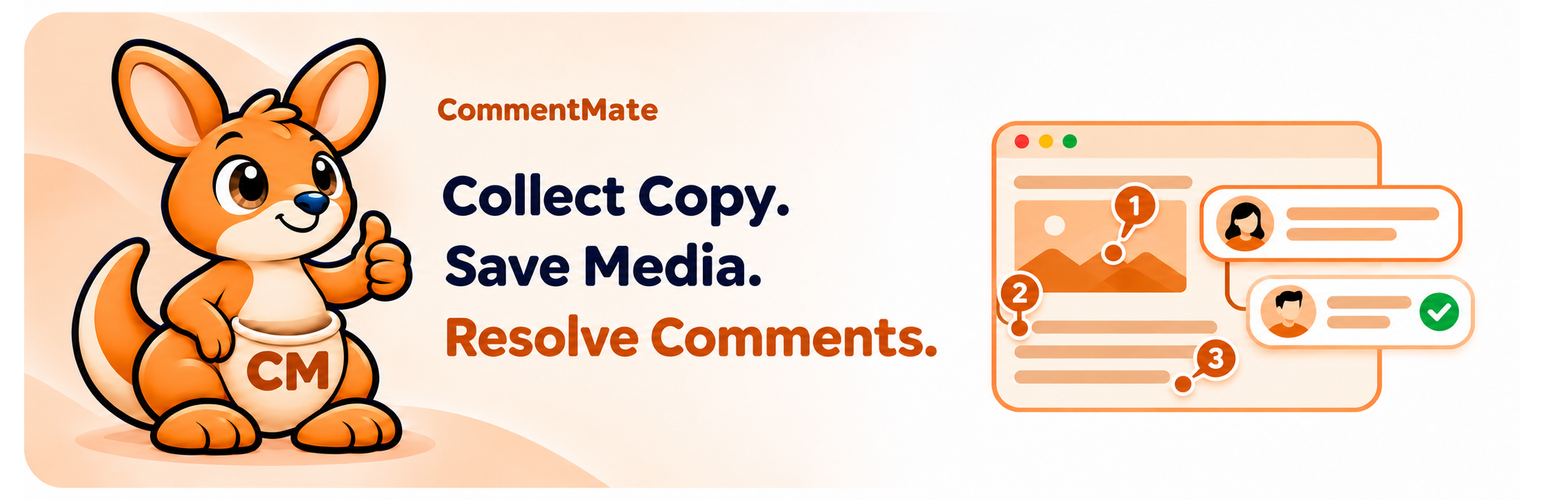
Collect website feedback and client content in one review
Pin contextual comments to website pages and collect replacement text, images, PDFs and context screenshots.
Discuss changes in threaded client and administrator replies, then resolve or reopen comments.
Preview client images, download originals or save them directly to the WordPress Media Library.
Create separate compressed image copies with maximum-width, quality and WebP controls. Originals are preserved; identical saved copies are reused.
Receive Done! Notify Admin completion notifications and optional daily summaries or immediate alerts.
Stop sharing to revoke the review link and reviewer sessions. Keep the review data or explicitly confirm deletion; saved Media Library images remain.
How CommentMate works
Install CommentMate and create a private review link as a site administrator.
Share the link with your client. They choose a display name and leave feedback directly on your website pages.
Reply to comments, make the page changes in your usual editor and mark feedback as resolved. Save client images to your Media Library when needed.
CommentMate provides one site’s shared review workspace for all site administrators. Every current feature is included free. No PluginHub account, telemetry, external updater or external review service is required. Review data stays on your WordPress site and plugin assets are served locally.
Full review controls are desktop-first. Mobile supports touch comments and replies; desktop remains recommended for full review work. The sidebar is not a responsive-device emulator. The current release was tested on a physical iPhone; Android and some builder/browser combinations remain unverified. Test your intended pages and devices before inviting clients. Multisite is not supported.
Requirements and safeguards
Use WordPress 6.5 or newer, PHP 8.1 or newer, HTTPS, PHP Sodium, InnoDB and writable durable private storage outside all public document roots. PHP 8.1 is the compatibility minimum; supported PHP 8.3 or newer is recommended. GD is required for image attachments and screenshots; WebP needs GD WebP support. PDF validation needs Fileinfo. ZIP review downloads need ZipArchive. Advanced reports hosting checks; it cannot prove inbox delivery or external cache behavior.
Private files default to a 100 MiB storage budget, configurable from 25 to 250 MiB under Advanced → Private storage. Individual uploads are limited to 5 MB; a message supports up to three images and one PDF. Feedback has a 25 MiB budget and 2,000 stored-record limit. Comments and their initial messages are separate records; this is not 2,000 standalone comments. Soft-deleted records count until full cleanup. These safeguards apply to everyone and cannot be unlocked by payment.
Unpublished drafts remain only in the open tab; leaving or reloading loses them. Failed saves retain text and failed files can be retried without reposting saved text. An administrator can repair a pin from a placement warning. Mail handoff is not a delivery guarantee.
Privacy and data retention
Review content, names, page URLs, anchors, replies and audit events are stored in this site’s database. Private files and screenshots are encrypted in an install-specific directory outside public web roots. Authentication uses a hashed share secret and hashed reviewer sessions; an encrypted copy of the active share secret lets administrators re-copy the link. Anyone with the active private link can join that site’s review. Treat it as confidential.
Screenshots may capture visible page content. Saving an image to the WordPress Media Library creates an ordinarily public media item, including compressed copies. Stopping sharing revokes access but retains data unless an administrator confirms cleanup. Deactivation retains data. WordPress Delete erases plugin data by default; an administrator can turn off “Erase data when this plugin is deleted” first. Media Library items remain under either choice.
Email uses the site’s configured WordPress mail transport. Completion notifications are enabled on fresh installs to the site administrator; automatic daily/immediate alerts are off. Existing settings are preserved. Reviewers’ names, page references, counts and feedback excerpts may be included in configured notifications. Confirm recipients before sharing.
Back up the database, private storage and the site’s WordPress encryption/authentication material together. A database-only or ordinary wp-content-only backup may be insufficient. See Installation and FAQ before changing hosts or salts.
Documentation, source and support
Read the CommentMate setup and usage guide or visit the CommentMate product page.
Readable frontend source, package-lock.json, Vite configuration and standalone build instructions are included. See building.txt and third-party-notices.txt. PHP is supplied as readable source. No private development account is needed to rebuild.
For help, use the WordPress.org support forum or contact PluginHub. Report security issues privately to [email protected] as described in SECURITY.md; do not post review links or private files publicly.