
內容簡介
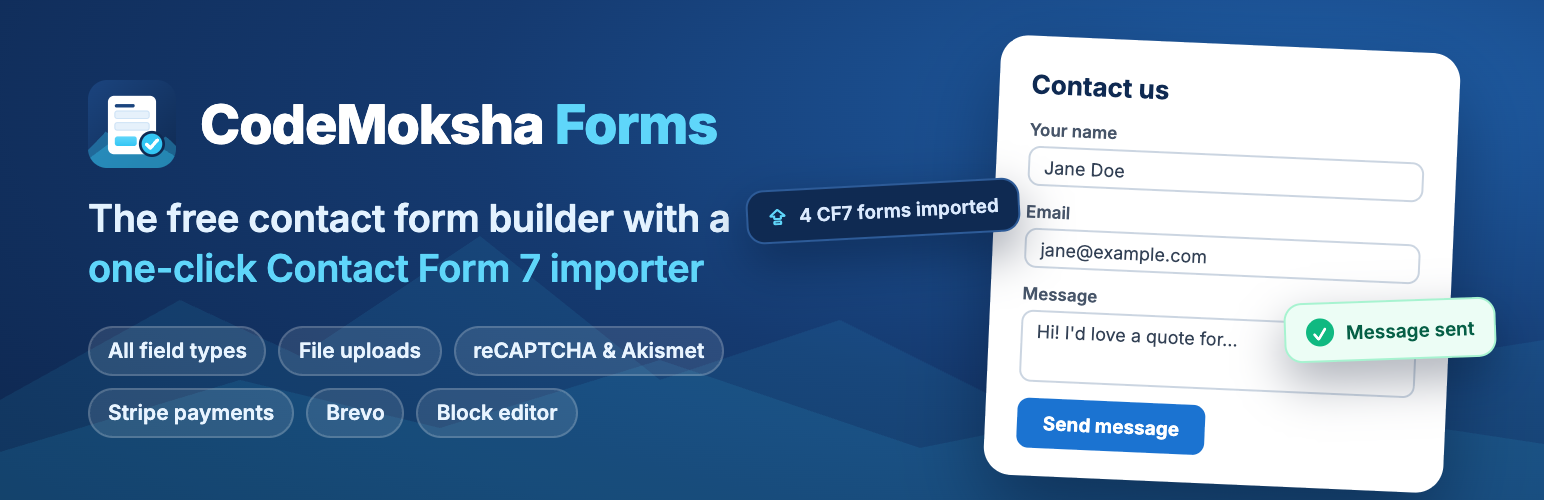
CodeMoksha Forms 是一款免費且輕量的 WordPress 聯絡表單外掛,能快速建立聯絡表單、報價請求、工作申請等,並具備防止垃圾郵件的功能,所有提交的資料將直接發送至您的收件箱。
【主要功能】
• 一鍵導入 Contact Form 7 表單
• 多種表單欄位類型支援
• 強大的電子郵件通知功能
• 內建垃圾郵件防護機制
• 支援支付功能與 Stripe 整合
• 即時驗證與錯誤提示
外掛標籤
開發者團隊
② 後台搜尋「CodeMoksha Forms – Contact Form Builder with Contact Form 7 Importer」→ 直接安裝(推薦)
原文外掛簡介
CodeMoksha Forms is a free, lightweight contact form plugin for WordPress. Build contact forms, quote requests, job applications, newsletter sign-ups, and event registration forms in minutes, protect them from spam, and send every submission straight to your inbox.
Already using Contact Form 7? The built-in one-click Contact Form 7 importer moves all of your forms over — fields, mail settings, messages, and integration keys — and rewrites your shortcodes, so nothing has to be rebuilt by hand.
Every feature is available in the free plugin. No field types, integrations, or settings are locked.
Why choose CodeMoksha Forms?
Simple, flexible form builder — write forms with easy form-tags, or insert fields with one click. Full control over your HTML and labels.
All the field types you need — text, email, URL, phone, textarea, number, range, date, drop-down menu, checkboxes, radio buttons, acceptance (consent) checkbox, quiz, hidden fields, character counter, and file uploads.
Powerful email notifications — mail-tags, a second mail template for auto-replies to the sender, custom headers, HTML email, and file attachments.
Built-in spam protection — Google reCAPTCHA v3, Akismet, a quiz field, and disallowed-list filtering.
Accept payments — collect payments through your forms with the Stripe integration.
Grow your email list — send new contacts to Brevo (formerly Sendinblue) automatically.
Instant validation — client-side and server-side validation, with inline error messages and a configuration validator that catches mail problems before your visitors do.
Block editor ready — add a form with the CodeMoksha Forms block, or paste the shortcode into any page, post, widget, or page builder.
Lightweight and privacy-friendly — no bloat, and no external requests unless you turn an integration on.
Translation-ready and RTL-compatible.
Switch from Contact Form 7 in one click
CodeMoksha Forms is a Contact Form 7 alternative built on a compatible form engine. Your existing form templates, mail-tags, and form IDs keep working. There is no new syntax to learn and nothing to rebuild.
Install and activate CodeMoksha Forms.
Go to CodeMoksha Forms → CF7 Importer.
Select the forms you want and click Import Selected Forms.
The importer copies every form with its fields, mail and auto-reply settings, messages, and additional settings. It can also copy your reCAPTCHA, Stripe, and Brevo credentials and rewrite every
錯誤: 找不到符合條件的聯絡表單。
shortcode on your site to [codemoksha-forms]. Imported forms keep their original hash IDs, so rewritten shortcodes point to the same forms. Your Contact Form 7 data is never modified or deleted.Perfect for
Contact forms and “Get in touch” pages
Quote and estimate requests
Job applications with résumé upload
Newsletter and mailing-list sign-ups
Event registration and booking enquiries
Payment and donation forms with Stripe
Feedback and support request forms
Spam protection that works
Stop spam submissions without annoying real visitors. Connect Google reCAPTCHA v3 (invisible, no puzzles), filter messages with Akismet, add a simple quiz question, or block words, emails, and IP addresses with the WordPress disallowed comment keys list.
Integrations
Stripe — take card payments directly from a form.
Brevo (Sendinblue) — add submitters to your contact lists and send transactional email.
Google reCAPTCHA v3 — invisible bot protection.
Akismet — spam filtering for every submission.
REST API — create, read, update, and submit forms programmatically.
Smart Forms Pro
Smart Forms Pro (our paid version) adds database storage for every submission with a Messages screen, Cloudflare Turnstile, and priority support. Forms created in CodeMoksha Forms work in Smart Forms Pro as-is, with nothing to migrate.
Credits
CodeMoksha Forms is based on Contact Form 7 by Takayuki Miyoshi / Rock Lobster, LLC (GPLv2+). We’re grateful for the years of work that went into it. This plugin is not affiliated with or endorsed by Rock Lobster, LLC.
External services
This plugin integrates with the following third-party services. Each one is optional and is only contacted after you enable and configure it. No data is sent to any of them out of the box, and no data is ever sent to the plugin author.
Google reCAPTCHA (optional spam protection)
Used to tell human submissions apart from bots. When you enable reCAPTCHA and add your site/secret keys, the plugin loads Google’s reCAPTCHA script from www.recaptcha.net on pages containing a form and, on submission, sends the reCAPTCHA token together with the visitor’s IP address to Google (www.google.com/recaptcha/api/siteverify) for verification. This happens only on forms you protect with reCAPTCHA.
Terms: https://policies.google.com/terms — Privacy: https://policies.google.com/privacy
Stripe (optional payments)
Used to collect payments through a form. When you enable Stripe and add your API keys, the plugin loads Stripe.js from js.stripe.com on pages with a payment form and, on submission, sends payment intent details (amount, currency, and the payment token created in the browser) to the Stripe API at api.stripe.com. This happens only for forms that include a Stripe payment field.
Terms: https://stripe.com/legal/ssa — Privacy: https://stripe.com/privacy
Brevo (formerly Sendinblue) (optional email marketing)
Used to add form submitters to your Brevo contact lists and send transactional email. When you enable Brevo and add your API key, the plugin sends the submitted contact fields you map (such as name and email) to the Brevo API at api.sendinblue.com (Brevo’s API host, also reachable as api.brevo.com) at submission time. This happens only for forms where you enable the Brevo integration.
Terms: https://www.brevo.com/legal/termsofuse/ — Privacy: https://www.brevo.com/legal/privacypolicy/
Akismet (optional spam filtering)
Used to check submissions for spam via the Akismet plugin, if it is installed and configured. When enabled, submission content (message, and the submitter’s name, email, IP, and user agent) is sent to the Akismet API (rest.akismet.com, via the Akismet plugin) for a spam verdict. This happens only when Akismet is active and enabled for a form.
Terms: https://akismet.com/tos/ — Privacy: https://automattic.com/privacy/













