外掛標籤
開發者團隊
② 後台搜尋「CodeDE Table Import/Export for Excel & CSV」→ 直接安裝(推薦)
原文外掛簡介
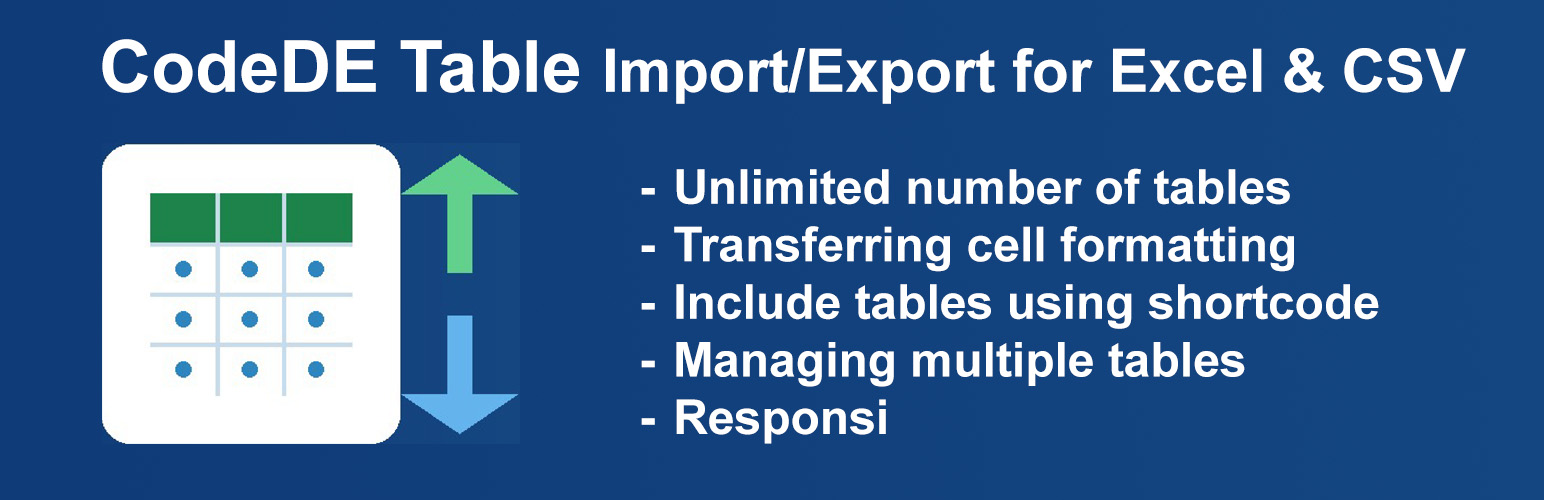
CodeDE Table Import/Export for Excel & CSV lets you upload Excel (.xlsx, .xls) and CSV files and display them as clean, responsive HTML tables on your WordPress site — no coding required.
Features
Upload .xlsx, .xls, and .csv files
Display all rows — no artificial limits
Unlimited tables
Responsive horizontal scroll on mobile
Column sorting with multiple sort-style options
Live search bar
Column dropdown filters
Pagination (rows per page)
Visual Design Generator (colors, fonts, borders)
Excel cell formatting (colors, fonts, alignment)
Custom CSS field per table for individual styling
Export tables back to CSV or XLSX
Border editor (outer, all cells, custom color & width)
Simple shortcode: [cdtv id="X"]
Lightweight — no jQuery-heavy libraries, no bloat
Available in 5 languages: English, German, Spanish, French, Portuguese (Brazil), Indonesian
Language Support
The plugin ships with built-in translations for:
🇺🇸 English (default)
🇩🇪 German — Deutsch
🇪🇸 Spanish — Español
🇫🇷 French — Français
🇧🇷 Portuguese (Brazil) — Português
🇮🇩 Indonesian — Bahasa Indonesia
WordPress automatically loads the correct language based on your site’s language setting. No configuration needed.
Pro Version
Looking for priority support or have a feature request? Visit wp-code.de to learn about the Pro version with priority support.