外掛標籤
開發者團隊
原文外掛簡介
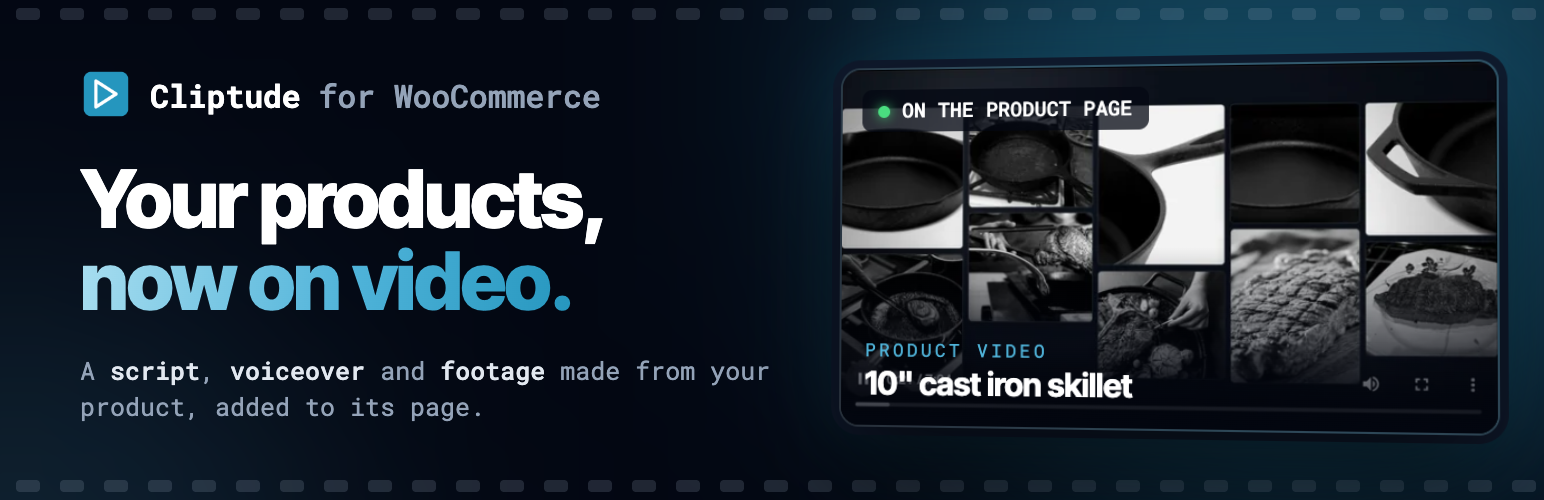
Cliptude for WooCommerce connects your store to your Cliptude account. Pick a published product, choose one of three video angles, review the script, and Cliptude builds the video. When you approve it, the plugin adds the MP4 to your media library and shows it on the product page.
One-click connection. You sign in and allow access on cliptude.com.
Three suggested angles per product, then a script you can read in the product screen before anything is built, with the estimated credits.
Choose the length (6-8 to 50-60 minutes), the voice provider and voiceover (the providers switched on in your Cliptude account), language, picture quality, music and sound effects, or pick one of your saved Cliptude templates.
Copy-and-paste prompts and setup steps for making the video from Claude, ChatGPT, Codex or Cursor instead.
The finished video is downloaded into your own media library.
A “Product video (Cliptude)” block for block themes, and an automatic spot below the summary on classic themes.
Abilities for AI agents through the WordPress Abilities API (needs the MCP Adapter plugin).
Requirements
A Cliptude account. Videos use Cliptude credits. The plugin is free; the Cliptude service has its own plans and pricing.
External services
This plugin connects to Cliptude, a video generation service run by the plugin’s author. It is needed for every feature of the plugin.
When it connects: only after an administrator clicks “Connect to Cliptude” and allows access on cliptude.com, and then only when a user works on a product in the “Cliptude video” box (or an AI agent calls an ability).
What is sent: the public product page URL of the product you pick (Cliptude reads the page the way a visitor does), the angle, length, voice, language and other video settings you choose, and the site address when connecting. The video settings form also asks Cliptude for the list of voices, languages and your saved templates, and “Play a sample” plays a voice sample file from Cliptude’s voice provider in your browser. Cliptude returns script text, status and a link to the finished video.
What is not sent: no orders, customers, passwords or other site data. No tracking.
Cliptude terms of service and privacy policy.