內容簡介
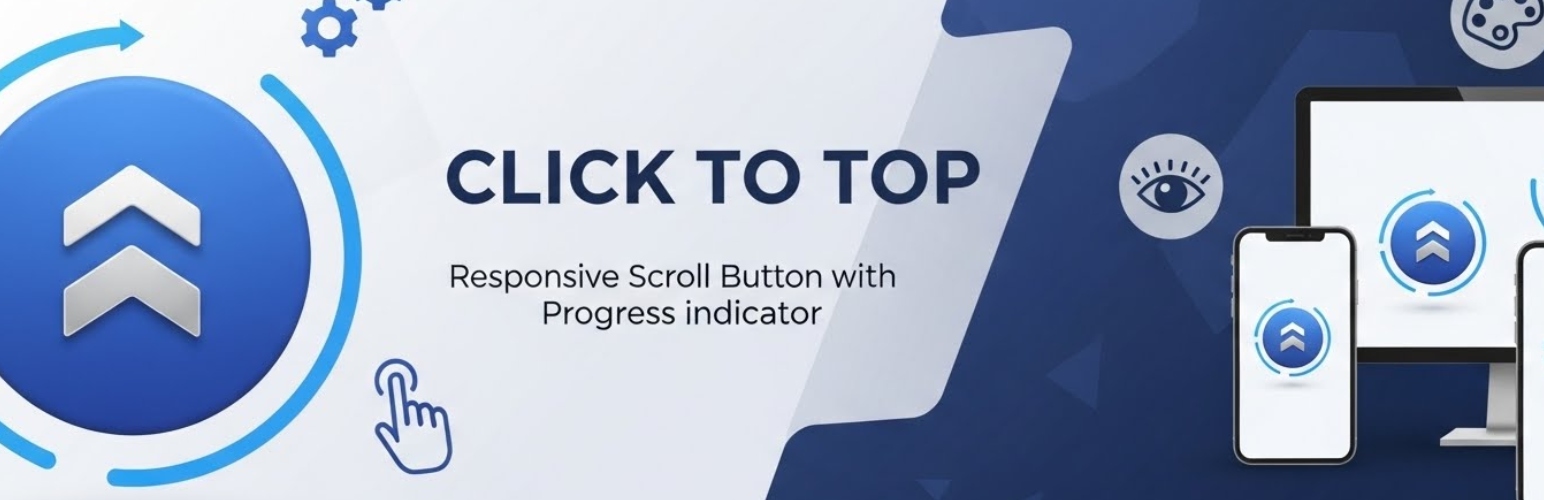
Click to Top 是一款 WordPress 外掛,讓使用者能夠輕鬆快速地回到網頁頂部。它在網站右下角添加一個可自訂的按鈕,提升使用者體驗並減少跳出率。
【主要功能】
• 提供 13 種捲動圖示
• 支援 55 種懸停效果
• 兼容所有 32 種 jQuery UI 動畫效果
• 可自訂圖示和文字顏色
• 提供無限背景顏色選擇
• 完全響應式設計,適合觸控操作
外掛標籤
開發者團隊
原文外掛簡介
The ultimate scroll to top plugin for WordPress.
Click to Top is the most advanced WordPress scroll to top plugin, designed to improve user experience and navigation on long-content websites. It adds a sleek, customizable back to top button to the bottom-right corner of your site, letting visitors instantly return to the top of any page with a single click.
Unlike basic scroll up plugins, Click to Top offers deep customization — choose from 13 scroll icons, 55 hover effects, all 32 jQuery UI easing animations, unlimited colors, and two button styles (square or round). The plugin is fully responsive, touch-friendly, and optimized for performance so it never slows down your site.
Recent updates introduced custom CSS field for advanced styling, smooth scroll anchor links for same-page navigation, and a keyboard shortcut (Ctrl + Arrow Up) for power users. Every feature is designed to reduce bounce rate and keep visitors engaged longer on your content.
Compatible with all major WordPress themes, translation-ready, and backed by an easy-to-use settings panel. Whether you run a blog, magazine, e-commerce store, or corporate site, Click to Top delivers a polished scroll to top button experience that users will love.
Awesome Plugin’s Features
13 scroll icons.
55 hover effects.
All 32 jQuery UI easings support.
Icon and text support
Unlimited icon and text color
Unlimited background color.
User-friendly Editor.
Animation support.
Two different style square and round.
Totally responsive and touch friendly.
Custom CSS field for advanced styling.
Smooth scroll anchor links (same-page navigation).
Keyboard shortcut (Ctrl + Arrow Up) to scroll to top.
See real use live demo here:
Live demo
Go video tutorial for details:
Translations
English
Privacy Policy
Click to Top uses an anonymous telemetry system to collect basic usage data upon user’s confirmation. This helps us to troubleshoot problems faster & make product improvements.
The telemetry system does not gather any data by default. It only starts gathering basic telemetry data when a user allows it via the admin notice. We collect the data to ensure a great user experience for all our users.
The telemetry integration DOES NOT IMMEDIATELY start gathering data, without confirmation from users in any case.
The data collected may include: WordPress version, PHP version, plugin version, site URL, admin email, server software, locale, and active plugin/theme information. No personal content or sensitive data is ever collected.