內容簡介
概要:Gravity Forms doBoard 外掛可讓您在提交 Gravity Forms 表單時自動在 doBoard 專案管理系統中建立任務,非常適合自動化處理線索、訂單、支援請求或網站表單收集的任何其他數據。
問題與答案:
1. 使用Gravity Forms doBoard 外掛可以自動建立哪個專案管理系統中的任務?
- 使用Gravity Forms doBoard 外掛可以自動在 doBoard 專案管理系統中建立任務。
2. 這個外掛對於什麼樣的團隊特別適用?
- 這個外掛對於需要進行客戶關係管理、服務請求或銷售通道管理的中小型團隊非常適用。
3. 如何將表單提交轉換成結構化任務?
- 將Gravity Forms與doBoard連結,可以將每次提交自動轉換為結構化任務,讓您能夠管理客戶查詢、處理服務請求或收集線索信息,確保沒有遺漏任何事項。
4. 如何進行工作流程的自動化創建?
- 每次表單提交都直接進入您的doBoard工作空間,創建可分配、跟蹤和完成的任務,無需手動數據轉移,確保無遺漏提交,實現從表單到行動的清晰流程。
外掛標籤
開發者團隊
② 後台搜尋「doBoard Addon for Gravity Forms / Project management / Task management」→ 直接安裝(推薦)
原文外掛簡介
Plugin is discontinued, please read more https://www.doboard.com/blog/discontinued-doboard-add-on-for-gravity-forms-gf2db/
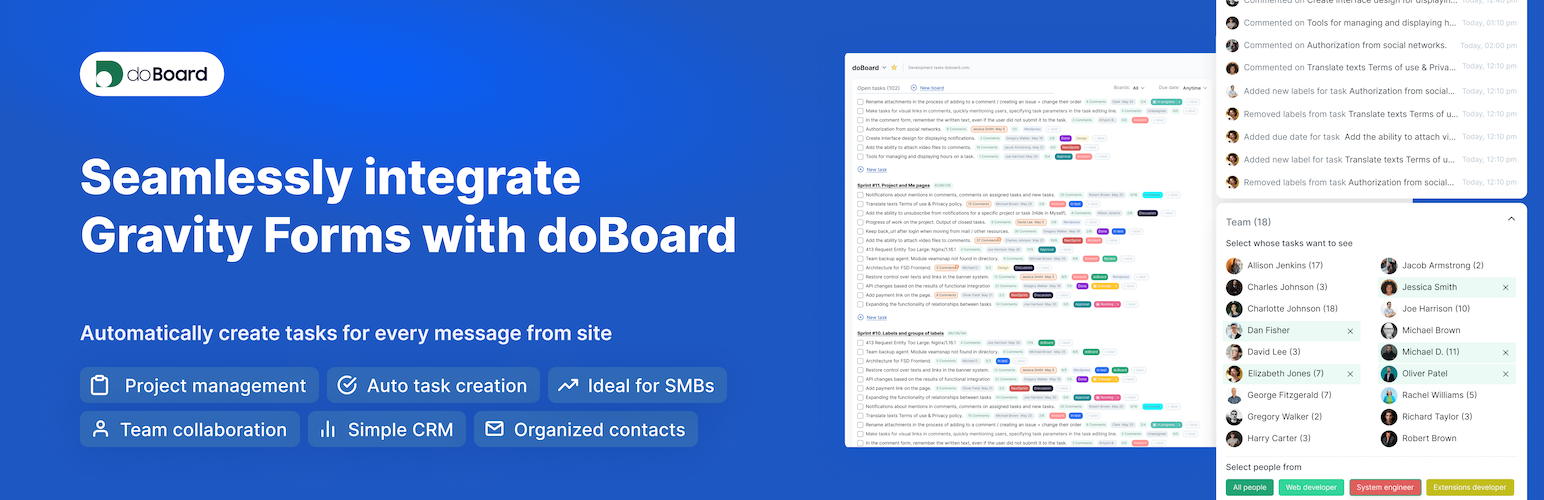
Seamlessly integrate Gravity Forms with doBoard (Project management). Automatically create tasks, organize and track every message from site.
This add-on creates tasks in doBoard for every submission made through a Gravity Forms on your site. It automates the processing of leads, orders, support requests, and any other data collected through your websiteв’s forms. Short name (acronym) for the plugin is GF2DB.
doBoard.com is a project management app (PM). It helps teams communicate with users and manage midterm projects effectively.
KEY FEATURES
Direct integration between Gravity Forms and doBoard.com. No need for team members to manually create new tasks, which saves time for real work.
Automated task creation from submitted forms.
Organization of project contact information.
Team collaboration features for sales and support teams
A simple alternative to heavyweight CRM platforms
Ideal for small and medium teams managing customer relationships, service requests, or sales funnels through WordPress.
HOW DOES GF2DB WORK?
Every form entry goes directly into your doBoard project, creating tasks that can be assigned, tracked, and completed. No manual data transfer, no lost submissionsв – just a clear process from form to action. The workflow like this,
Store contact information from submitted forms in organized projects
Track customer interactions through comments and task updates
Segment contacts by assigning them to specific projects or workflows
Track interaction history and follow-up status in a single dashboard
Support
If you have questions or suggestions, contact us at [email protected].
External services
This plugin integrates with api.doboard.com service. By using this plugin, you agree to terms and privacy policy of doBoard service.
Cases of data transmission to this service:
User Authentication
Data Sent: Only the user_token as a URL query parameter.
Fetching Projects
Data Sent: The account_id (in the path) and session_id (as a URL query parameter).
Fetching Task Boards (Tracks)
Data Sent: The account_id (path), session_id, the fixed parameter status=ACTIVE, and an optional project_id (all as URL query parameters).
Fetching Labels
Data Sent: The account_id (path) and session_id (as a URL query parameter).
Adding a Task
Data Sent: The account_id (in the path). The task data (an array of properties like title, description, etc.) is sent in the body of the POST request, which is encoded as JSON.
Adding a Comment
Data Sent: The account_id (in the path). The comment data (e.g., task_id, message, etc.) is sent in the body of the POST request, which is encoded as JSON.