內容簡介
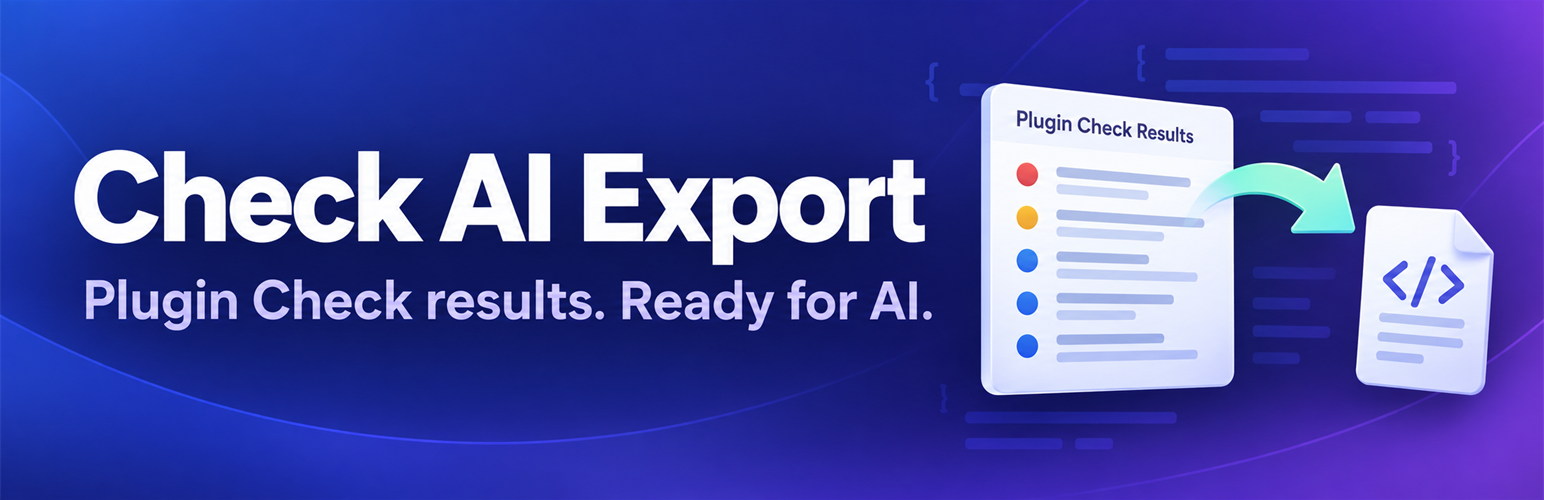
Check AI Export 是一款 WordPress 外掛,旨在將 Plugin Check 的檢查結果轉換為可操作的工作區,幫助用戶理解問題、使用 AI 助手修正並追蹤進度,確保外掛準備好上架 WordPress.org。
【主要功能】
• 直接在設定中執行 Plugin Check
• 按檔案或錯誤代碼分組顯示結果
• 提供針對每個問題的 AI 修正提示
• 自動檢查安全性漏洞
• 一鍵匯出所有檢查結果
• 支援將結果下載為 .txt 檔案
外掛標籤
開發者團隊
原文外掛簡介
IMPORTANT: This plugin requires the official Plugin Check plugin to be installed and active. This plugin acts as an extension to export results from Plugin Check.
Check AI Export turns the results of the official WordPress Plugin Check into a workspace: run the check, understand every finding, fix it with your AI assistant and track your progress until the plugin is ready for WordPress.org.
Learn more about our tools at press-suite.com.
Features
Scan Workspace – Run Plugin Check directly in Settings → Check AI Export. Results are saved, so you can come back to them later
Better Result List – Group by file or by error code, see duplicates at a glance (“23× in 4 files”), filter errors (submission blockers) and warnings, search
Prompt per Finding – Copies one finding together with the surrounding source code, so your AI can give a precise fix
Coding Agent Prompt – Task list with file paths for Claude Code, Cursor and similar tools
Offline Fix Hints – Explanations with before/after examples for the most common Plugin Check codes, no AI or API key needed
Ignore False Positives – Mark findings as ignored with a reason; they are left out of counts, exports and prompts
Security Check – Finds typical vulnerabilities in the plugin code that Plugin Check does not look for: AJAX/admin-post handlers without nonce or capability check, REST routes without permission check, is_admin() as permission check, request data in code execution, unserialize() or include
Progress Tracking – Status light “Ready for WordPress.org?”, changes since the last scan and a chart of the last 10 scans
One-Click Export – Export all Plugin Check results with a single click
Copy to Clipboard – Directly copy and paste into your AI
Download as File – Save results as a .txt file
Token Optimization – Choose between compact and detailed formats
Compact: ~40-60 tokens per issue (saves ~60% tokens!)
Detailed: ~100-150 tokens per issue (comprehensive)
Clear Summary – Automatically counts errors, warnings, and info
Export History – Keep track of your last 20 exports in a dedicated History tab
Native WordPress UI – Seamlessly integrates into the Plugin Check interface
Token Savings
10 errors: Detailed (~1,800 tokens) vs Compact (~600 tokens) = 67% savings
20 errors: Detailed (~3,600 tokens) vs Compact (~1,300 tokens) = 64% savings
50 errors: Detailed (~9,000 tokens) vs Compact (~3,000 tokens) = 67% savings
Requirements
WordPress 6.0 or higher
PHP 7.4 or higher
The official Plugin Check plugin (available on WordPress.org)
Usage
Go to Settings → Check AI Export → Scan
Choose a plugin and click “Run Plugin Check”
Work through the findings: “How to fix”, “Show code”, “Copy prompt” or “Copy prompt for coding agent”
Paste the prompt into ChatGPT, Claude, or any other AI tool and apply the fix
Scan again and watch the status light turn green
Recommended Settings
For Cost-Conscious Users (API Usage):
* Export Format: Compact
* Include Summary: Yes
* Include Metadata: No
* Include AI Instructions: No
Result: ~600 tokens for 10 errors
For Comprehensive Analysis:
* Export Format: Detailed
* Include Summary: Yes
* Include Metadata: Yes
* Include AI Instructions: Yes
Result: ~1,500 tokens for 10 errors
Privacy
This plugin does not:
* Collect any user data
* Send data to external servers
* Track user behavior
* Use cookies
All operations are performed locally within your WordPress installation.