內容簡介
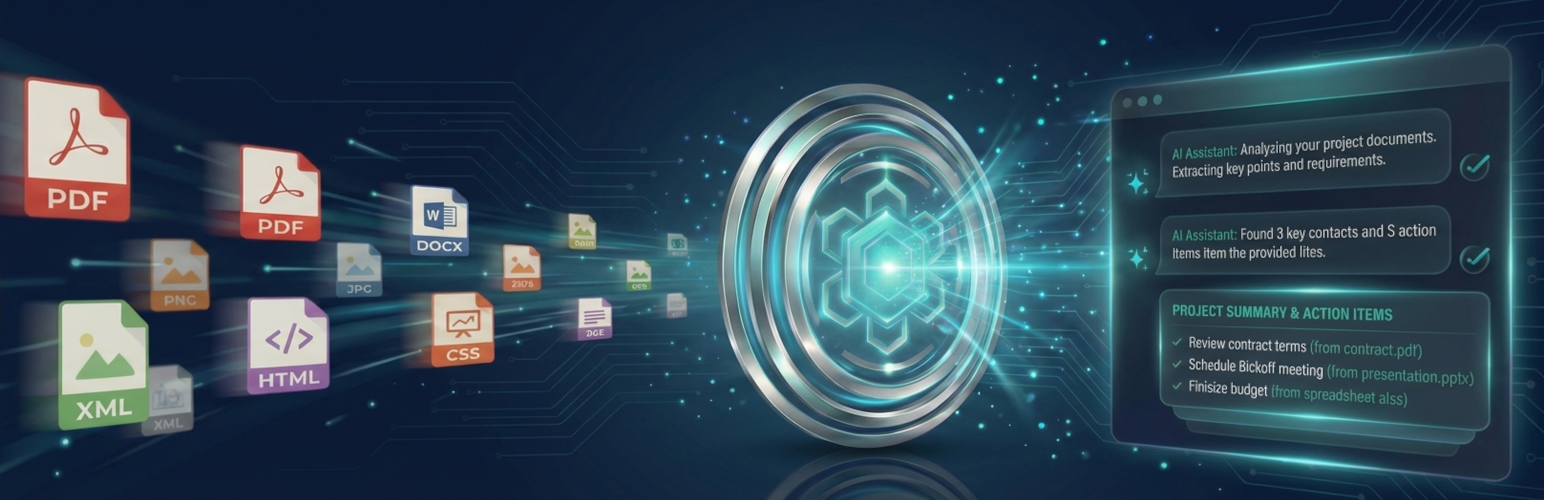
總結:ChatProjects 是一款功能強大的 WordPress 外掛,將AI 功能的專案管理和聊天能力直接引入您的網站。它具有基於 OpenAI's Responses API 的向量存儲聊天功能,可進行智能文件搜索。您可以使用自己的 API 金鑰與多個AI 提供商進行聊天,包括 OpenAI(GPT-5.2),Anthropic(Claude),Google(Gemini 3 Pro),Chutes(DeepSeek)和 OpenRouter。
問題與答案:
1. ChatProjects 是什麼?
- ChatProjects 是一款 WordPress 外掛,可將AI 功能的專案管理和聊天能力直接引入您的網站。
2. 該外掛具備哪些主要功能?
- ChatProjects 具有多提供商聊天功能、專案管理、文件上傳、自定義指令設置、共享聊天機器人等主要功能。
3. 需要滿足哪些要求才能使用 ChatProjects?
- 您需要使用 WordPress 5.8 或更高版本,PHP 7.4 或更高版本,並擁有至少一個 API 金鑰(OpenAI、Anthropic、Gemini、Chutes 或 OpenRouter)。
4. 該外掛的隱私政策是什麼?
- ChatProjects 將您的 API 金鑰加密存儲在 WordPress 資料庫中,並直接通過您自己的 API 金鑰連接到AI 提供商 API(OpenAI、Anthropic、Google、Chutes),不會向他們的伺服器發送任何數據。
外掛標籤
開發者團隊
原文外掛簡介
ChatProjects is the easiest way to chat with your files and documents in WordPress. AI-powered project chat with OpenAI Responses API vector store backend for intelligent file search.
Use your own API keys to chat with multiple AI providers including OpenAI (GPT-5.2), Anthropic (Claude), Google (Gemini 3 Pro), Chutes (DeepSeek), and OpenRouter.
Key Features
Multi-Provider Chat – Chat with GPT-5.2, Claude 4.5, Gemini 3, DeepSeek, and 100+ models via OpenRouter
Project Management – Create projects with OpenAI’s file search capability
File Upload – Upload documents (PDF, TXT, DOC) to your project’s vector store
Custom Instructions – Set custom assistant instructions for each project
Shared Chatbots – Create project-based chatbots that can be shared with your team
Modern Interface – Clean, responsive chat interface with dark mode support
Embeddable – Use shortcodes to embed the full application on any page
Privacy First – Your API keys stay on your server, not ours
Supported AI Providers
OpenAI – GPT-5.2, GPT-5 Mini, GPT-4.1, GPT-4o, o4-mini, o3-mini
Anthropic – Claude Sonnet 4.5, Claude Haiku 4.5, Claude Opus 4.5
Google Gemini – Gemini 3 Pro, Gemini 3 Flash, Gemini 2.5 Pro, Gemini 2.5 Flash
Chutes – DeepSeek V3, DeepSeek R1, Qwen, Mistral, Llama
OpenRouter – Access 100+ models from various providers
Shortcodes
Full Application:
[chatprojects_main]
With Options:
[chatprojects_main default_tab=”chat” height=”80vh”]
Requirements
WordPress 5.8 or higher
PHP 7.4 or higher
At least one API key (OpenAI, Anthropic, Gemini, Chutes, or OpenRouter)
Privacy Policy
ChatProjects stores your API keys encrypted in your WordPress database. The plugin connects directly to AI provider APIs (OpenAI, Anthropic, Google, Chutes) using your own API keys. No data is sent to our servers.
For more information, see our Privacy Policy.
Third-Party Services
This plugin connects to external AI services when users interact with chat features. No data is sent automatically – transmission only occurs when users explicitly take action.
Data Transmitted
Chat Messages: User-entered text is sent to the selected AI provider when the user submits a message
Uploaded Files: File contents are sent to OpenAI when users upload to a project with Vector Store enabled
System Instructions: Project-configured system prompts are included with chat requests
When Data Is Sent
On chat message submission (user clicks send or presses Enter)
On file upload to a project (OpenAI only)
On file search/retrieval operations (OpenAI only)
API Keys
Site owners supply their own API keys – this plugin does not provide access to any AI service
Keys are encrypted using AES-256-CBC and stored locally in the WordPress database
Keys are never transmitted to chatprojects.com or any third party
Service Providers
OpenAI API
Used for AI chat, file analysis via Responses API, and vector store functionality.
* Service URL: https://api.openai.com/
* Privacy Policy: https://openai.com/privacy/
* Terms of Service: https://openai.com/terms/
Anthropic Claude API
Optional AI provider for chat features.
* Service URL: https://api.anthropic.com/
* Privacy Policy: https://www.anthropic.com/privacy
* Terms of Service: https://www.anthropic.com/terms
Google Gemini API
Optional AI provider for chat features.
* Service URL: https://generativelanguage.googleapis.com/
* Privacy Policy: https://policies.google.com/privacy
* Terms of Service: https://policies.google.com/terms
Chutes API (DeepSeek)
Optional AI provider for chat features using DeepSeek models.
* Service URL: https://llm.chutes.ai/
* Privacy Policy: https://chutes.ai/privacy
* Terms of Service: https://chutes.ai/terms
OpenRouter API
Optional AI provider giving access to 100+ models from various providers.
* Service URL: https://openrouter.ai/api/
* Privacy Policy: https://openrouter.ai/privacy
* Terms of Service: https://openrouter.ai/terms
* Note: When using OpenRouter, your site URL and site name are sent in HTTP headers as required by OpenRouter’s API for attribution and rate limiting purposes.
Your Control
You choose which API providers to configure. Only providers with valid API keys configured will receive any data. Each provider handles transmitted data according to their own privacy policies linked above.
Third-Party Libraries
This plugin includes the following third-party JavaScript libraries:
Alpine.js
Version: 3.x
License: MIT
Source: https://github.com/alpinejs/alpine
License file: licenses/ALPINE.txt
highlight.js
Version: 11.x
License: BSD-3-Clause
Source: https://github.com/highlightjs/highlight.js
License file: licenses/HIGHLIGHT.txt
markdown-it
Version: 14.x
License: MIT
Source: https://github.com/markdown-it/markdown-it
License file: licenses/MARKDOWN-IT.txt
Development
Source Code
The uncompressed source code for all JavaScript and CSS files is available at:
https://github.com/chatprojects-com/chatprojects
Build Instructions
Clone the repository: git clone https://github.com/chatprojects-com/chatprojects.git
Install dependencies: npm install
Build for production: npm run build
The source files are located in assets/src/ and compile to assets/dist/.
Technical Notes
Streaming via WordPress HTTP API:
This plugin uses the WordPress HTTP API (wp_remote_post) for AI provider streaming. For real-time SSE chunk handling, it leverages the http_api_curl action hook to attach a CURLOPT_WRITEFUNCTION callback only when the WordPress HTTP API selects the cURL transport. This preserves WordPress compatibility (proxy settings, transport fallback, and security hooks) while still enabling low-latency streaming.
If cURL is not available, the HTTP API will fall back to other transports and the request will still complete (though streaming callbacks are only available when cURL is the active transport).
PHP Configuration:
SSE streaming requires specific PHP settings (disabled output buffering, compression off) which are set only within the streaming endpoint functions, not globally.