內容簡介
Chat Quote for WooCommerce 是一款為 WordPress 商店添加 WhatsApp 聊天、產品詢問和報價請求的外掛。它使顧客能夠在產品頁面上直接詢問問題或請求報價,提升購物體驗。
【主要功能】
• WhatsApp 聊天功能,隨時可用
• 預填 WhatsApp 訊息,簡化詢問流程
• 一鍵分享購物車內容至 WhatsApp
• 報價請求表單,便於顧客提交需求
• 進階功能如詢問按鈕和報告儀表板(Pro)
外掛標籤
開發者團隊
② 後台搜尋「Chat Quote for WooCommerce – Instant Chat & Order Quote Widget」→ 直接安裝(推薦)
原文外掛簡介
Chat Quote for WooCommerce adds WhatsApp chat, product inquiry, and quote requests to WordPress stores. Customers can ask a question, request a quote, or start an order on WhatsApp from the product page — with the product name, price, SKU, quantity, and link attached.
Floating support chat works even when WooCommerce is not installed. Product, shop, and cart buttons unlock when WooCommerce is active. Every Free feature works without a license. Pro is an optional separate package (not locked inside the free plugin).
Useful for wholesale, B2B, custom and made-to-order products, and higher-priced items where shoppers want an answer before they buy.
Product inquiry, quote request, and WhatsApp chat
Order on WhatsApp (Free): “Order on WhatsApp” or “Get a Quote” near Add to Cart, on shop cards, and on the cart.
Pre-filled WhatsApp message (Free): Product name, price, SKU, quantity, and URL via {product_name}, {product_price}, {product_sku}, {product_qty}, {product_url}.
Request a Quote form (Free): Shortcode [cqfw_quote_form] on any page. Submissions land in Chat Quote → Quotes.
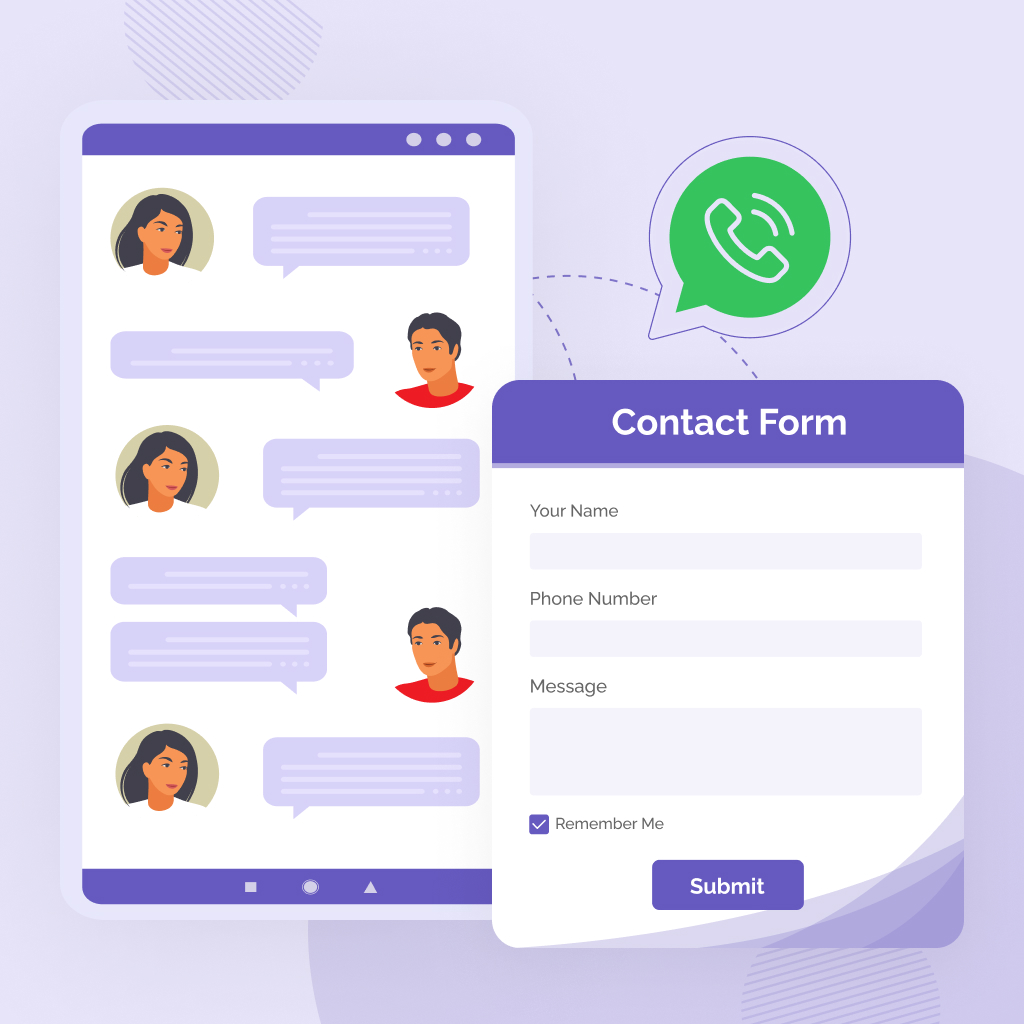
Floating live chat (Free): Name, phone, and message. Stored in your database. Continue on the site or switch to WhatsApp.
Send the whole cart (Free): One click shares cart lines, prices, quantities, and SKUs on WhatsApp.
Product Inquiry button and form (Pro): Ask-about-this-product button, popup form builder, and an Inquiries list in wp-admin.
Hide Add to Cart / inquiry-only (Pro): Per product, keep the inquiry button and hide Add to Cart for catalog-style selling.
Variable products (Pro): Selected variation, attributes (size, color), variation price, and image are saved with the inquiry.
Inquiry email (Pro): Admin alert plus a customer confirmation. Reply from the inquiry screen; status moves to Replied.
Inquiry dashboard (Pro): Search, status tabs, product / date / type filters, bulk actions, pagination, and CSV export.
Why stores use it
Answer product questions before checkout, instead of losing the visitor.
Take WhatsApp orders and quote requests from the product page.
Keep chat, quotes, and (with Pro) product inquiries in one WordPress admin.
Show or hide the chat by page, category, post type, and device.
Get an email when someone chats or requests a quote — sent on the request, no WP-Cron required.
Match the button to the theme: colors, text, radius, icons, and placement.
How it works
Install and activate Chat Quote for WooCommerce.
Open Chat Quote → Setup and save your WhatsApp number (country code + local number).
Turn on product, shop, cart, and floating buttons under Buy Buttons and Chat Bubble.
Customers message you from the product, shop, or cart — or from the floating chat on any page.
Read chats in Inbox, quote forms in Quotes, and (Pro) product questions in Inquiries.
Where buttons appear
Single product — WhatsApp / quote button. Pro can also place a Product Inquiry button beside Add to Cart, after the price, above the cart form, after Add to Cart, or below the cart form.
Shop and category archives — quote or WhatsApp button on each product card.
Cart — “Send Cart to WhatsApp” after the totals.
Any page — floating chat button when it is enabled.
Free vs Pro
Free features are complete without payment. Pro ships as a separate package (Freemius). It is not trialware inside the WordPress.org download.
Free: WhatsApp number and backup number, message templates, Web WhatsApp, [cqfw_quote_form], product / shop / cart / floating buttons, chat styles 1–2, shop stack layouts, fixed position, display rules, greeting templates, Google Analytics, Facebook Pixel, webhooks, Inbox, Quotes, Reports, and optional instant email.
Pro: Product Inquiry button and form builder, inquiry-only (hide Add to Cart), variable-product details, inquiry list with filters and CSV, customer confirmation and admin reply email, multi-agent, business hours, offline and random numbers, time / scroll / click triggers, country and login rules, notification badge, custom image button, absolute position, shop side-by-side and custom layouts, Google Ads conversion, checkout WhatsApp, quote custom fields and attachments, Quotes → Order, PDF / print, and CSV export.
Compare in the plugin: Chat Quote → Go Pro.
Request a Quote shortcode
[cqfw_quote_form]
Tie the form to a product:
[cqfw_quote_form product_id="123"]
On-site live chat
Fields: name, phone, and message.
Product context can be attached from a product page.
Status: Pending, Read, Replied.
Same floating card on desktop and mobile (not a separate locked mobile layout).
Optional redirect to WhatsApp after submit.
Admin
Setup — WhatsApp numbers (country dial picker), templates, product button position.
Chat Bubble — display rules, greetings, tracking, and Look & Style.
Buy Buttons — product, shop, cart, and floating toggles.
Inbox — search and fullscreen chat management.
Quotes — quote requests and status.
Inquiries (Pro) — product questions, filters, reply, CSV.
Reports — clicks, top products, trends.
Go Pro on free installs, or Extra Pro tools when licensed.
Dashboard widget — clicks and unread snapshot.
Works with
WooCommerce-compatible themes (shop buttons need WooCommerce).
WordPress Multisite.
Shared hosting: core email alerts do not depend on WP-Cron.
Translations: Bengali, Hindi, Spanish, French, German, Arabic, Portuguese, Turkish, Japanese, and Chinese.
Clean uninstall removes plugin data.
WordPress Playground live preview on the plugin page.