內容簡介
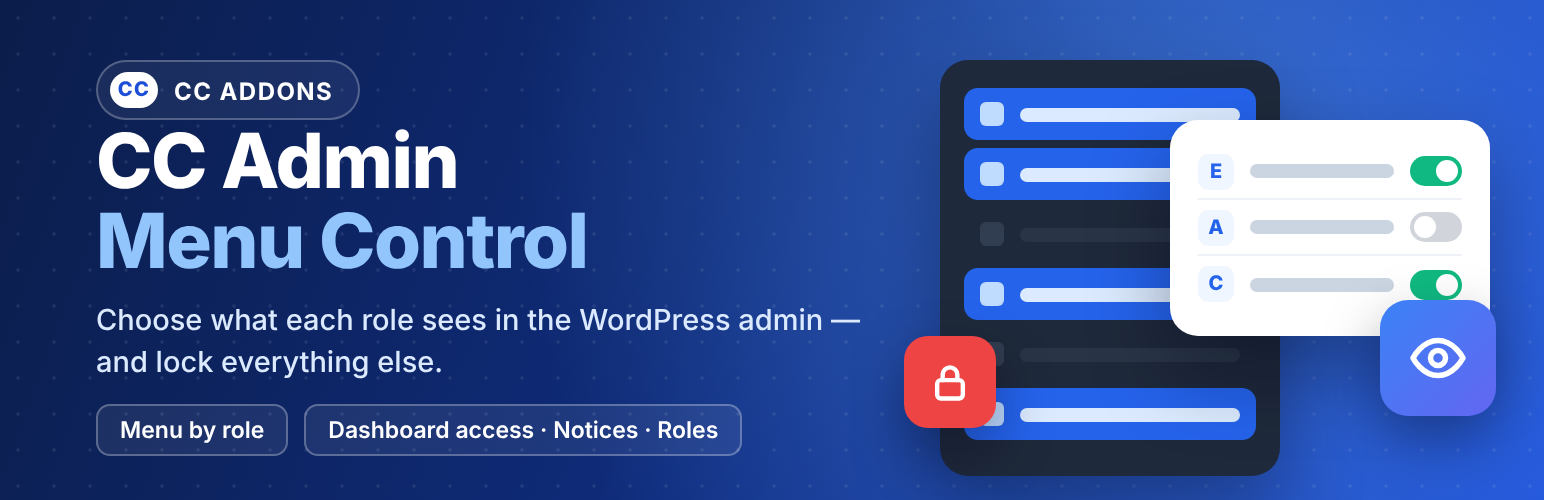
CC Admin Menu Control 外掛為每個角色提供所需的管理區域,確保用戶僅能看到必要的選單項目,適合代理商和自由工作者在交接 WordPress 網站時使用。
【主要功能】
• 角色選單可見性管理
• 隱藏選單項目及頁面
• 自動授予所需能力
• 通知與 WordPress 資訊隱藏
• 自訂角色管理
外掛標籤
開發者團隊
原文外掛簡介
CC Admin Menu Control gives every role exactly the admin area it needs — nothing more. Built for agencies and freelancers who hand WordPress sites over to clients, associations or editorial teams.
Menu visibility by role
Every role in a collapsible accordion, with a live counter of visible items.
Tick the sidebar menu items (and sub-items) each role may see; everything else is hidden.
Search filter, “check all / uncheck all”, automatic parent / child consistency.
Administrators always keep the full menu.
Hidden really means hidden
Hidden pages are also blocked when opened through a direct link (e.g. /wp-admin/plugins.php): the user gets an “Access denied” screen.
If the Dashboard is hidden, users land on the first page they are allowed to see.
Capabilities that follow the menu
Ticking a menu item only lets it be displayed: WordPress still checks the role’s capabilities. Turn on “Automatically grant the required capabilities” and the plugin gives the role exactly what the checked items need (e.g. Pages → edit, publish and delete pages), and removes it again when you untick the item.
Sensitive capabilities (site settings, plugins, themes, updates, user management, import/export) are never granted without your explicit consent.
Capabilities the role already had are never removed.
A live summary shows what will be added or removed before you save, and a lock icon flags every item the role cannot use yet.
Notifications & WordPress info
Per role, hide:
plugin pop-ups, promotional and review-request banners, help bubbles (pointers) and Freemius notices;
WordPress update and maintenance alerts, the “Welcome” panel, the “WordPress Events and News” and “Site Health Status” widgets, the WordPress logo in the admin bar, the Help tab and the footer text.
Confirmation messages (“Settings saved”, “Page updated”…) stay visible.
Dashboard & admin access
For each role choose:
Normal access;
Without the dashboard home screen – the role keeps the admin area but lands directly on the page of your choice (e.g. Pages);
Blocked – the role cannot open /wp-admin anymore and is sent to the website (home page, WooCommerce “My account” page or any page of the site).
You can also block individual accounts, from the plugin or from the user’s profile, and hide the admin bar on the front end per role. Built-in loop protection prevents redirecting a blocked account to an admin page.
Role management
Create a role from scratch or from an existing role (capabilities and plugin configuration can be copied).
Duplicate any role in one click.
Delete roles safely: users are reassigned to the role of your choice; the Administrator role, the default role and your own role are protected.
More from CC ADDONS
CC Visual PDF Builder (free) – design PDF documents with a drag & drop builder and attach them automatically to your form e-mails.
CC Visual PDF Builder PRO – unlimited templates, dynamic QR codes, WooCommerce invoices and bulk PDF generation.
Discover all our plugins on cc-addons.com.
Translations
The plugin is fully translatable. Translations are managed by the community on translate.wordpress.org — a French translation is on its way.