內容簡介
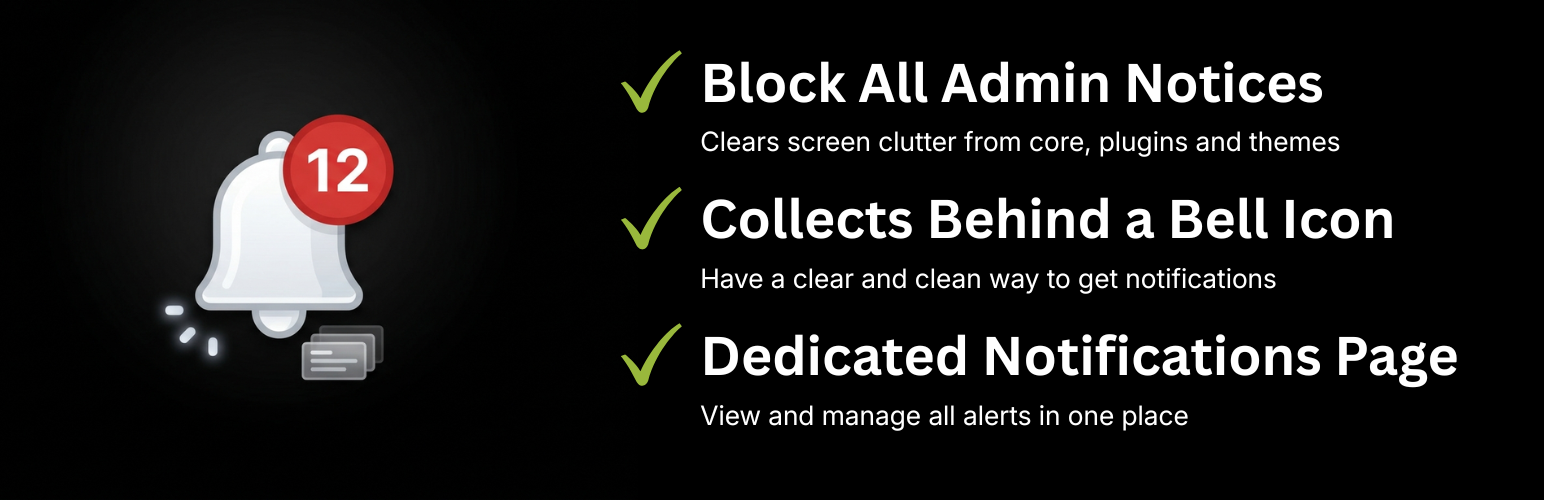
Bell Admin Notice Hub 可清理 WordPress 控制台,隱藏核心、外掛及佈景主題所顯示的通知,將其集中管理,避免影響內容顯示。
【主要功能】
• 隱藏所有管理通知於控制台頂部
• 顯示帶有即時計數的鈴鐺圖示
• 提供專屬的通知頁面顯示通知內容
外掛標籤
開發者團隊
原文外掛簡介
Bell Admin Notice Hub cleans up your WordPress admin by suppressing the notices that core, plugins and themes push to the top of every screen. Instead of stacking up and pushing your content down, they are captured and gathered in one place.
Features
Blocks all admin notices (admin_notices, all_admin_notices, network_admin_notices, user_admin_notices) from rendering at the top of the screen.
Adds a bell icon to the top toolbar with a live counter of the current notices.
Provides a dedicated Notifications page where the captured notices are displayed.
Works in the dashboard and on the front-end toolbar for logged-in users.
No configuration required — activate and you are done.
Good to know
Because this plugin hides all admin notices, that includes warnings from security and maintenance plugins. Those notices are not lost — they are collected on the Notifications page — but you should check that page regularly so you do not miss important alerts.