
外掛標籤
開發者團隊
② 後台搜尋「Botveil Checkout Protection for WooCommerce」→ 直接安裝(推薦)
原文外掛簡介
Botveil scores every checkout attempt, on the classic shortcode checkout and the Checkout block, and decides what to do:
Allow – normal orders go straight through.
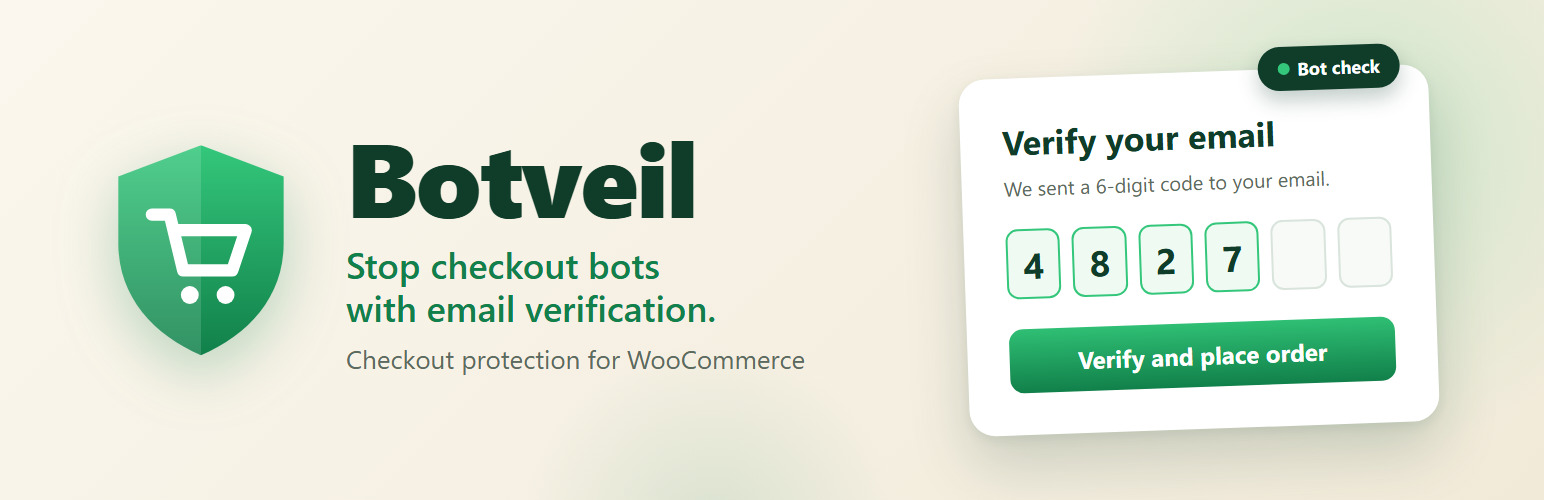
Require email code – risky orders must enter a 6-digit code sent to the billing email.
Hold for review – the order is placed but put on hold.
Block – the checkout is refused with a generic message.
Setup guide and support
A full setup guide is built in: open WooCommerce → Botveil Guide after activating the plugin.
Need help? If you need help with the setup, are having issues, or want an extra feature, post in the support forum.
How the score works
Signals add points: guest checkout, many checkout attempts from one IP, failed payments (card testing), wrong or excessive verification codes, high order value. Trusted returning customers subtract points. You choose the thresholds and the action for low, medium and high risk.
Limits and bans
Rate limits per IP and per email, with an inline “N attempts per X seconds / minutes / hours” setting.
Too many checkout attempts from an IP, or too many wrong codes for an email, blocks and bans that IP or email for a while. Repeat offences get longer bans (15 min → 1 h → 4 h for IPs by default). Email bans never affect a customer logged in with that email.
The dashboard lists active and recent bans with the IP or email, the matching customer, a link to their events, and Unblock.
Verification popup
The code popup copies your checkout’s fonts, colours, inputs and Place order button, so it looks like part of your theme. Every element can be restyled (typography, colours, spacing, borders, hover states, separate mobile values), with theme, system or Google Fonts. The code email uses your WooCommerce email design and is editable under WooCommerce → Settings → Emails.
Privacy by design
Emails and IP addresses are stored only as keyed hashes (HMAC-SHA256) for scoring and the event log. Only an active ban keeps the banned IP or email, encrypted, so staff can identify and lift it; it is deleted with the ban. Personal data export and erasure are supported, and the plugin suggests privacy policy text.
Monitor mode
Start in monitor mode to see what would be challenged or blocked without affecting customers, then switch to enforce.
External services
This plugin connects to Google Fonts only if an administrator picks a Google Font in Settings → Botveil → Popup design.
What and when: when the popup design is saved, the site downloads the stylesheet for the chosen families from https://fonts.googleapis.com and the font files from https://fonts.gstatic.com, and stores them in wp-content/uploads/cshield-fonts/. Shoppers’ browsers then load the fonts from your own site and never contact Google.
Data sent: the font family names and weights, plus the request metadata any HTTP request carries (your server’s IP address and a user agent). No visitor, customer or order data is sent.
Provider: Google LLC — Terms of Service, Privacy Policy, Google Fonts FAQ.
No other external service is used. Verification emails are sent through your site’s own mailer (WooCommerce / wp_mail).














