內容簡介
這是一款功能最完整的免費 BMI 計算器外掛,專為 WordPress 設計,內建多語言翻譯,並依據世界衛生組織(WHO)的 BMI 分類提供成人與兒童的 BMI 計算功能。
【主要功能】
• 支援成人與兒童的 BMI 計算
• 依據 WHO BMI 分類進行計算
• 內建多語言翻譯功能
外掛標籤
開發者團隊
原文外掛簡介
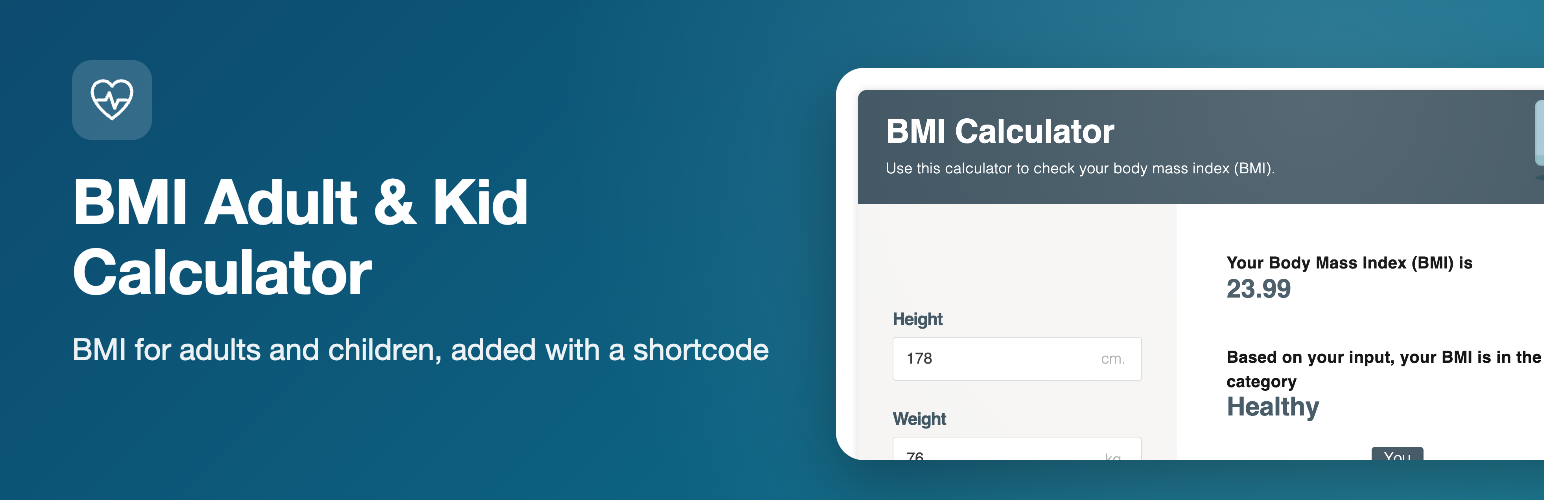
BMI Adult & Kid Calculator puts a body mass index (BMI) calculator on any page of your WordPress site. Visitors enter their height and weight (and, for children, age and sex) and see their BMI, the weight category it falls in and a healthy weight range for their height.
The plugin includes two separate calculators: one for adults aged 20 and over, and one for children and teenagers aged 19 and under, where the result is based on the child’s age and sex instead of a single adult scale.
Features
BMI calculator for adults (20 years and over) with underweight, healthy, overweight and obese categories
BMI calculator for children and teenagers (0 to 19 years) that takes age and sex into account and shows the BMI percentile for age
Healthy weight range for the entered height (and for the child’s age)
Metric units, imperial units, or a unit switch that offers both
Gutenberg block “BMI Calculator” (adult or child calculator, language and units) with a live preview
Shortcode generator in the admin area, no coding required
Translation-ready admin and front-end strings
Editable labels: change any text of the calculator and add more languages from the plugin page
Font family and text colors can be changed in the admin area
Optional redirect to another page after the calculation
Responsive layout that works on phones and tablets
How to use
In the block editor add the “BMI Calculator” block (Widgets category) and pick the calculator, language and units in the sidebar. Or open the “BMI Calculator” page in your WordPress admin menu, choose a language, the calculator (adult or child) and the units, then click “Generate shortcode”. Paste the generated shortcode into a page, post or shortcode block. Examples:
[BMIAKC_adult_calc lang="English" units="metric"]
[BMIAKC_kid_calc lang="English" units="metric"]
The units attribute accepts metric, imperial or both. The id_calc attribute only needs to be set if you place more than one calculator of the same type on a page; the generator fills it in for you.
Who it is for
Health and fitness blogs, clinics, nutrition and sports coaches, schools and parenting sites that want a ready-to-use BMI calculator without a third-party embed.
Disclaimer
BMI is a screening figure, not a diagnosis. The calculators are for general information and do not replace advice from a doctor or other health professional.