外掛標籤
開發者團隊
② 後台搜尋「BloomStack Gallery Spotlight for WooCommerce」→ 直接安裝(推薦)
原文外掛簡介
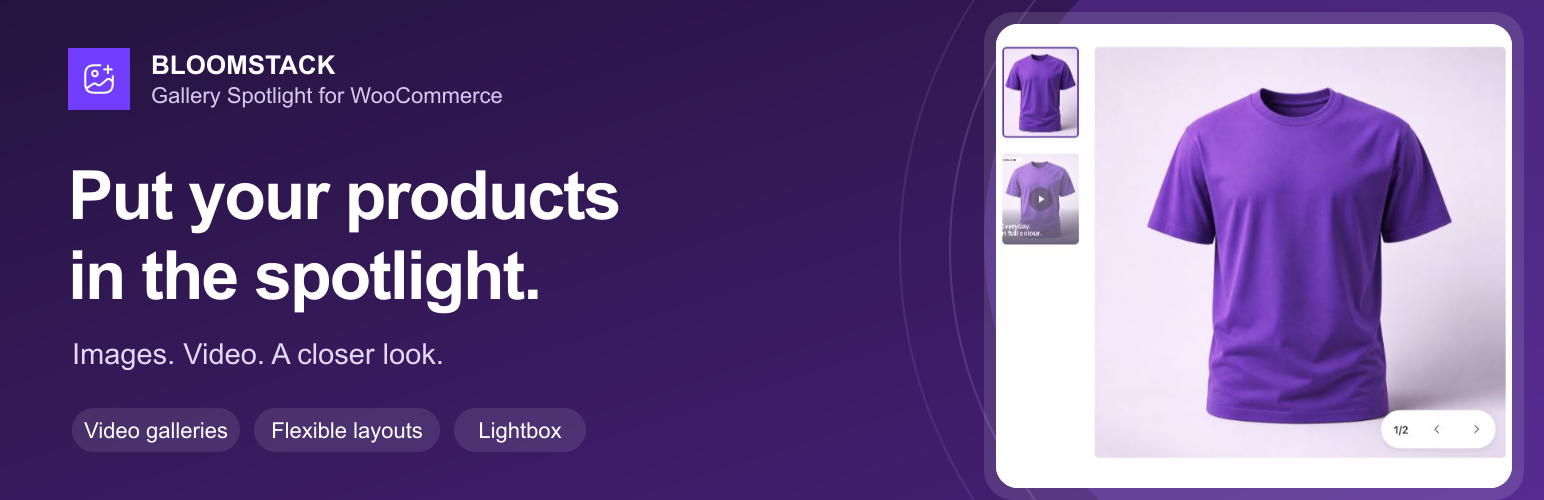
Give shoppers a closer look at your products with a flexible WooCommerce image and video gallery. Combine product photos with Vimeo or self-hosted videos, choose your thumbnail layout, and open images and videos in a fullscreen lightbox.
Show images for the selected variation and customise navigation, spacing, and video playback from your WooCommerce settings.
Compatibility: Designed for classic WooCommerce single-product pages. Product Gallery blocks and quick-view modals keep their native galleries. Requires WooCommerce 8.0 or later.
Make your products easier to explore
Photos and video together — Add a Vimeo or direct video URL to a product and show it alongside your product images. Choose a custom video poster to match your storefront.
Images for each variation — Show the selected variation’s own images. Reset the selection to return to the parent product gallery.
Flexible thumbnail layouts — Place thumbnails on the left, right, or below the main image. On mobile, thumbnails sit below the image and can be hidden.
A closer look in the lightbox — Open images and videos in a fullscreen viewer with keyboard navigation.
Controls that suit your store — Adjust arrows, slide counters, pagination dots, spacing, and looping. Set video autoplay, mute, looping, and playback controls per product.
Assets only where needed — Gallery scripts load on single-product pages. The Vimeo player SDK loads only when the product has a Vimeo video; later images use browser-native lazy loading.
Getting started
Install and activate Gallery Spotlight alongside WooCommerce.
Open WooCommerce → Gallery Spotlight to choose a layout and gallery controls.
Edit a product, open its BloomStack Gallery Spotlight tab, and add a video URL and optional poster image.
View the product on your storefront to try the gallery and lightbox.
Theme and developer details
On supported classic product pages, Gallery Spotlight owns and replaces the WooCommerce gallery for every non-excluded product type. Product types can be excluded in the plugin settings.
A variation with its own media shows a separate collection; parent images and videos are not mixed into that collection. Resetting the selection, or selecting a variation that falls back to the parent, restores the parent gallery. Enabled WooCommerce native videos are read from the parent product without changing WooCommerce’s media metadata.
Themes can override the gallery markup by copying templates/frontend/gallery.php to yourtheme/gallery-spotlight/gallery.php. The gallery_spotlight_locate_template filter can change the path.
Third-Party Services
This plugin uses the Vimeo video platform to embed and play Vimeo-hosted videos within product galleries.
The Vimeo Player SDK (https://player.vimeo.com/api/player.js) is loaded only on single-product pages whose product has a Vimeo video. Loading the SDK or a Vimeo iframe connects the visitor’s browser to Vimeo, which receives normal request data such as IP address and user agent.
After a Vimeo product URL is saved without a custom poster, an asynchronous WordPress cron job sends that saved URL to Vimeo’s oEmbed API to request its thumbnail. Vimeo receives the URL and normal server request data. Successful responses are cached locally for 24 hours and failed requests back off before retrying; frontend rendering never initiates this oEmbed request.
Direct-video files load from the URL configured by the site administrator. If that URL uses a third-party host, the visitor’s browser connects to that host under its terms and privacy policy.
By using the Vimeo video features of this plugin you agree to Vimeo’s terms:
Vimeo Terms of Service
Vimeo Privacy Policy
Bundled Open-Source Libraries
The runtime distributions are bundled locally. Their corresponding source code and MIT licenses are available from the upstream projects:
Swiper 12.1.2
GLightbox 3.3.1
Plyr 3.7.8