外掛標籤
開發者團隊
② 後台搜尋「BlogCutter AI Section Builder for Elementor」→ 直接安裝(推薦)
原文外掛簡介
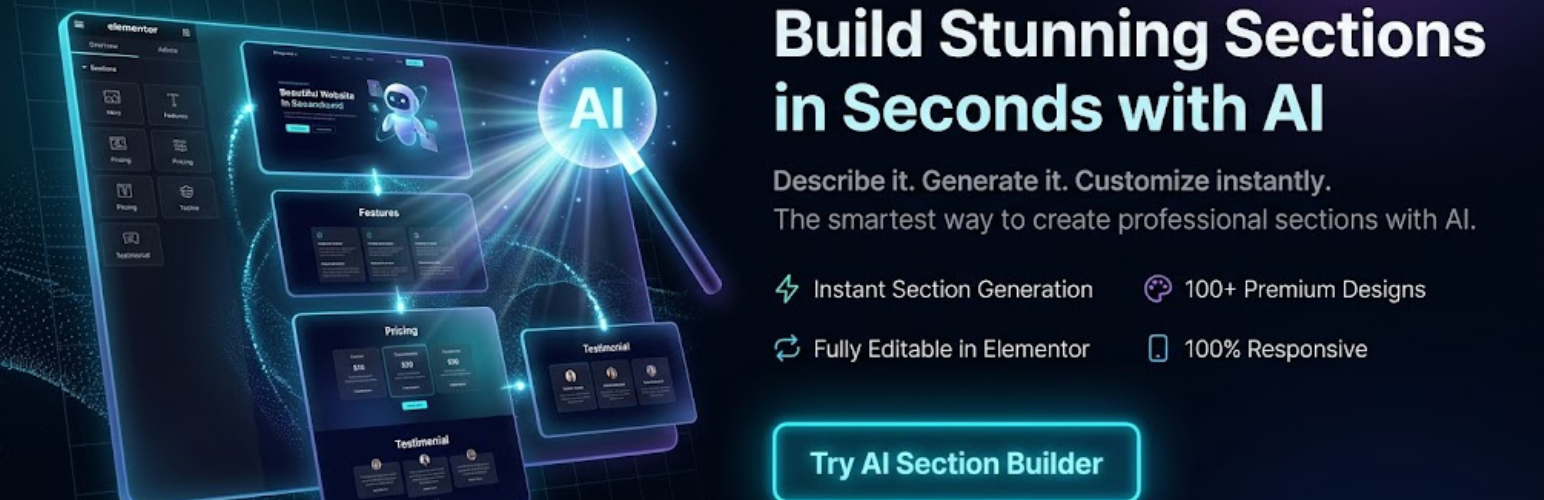
BlogCutter AI Section Builder for Elementor supercharges your Elementor workflow by integrating advanced AI models (OpenAI, Google Gemini, Anthropic Claude, and xAI Grok) directly into the Elementor editor.
Instead of building sections widget by widget, describe what you need. The plugin generates lightweight HTML/CSS sections that you can preview, refine, edit, and insert into your page.
Tested with WordPress 7.1 (“Mary Lou”). Assets are enqueued with WordPress APIs, the admin UI follows current dashboard patterns, and generated markup is sanitized before insert.
Watch it in action:
Key Features
AI-powered generation: Describe a layout and let the AI write the code.
Multiple AI providers: OpenAI, Google Gemini, Anthropic Claude, and xAI Grok, with current and classic model IDs plus a custom model field.
Connection test: Verify your API key from the settings screen before you start designing.
Brand colors: Set primary and secondary colors so every generation stays on-brand.
Prompt examples: One-click starter prompts for hero, features, pricing, testimonials, and CTA sections.
Refine in place: Ask for a change (“warmer colors”, “shorter headline”) without starting over.
Generation history: Reuse your last 8 sections from inside the editor.
Device preview: Check desktop, tablet, and mobile widths before insert.
Elementor containers: Insert as a Flexbox container when available, or as a classic section.
Live preview + code editor: Tweak HTML/CSS, then insert as a native HTML widget.
Zero front-end bloat: Pure HTML/CSS only. No Tailwind, no extra scripts on your site.
How it Works
Open any page in Elementor.
Click the floating AI button in the bottom-right corner of the editor.
Select a section type and visual style, or click an example prompt.
Click Generate.
Preview, refine, or edit the code, then insert into Elementor.
External services
This plugin relies on third-party AI services to generate HTML sections inside the Elementor editor based on user prompts.
Depending on the AI provider configured in the plugin settings, it connects to one of the following external APIs. Data is sent only when you click Generate, Refine, or Test connection. Your API key is stored in your WordPress database and is never exposed to site visitors.
OpenAI (GPT models)
Purpose: Generate HTML and CSS for Elementor sections, and optionally verify the API key.
Data sent: The user’s prompt, section type, visual style, optional brand colors, and (when refining) the previous HTML. A key test may list available models.
Terms of Use: https://openai.com/policies/terms-of-use
Privacy Policy: https://openai.com/policies/privacy-policy
Google Gemini (Google Generative Language API)
Purpose: Generate HTML and CSS for Elementor sections, and optionally verify the API key.
Data sent: The user’s prompt, section type, visual style, optional brand colors, and (when refining) the previous HTML.
Terms of Service: https://policies.google.com/terms
Privacy Policy: https://policies.google.com/privacy
Anthropic Claude
Purpose: Generate HTML and CSS for Elementor sections, and optionally verify the API key.
Data sent: The user’s prompt, section type, visual style, optional brand colors, and (when refining) the previous HTML.
Terms of Service: https://www.anthropic.com/legal/consumer-terms
Privacy Policy: https://www.anthropic.com/legal/privacy
xAI (Grok)
Purpose: Generate HTML and CSS for Elementor sections, and optionally verify the API key.
Data sent: The user’s prompt, section type, visual style, optional brand colors, and (when refining) the previous HTML.
Terms of Service: https://x.ai/terms
Privacy Policy: https://x.ai/privacy