
內容簡介
總結:Block Visibility Scope 在 WordPress 提供完整的響應式控制,可決定每個區塊應該在何處可見,操作簡單並支援所有 WordPress 區塊。
1. 什麼是 Block Visibility Scope 外掛?
- A: Block Visibility Scope 外掛讓你完全控制 WordPress 上任何區塊的顯示情況。
2. 如何使用這個外掛?
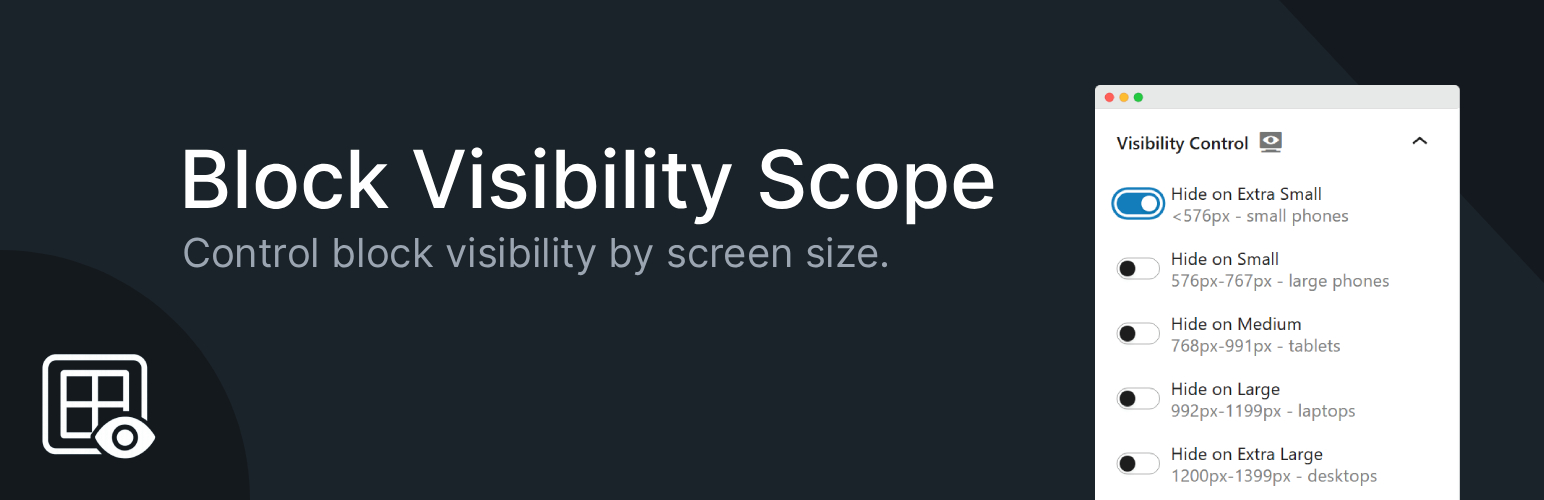
- A: 只需在 Gutenberg 區塊編輯器中編輯任何頁面/文章,選擇一個區塊,再在右側的區塊 Inspector 中找到「Visibility Control panel」,然後切換開關選擇該區塊應該在不同螢幕尺寸下隱藏或顯示。
3. 這個外掛有哪些功能?
- A:
- 可以根據螢幕大小隱藏或顯示區塊,分為不同尺寸:Extra Small(小手機), Small(大手機), Medium(平板), Large(筆記本電腦), Extra Large(桌面),及 XXL(寬屏螢幕)。
- 支援所有 WordPress 區塊。
- 提供即時預覽,方便識別帶有顯示規則的區塊。
- 精簡輕量,程式碼最小化,無繁重依賴。
- 與 WordPress 區塊編輯器(Gutenberg)完全相容。
4. 如何參與這個外掛的開發?
- A: 這個外掛是在 GitHub 上開放式開發,你可以關注該專案,貢獻你的想法,或點個 ⭐ 以表示支持。同時,也可在 GitHub 上查看詳細資訊。
外掛標籤
開發者團隊
原文外掛簡介
Block Visibility Scope gives you full responsive control over any WordPress block.
You can decide where each block should be visible: small phones, tablets, laptops, desktops, or wide screens.
How to use this plugin:
1. Edit any page/post with the Gutenberg block editor.
2. Select a block, then in the right-hand Block Inspector, locate the Visibility Control panel.
3. Toggle the switches to choose where the block should be hidden or visible across different screen sizes.
Features:
* Hide or show blocks based on screen size:
– Extra Small (<576px – small phones)
– Small (576–767px – large phones)
– Medium (768–991px – tablets)
– Large (992–1199px – laptops)
– Extra Large (1200–1399px – desktops)
– XXL (≥1400px – wide screens)
* Works with all WordPress blocks.
* Live preview: blocks with visibility rules are highlighted in the editor for easy identification.
* Lightweight – minimal code, no heavy dependencies.
* 100% compatible with the WordPress block editor (Gutenberg).
This is the simplest way to add responsive block visibility in WordPress without writing a single line of code.
Get Involved
The plugin is developed openly on GitHub—follow the project, contribute, or give it a ⭐ to show your support!
* View on GitHub














