
內容簡介
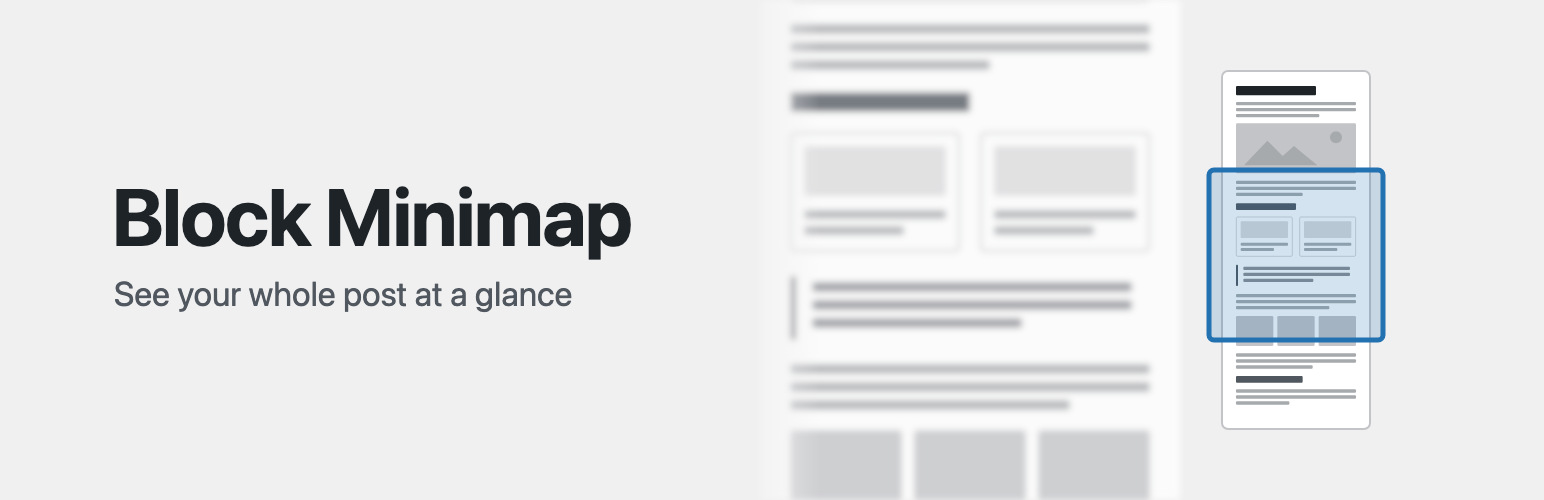
Block Minimap 是一款提升區塊編輯器使用體驗的外掛,透過側邊欄顯示文章的迷你版結構,讓使用者能夠快速瀏覽和導航長篇文章。
【主要功能】
• 迷你地圖顯示文章結構
• 各種區塊以小型草圖呈現
• 滾動同步功能
• 緊湊顯示模式
• 可視範圍聚光燈
• 安全預覽自訂 HTML 和短碼
外掛標籤
開發者團隊
原文外掛簡介
Long posts get hard to navigate in the block editor. Block Minimap adds a sidebar that draws the whole post in miniature, so you can see its structure at a glance and move around it quickly.
Every block gets a shape. Headings, paragraphs, lists, quotes, tables, code, images, galleries, media and text, buttons, social links, embeds and more each render as a small sketch of what they look like in the post. Third party blocks without their own shape fall back to their block icon and title.
Nested blocks show the document tree. Groups, covers and other container blocks draw their inner blocks inside them, and Columns sit side by side the way they do in the post.
Scroll sync. The minimap and the editor canvas stay scrolled to the same content. Scroll the post and the minimap follows; scroll the minimap and the post follows.
Compact sizes. Below 100%, body text draws as gray bars the length of each line while headings stay readable, so a long post fits in fewer sidebar screens. Automatic picks a size from the length of the post.
Viewport spotlight. A frame marks the part of the minimap visible in the editor and dims the rest. Drag the frame to scroll the post.
Safe previews. Custom HTML, shortcode and classic blocks render as escaped source rather than live markup.
Open the minimap from the Block Minimap item in the editor’s Options menu.
Try Block Minimap in WordPress Playground – it opens a long demo post in the editor with the minimap already showing, no install needed.
Development takes place in the GitHub repository. Issues and pull requests are welcome.














