內容簡介
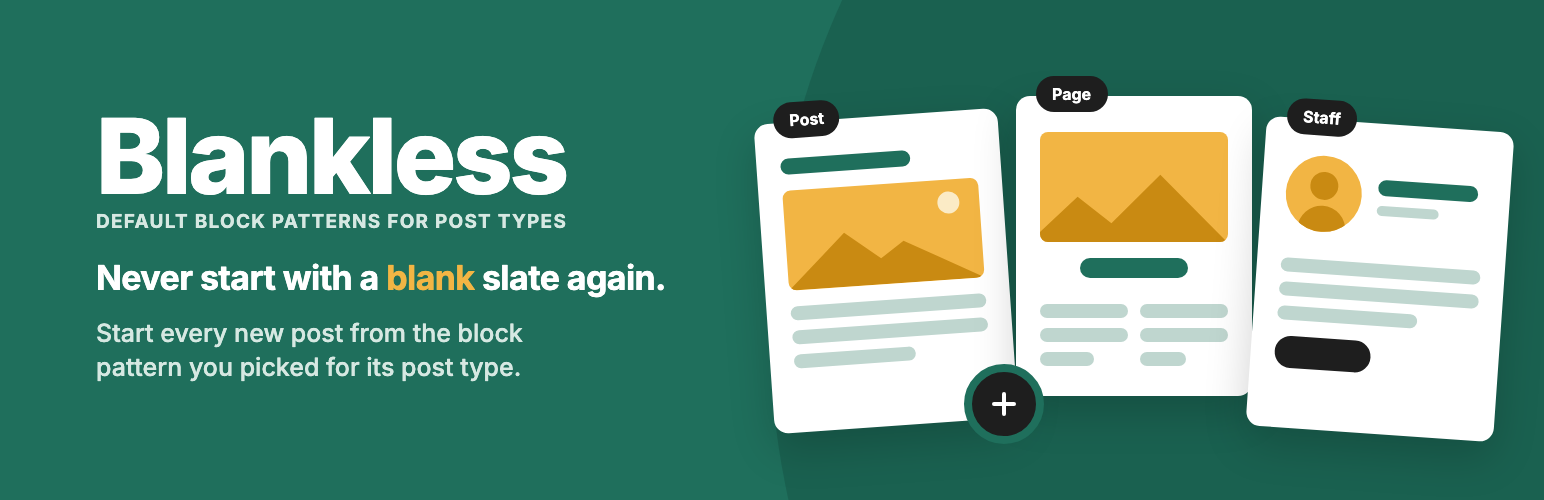
Blankless 外掛允許網站管理員為每個文章類型選擇預設的區塊樣式。當使用者創建新文章時,編輯器會自動載入選定的樣式區塊,適合需要統一結構的文章類型,如員工簡介、活動等。
【主要功能】
• 為每個文章類型設定不同的區塊樣式
• 自動填充新文章的編輯器
• 支援自定義文章類型和已保存的樣式
外掛標籤
開發者團隊
② 後台搜尋「Blankless – Default Block Patterns for Post Types」→ 直接安裝(推薦)
原文外掛簡介
Blankless lets a site administrator pick a block pattern for each post type. When someone creates a new post of that type, the editor opens with the pattern’s blocks already in place.
It’s built for sites where every post of a given type follows the same structure: staff profiles, locations, events, case studies, press releases. Build the layout once as a pattern, point the post type at it, and writers start from the right blocks every time.
Getting started
Build a pattern. Create a pattern in the Site Editor (Appearance → Editor → Patterns), or use one that your theme or a plugin registers in code.
Pick it for a post type. Go to Appearance → Blankless and enter the pattern’s slug next to Posts, Pages or any custom post type. Start typing and the field suggests every pattern on the site. The Status column confirms each one is found.
Add New starts from it. Create a new post of that type and the editor opens with the pattern’s blocks already in place, ready to edit.
Leave a post type blank to keep WordPress’s normal empty editor. Blankless only fills new posts that start out empty, so it never changes content you’ve already written.
Try it in WordPress Playground to test the plugin in your browser, with nothing to install. The demo sets a sample pattern as the default for Posts, so Posts → Add New opens with it.
Key features
Defaults per post type
One settings screen under Appearance → Blankless lists every public post type, including custom post types
Set a different pattern for posts, pages and each custom post type, or leave one blank to keep the empty editor
No theme code, block.json metadata or template changes required
Works with the patterns you already have
Use patterns you saved in the Site Editor (Saved Patterns)
Use patterns registered by your theme’s /patterns folder or by a plugin
Reference a registered pattern by its full name (mytheme/staff-profile) or just the part after the slash (staff-profile)
Slug fields suggest every pattern on the site as you type
Clear feedback
A status column shows whether each slug matches a Saved Pattern, a registered pattern, or nothing
If a slug stops matching, for example after a theme switch, new posts open empty rather than breaking
Safe defaults
Only fills posts that start out empty, so content passed in another way is kept
Draft and unpublished Saved Patterns are ignored
Only administrators can change the settings
No front-end code, no external requests and no tracking. The plugin stores one option and removes it when you delete the plugin
How a slug is matched
When you save the settings, a slug that matches a published pattern saved in the Site Editor is linked to that pattern. When a new post is created, the plugin uses the first match:
The Saved Pattern linked when the settings were saved
A pattern registered in code whose full name matches
A pattern registered in code whose name ends with the slug
Patterns saved in the Site Editor take priority over patterns in code. Edits to a linked pattern apply straight away, even if you rename it. A Saved Pattern published after you save the settings isn’t used until you save them again, so another user can’t replace your choice by publishing a pattern with the same slug. To override a theme’s pattern with your own, create a Saved Pattern with the same short slug, like staff-profile, then save the settings.
How it differs from core starter patterns
WordPress can already offer “starter patterns” when you create a new page. Those are useful, but they work differently:
Core asks the writer to choose a pattern each time. This plugin applies the one the administrator picked, automatically.
Core only offers patterns that declare the core/post-content block type, and by default only for pages. This plugin works with any pattern and any public post type.
Core’s list comes from registered patterns. This plugin also works with Saved Patterns made in the editor, with no code.
When a post type has a default set, the post is no longer empty, so core’s “Choose a pattern” window doesn’t open for that post type. Post types without a default keep core’s behaviour.
Support & Contribute
Support: ask questions and report problems in the support forum.
Contribute: the code lives on GitHub. Bug reports and pull requests are welcome in the issue tracker.
Blankless is written and maintained by Trent Stromkins.