內容簡介
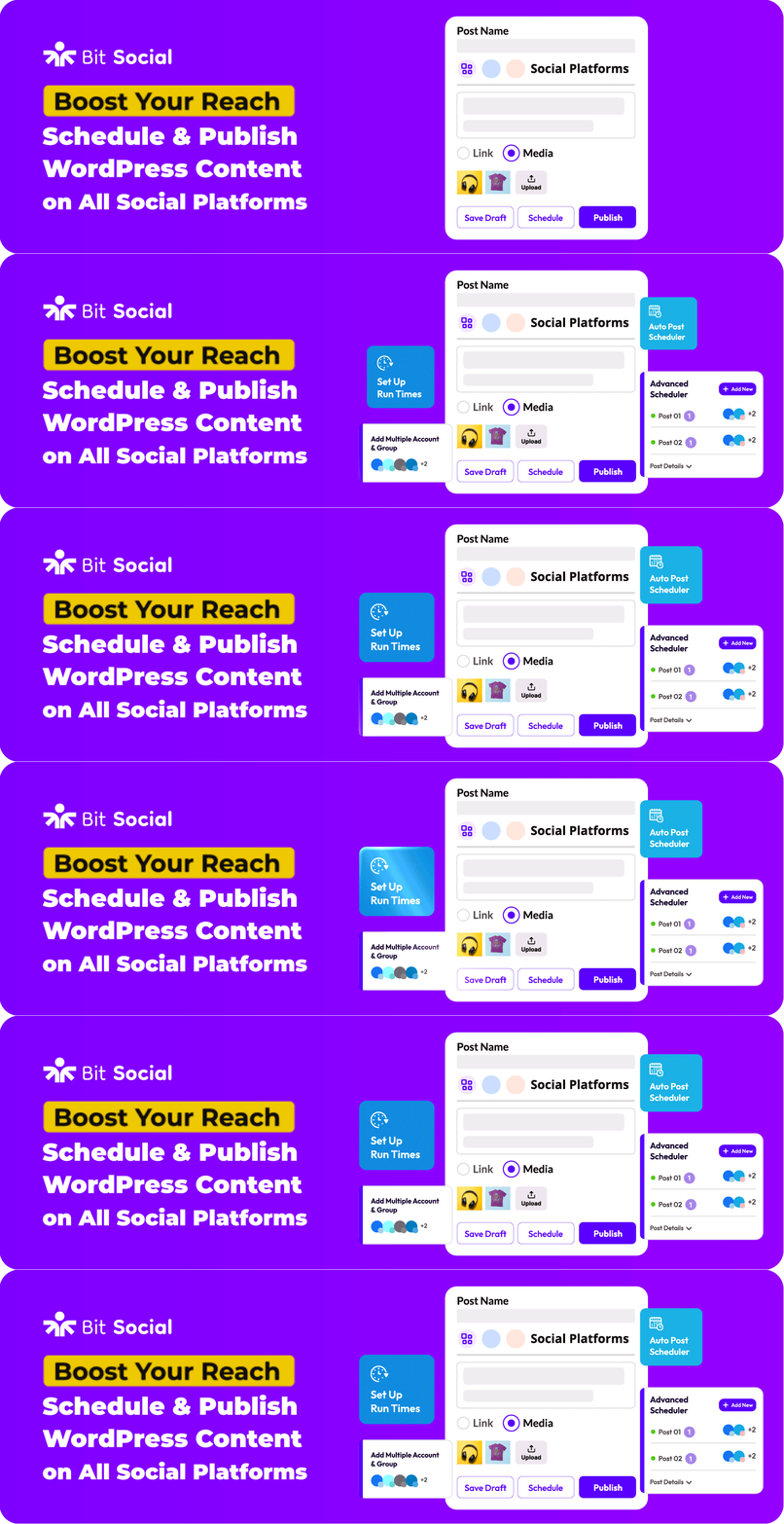
Bit Social 是一款 WordPress 的社交媒體自動發布與排程外掛,幫助使用者自動發布內容至社交媒體,排程文章,並利用 AI 生成標題、摘要及圖片,讓社交媒體管理變得更簡單。
【主要功能】
• 自動發布至 13 大社交平台
• 建立結構化的社交媒體排程工作流程
• 使用強大的排程工具保持一致的發布頻率
• 在最佳互動時間排程文章
• 自動分享連結的文章至各平台
• 自動推廣 WooCommerce 產品
外掛標籤
開發者團隊
② 後台搜尋「Bit Social – Social Media Auto Poster and Scheduler」→ 直接安裝(推薦)
📦 歷史版本下載
原文外掛簡介
Social Media Auto Posting and Scheduling Plugin for WordPress.
Bit Social is a social media automation plugin for WordPress that helps you automatically post to social media, schedule posts, generate captions, summaries, and images with AI, and manage your social media accounts directly from your WordPress dashboard.
Bit Social connects your WordPress website with 13 major social media networks. Once your account is connected, the plugin can auto post, schedule posts, or share posts automatically when your content is published.
With Bit Social, you can auto post to social media networks like Facebook, Twitter (X), Instagram, Pinterest, LinkedIn, Tumblr, Google Business Profile, Telegram, and more without switching platforms. This makes it easier to maintain a consistent online presence and automate content promotion.
Bit Social is designed for bloggers, marketers, businesses, and WooCommerce store owners who want a simple social media automation solution. Whether you want to schedule posts, auto post, or re-share old posts, Bit Social helps you automate your social publishing workflow.
Instead of copying content manually, Bit Social lets you share posts automatically, build a social media scheduling workflow, and maintain a consistent posting strategy.
This social auto poster plugin is beginner friendly but powerful enough for professional marketers.
Key Capabilities of Bit Social
Bit Social provides a complete set of tools for automating and managing social media promotion. With Bit Social, you can:
Automatically publish posts to 13 social platforms
Build structured social media scheduling workflows
Maintain consistent posting using a powerful scheduler
Schedule posts for optimal engagement times
Share posts automatically across connected platforms
Promote WooCommerce products automatically
Generate captions and images using AI tools
Organize campaigns using a built-in social Calendar
Re-share older content to keep your social feeds active
Manage multiple social accounts from one WordPress dashboard
Share any post type, including pages, media, or any CPT
Track publishing activity with logs to monitor shared posts
Add first comments automatically on Instagram, Threads, and Bluesky
These capabilities make Bit Social a practical automation tool for content creators who want to increase visibility without spending hours managing social media manually.
Useful Links
🚀Try Full Version Demo | 🚀Documentation | 🚀Video Tutorials | 🚀Support | 🚀Facebook Group | 🚀Upgrade to Pro |
Join our Bit Apps Community for the latest plugin updates.
View the full source code on GitHub.
Core Features
WP Auto Post
When the WP Auto Post feature is enabled, every time you publish a WordPress article the plugin can automatically distribute it to your connected accounts. Instead of manually copying links and writing messages for each platform, Bit Social automates the entire process.
WP Post Schedule: WordPress Social Media Scheduler
Bit Social works like a flexible WordPress social media scheduler that allows you to plan your publishing strategy. Instead of posting manually every day, you can schedule posts and let the plugin publish them at the best time.
Scheduler Capabilities
Schedule posts for future publishing
Plan long-term social media campaigns
Maintain consistent posting across platforms
Schedule WooCommerce products
Build recurring publishing schedules
The WP Post Scheduler also supports custom publishing times, platform-specific schedules, and flexible automation rules. This makes it suitable for marketers who want predictable publishing schedules without manual posting.
Share Now: Instantly Share Post to Social Media
The Share Now feature allows you to instantly publish updates across your social accounts. Instead of creating a full blog post, you can write a quick message and publish it immediately.
** Share Now is useful for: **
Announcements
Campaign updates
Marketing promotions
Product launches
Quick alerts
This feature helps businesses quickly communicate updates without needing to create full content pieces.
Social Media Calendar (Pro)
Bit Social includes a built-in Calendar that helps you visualize your entire publishing plan.
With the Calendar, you can:
View all scheduled posts in one place
Adjust publishing times easily
Manage posts across multiple platforms
Edit scheduled posts quickly
Organize marketing campaigns
The calendar view helps teams coordinate content and maintain a steady publishing rhythm. For businesses and marketers, this feature makes it easier to plan campaigns and ensure content is distributed consistently.
Auto Share Posts and Re-Share Old Posts
Bit Social can automatically share posts whenever they are published. You can also re-share older posts to keep valuable content visible and active.
Benefits include:
Automatic distribution of new posts
Renewed visibility for evergreen content
Increased traffic from social platforms
Consistent posting activity
Longer lifespan for blog content
Re-sharing older posts is particularly helpful for blogs that publish evergreen content such as tutorials, guides, and resources.
Auto Post WooCommerce Product to Social Media (Pro)
Bit Social allows you to automatically share WooCommerce products on social media. When a product is published in your store, the plugin can post it to your connected social media platforms.
This helps store owners promote new products, sales, and store updates without manually sharing every product. By automatically publishing WooCommerce product posts to social media, you can increase product visibility and drive more traffic to your store.
Smart Tags and Custom Templates
Bit Social lets you customize social media posts using Smart Tags and templates. These tags automatically pull data from your WordPress posts or WooCommerce products and insert it into your social media messages.
Advanced Tags: Create hashtags from post tags, product tags, or categories, and map custom fields to include additional data from custom post types.
Post Tags: Insert WordPress post data such as post title, link, content, author, categories, tags, and featured image.
Product Tags: Insert WooCommerce product data like product name, description, price, stock, dimensions, product image, and product link.
Templates allow you to control how posts appear on Facebook, Twitter (X), Instagram, Pinterest, LinkedIn, and Tumblr.
AI Prompts: AI-Powered Social Media Content (Pro)
AI Prompt in Bit Social integrates AI tools to simplify content creation. Using the ChatGPT model, including DALL·E, the plugin can generate captions, summaries, hashtags, and images automatically.
AI Features
Caption generation using ChatGPT
Automated summaries for posts
Hashtag suggestions
AI image generation using DALL·E
You can create prompt templates that generate captions directly from your WordPress content. When a post is published or scheduled, Bit Social sends the prompt to ChatGPT and publishes the generated content across connected social media platforms.
This helps maintain engaging social media posts without writing everything manually.
Multiple Account Support
Bit Social supports 13 social media platforms, making it useful for agencies and businesses managing multiple brands.
With this feature, you can:
Manage multiple brands
Publish across different platforms
Share posts across multiple accounts
Accounts can also be grouped to simplify publishing workflows.
Scheduling and Automation Controls
Bit Social includes advanced scheduling controls that allow you to fine-tune how posts are distributed. Automation settings include:
Advanced scheduling rules
Platform delays
Posting intervals
Automation workflows
These features help create natural posting patterns and give you full control over your social media strategy.
First Comment Automation (Pro)
Bit Social lets you automatically add a first comment after a post is published. You can use it to include hashtags, links, or extra text without adding them to the main caption.
This feature works on Instagram, Threads, and Bluesky.
External Cron Support (Pro)
Bit Social includes External Cron support to improve the reliability of scheduled posts and social media automation. With External Cron enabled, scheduled tasks run independently of website traffic, ensuring your posts are published on time across connected social media platforms.
This feature helps maintain a consistent posting schedule and ensures your social media automation continues to run smoothly.
Supported Social Media Platforms
Bit Social supports 13 popular social media platforms and is available in both Free and Pro versions. The free version provides the essential features needed to start automating social media sharing, while the Pro version unlocks advanced scheduling, additional platforms, and AI-powered automation.
Bit Social Free
The free version supports two platforms:
Facebook | Watch Video
LinkedIn (Profile) | Watch Video
This allows users to begin automating social sharing without requiring complex configuration.
Bit Social Pro
The Pro version unlocks full platform support, including:
Linkedin (Page)
Instagram
Google Business Profile
Twitter (X)
Tumblr
Pinterest
TikTok
Bluesky
Discord
Line
Telegram
Threads
This expanded platform support allows businesses and creators to distribute content across a much wider audience.
Feature Comparison
Features Included in Both Free and Pro
These core features are available in both versions of Bit Social:
Connect unlimited social media accounts
Unlimited auto posting
Unlimited scheduling
Filter posts by category, tag, and ID
Filter posts by publish time
Share custom messages
Auto share posts
Share Now feature
Activity logs for monitoring post status
Filter hook (bit_social_post_data) for developers
These features allow users to automate their social publishing workflow without limitations on the number of posts or accounts.
Free Features
The free version includes:
Templates for Facebook and LinkedIn
11 smart tags for dynamic content
Auto share media using the featured image or link card
Essential scheduling features
This feature set is suitable for bloggers and smaller websites that want a simple automation setup.
Pro Features
The Pro version expands functionality significantly and includes:
Group multiple social media accounts
Advanced scheduling tools
Templates for all supported platforms
Auto share media, including product images and galleries
Auto share WooCommerce products
Auto share pages, and custom post types
Full smart tag library
Advanced Calendar view
Advanced Cron settings
Auto share custom post types
Delay controls for platform publishing
LinkedIn page support
AI prompts for content generation with ChatGPT (OpenAI)
DALL·E powered image generation
These features allow businesses to build advanced social automation workflows and manage more complex campaigns.
Bit Social provides a complete Social Media Auto Poster and Scheduler for WordPress, allowing you to automate publishing, manage scheduling, promote WooCommerce products, and streamline your entire social media workflow from a single dashboard.
Explore Our Other Products :
Bit Form: A beginner-friendly WordPress form builder that lets you create multi-step and conversational forms with a smart drag-and-drop builder. Build, customize, and convert with the lightning-fast form solution
Bit Integrations: A no-code WordPress automation plugin that lets you connect 320+ apps and services to automate your workflows in minutes. It connects your forms, CRMs, LMS, and eCommerce tools all inside WordPress.
Bit Assist: Connect all your customer support channels with a single button. Integrate Floating Chat Widget, WhatsApp, Email, SMS, Telegram, Messenger, and more with Bit Assist.
Bit Flows: Bit Flows is a powerful WordPress automation plugin that lets you create unlimited multi-step workflows. It also includes an AI agent and advanced tools like Router, Repeater, Iterator, and a JSON parser.
Bit File Manager: Bit File Manager is a WordPress plugin for easy file management. Upload, organize, and control from your WordPress dashboard.
Bit SMTP: Ensures reliable email delivery by integrating SMTP services into WordPress, preventing email issues.
External Services
LinkedIn API (api.linkedin.com, linkedin.com)
What it does: Connects a LinkedIn account and publishes posts to LinkedIn from WordPress.
What data is sent: Access tokens, account identifiers, and post payload data (text, links, media URLs, and metadata required by LinkedIn endpoints).
When data is sent: When an administrator connects/reconnects a LinkedIn account and when a post is published or scheduled to LinkedIn.
Why is it required: LinkedIn publishing and account authorization cannot work without LinkedIn APIs.
Terms of Service
Privacy Policy
Facebook Graph API (graph.facebook.com)
What it does: Connects Facebook Pages/Profiles and publishes scheduled or instant posts to Facebook.
What data is sent: Access tokens, page/account IDs, and post content data (message text, links, image/video URLs, and publish parameters).
When data is sent: During Facebook account authorization and each time a Facebook post is published from the plugin.
Why is it required: Facebook posting and page/account synchronization depend on Facebook Graph API endpoints.
Terms of Service
Privacy Policy
BitApps Auth Server (auth-apps.bitapps.pro)
What it does: Handles the plugin’s account/authentication exchange for supported social integrations.
What data is sent: Site URL/domain, integration state parameters, redirect/auth callback data, and temporary authorization credentials needed to complete account connection.
When data is sent: Only when an administrator starts or completes a social account connection flow from plugin settings.
Why is it required: The plugin uses this service as the authorization broker to complete secure OAuth/app connection flows.
Terms of Service
Privacy Policy
Why Is My Post Not Publishing Properly?
When publishing your WordPress posts to social media platforms with Bit Social, various issues can cause failures. Understanding these problems can help you fix them. This section explains common reasons why publishing WordPress posts might fail and offers solutions to ensure your content is shared successfully.
Here are some possible reasons why publishing or scheduling your posts might fail.
If the social platforms APIs change
If cron jobs were not set up or did not work properly
If there is a network failure
Why your post publishing might fail using Bit-Social