內容簡介
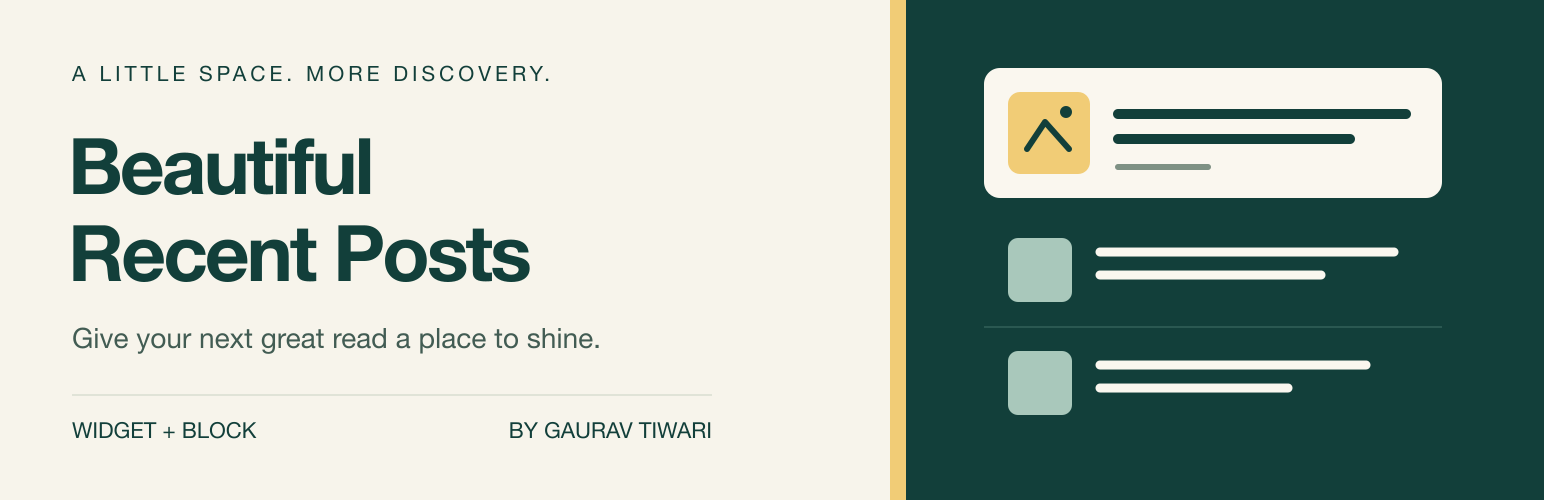
Beautiful Recent Posts Widget 幫助讀者在您的 WordPress 網站上找到其他故事。您可以將最近的文章添加到側邊欄、頁面或區塊主題模板中,並選擇顯示的細節,讓佈局繼承主題的字體和顏色。
【主要功能】
• 自訂顯示位置:可在區塊編輯器或小工具區域插入
• 多種佈局選擇:緊湊的編輯列表或響應式卡片
• 篩選文章:依類別、發佈日期等排序
• 控制顯示內容:選擇顯示或隱藏文章細節
• 支援自訂按鈕:可添加連結到已發佈頁面的按鈕
• 無需額外設定:在使用時直接配置小工具或區塊
外掛標籤
開發者團隊
② 後台搜尋「Beautiful Recent Posts Widget」→ 直接安裝(推薦)
原文外掛簡介
Beautiful Recent Posts helps readers find another story on your WordPress site. Add recent posts to a sidebar, page, or block-theme template, choose which details to show, and let the layout inherit your theme’s typography and colors.
What you can do
Choose where posts appear: insert the Beautiful Recent Posts block in the Block Editor or Site Editor, add the classic widget to a widget area, or use a shortcode.
Pick a layout: use an editorial list for compact spaces or responsive cards for a wider section. List thumbnails can be circular, rounded, or square.
Choose the stories: display 1–20 posts, filter by category, sort by publication date, last update, or title, and optionally exclude the current post.
Control the details: show or hide featured images, publication dates, authors, comment counts, and excerpts. Set excerpt length from 5–60 words.
Add a next step: display an optional button with your own label, linking to a published page.
Keep existing widgets: the original WordPress.org plugin filename, widget ID, title, post count, button text, and destination are preserved. Activation from the GitHub-only 4.x filename migrates automatically.
There is no separate settings dashboard, account requirement, or license key. Configure each widget or block where you use it. The block provides a live preview and sidebar controls; shortcode attributes use the same settings.
The public post lists use server-rendered HTML and a small stylesheet, with no frontend JavaScript or external fonts. Featured images use WordPress’s responsive image markup and lazy loading. Keyboard focus styles and logical spacing support accessible navigation and right-to-left layouts.
Development happens in the open on GitHub, where bug reports and pull requests are welcome.
Links
Documentation and Shortcode Reference – settings, examples, and styling options.
Changelog – release notes and downloadable packages.
Feature Requests and Bug Reports – report a problem or suggest an improvement.
WordPress.org Support – get help with the plugin.
Community – ask questions and share your WordPress work.
More WordPress Plugins – other plugins by Gaurav Tiwari.
External Services
Beautiful Recent Posts Widget does not contact external services or collect telemetry. Post queries and rendering run on your WordPress installation. Editor controls, styles, and images are served by WordPress; the plugin does not load remote fonts or third-party scripts.