內容簡介
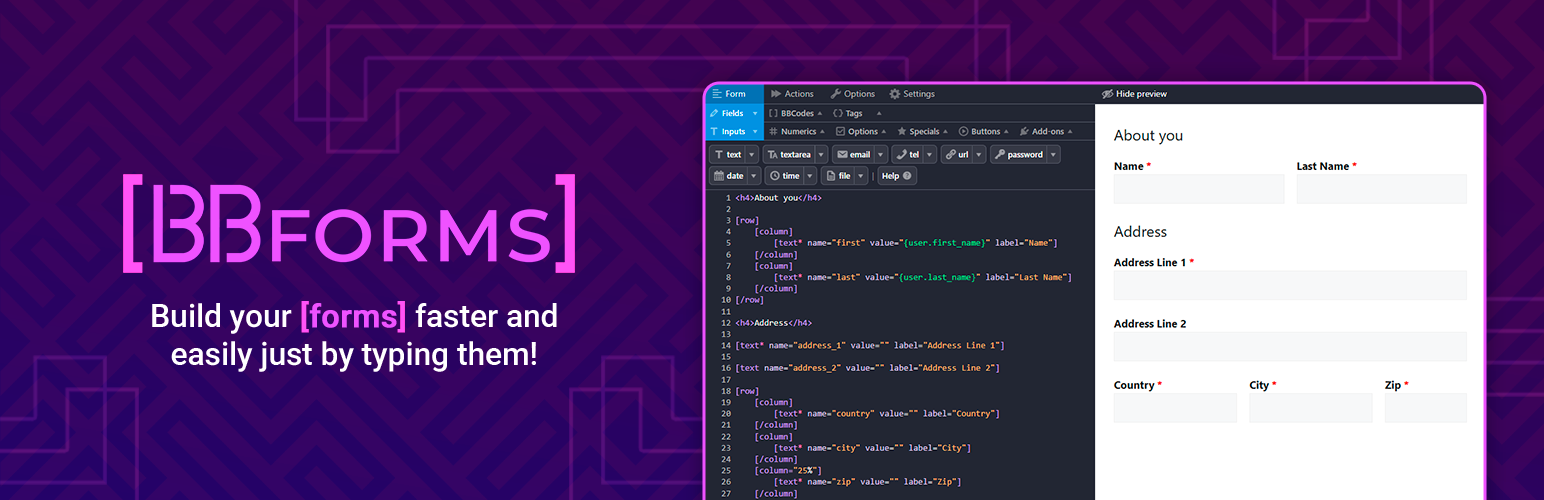
BBForms 是一款靈活的表單外掛,旨在幫助使用者快速建立多用途的表單。透過簡單的 BBCodes 語法,使用者可以輕鬆配置表單的行為與選項,無需編碼經驗即可使用。
【主要功能】
• 快速建立表單編輯器
• 支援 20 種表單欄位
• 6 種表單行為動作
• 進階提交管理功能
• 防止垃圾郵件與機器人攻擊
• 多種表單模板與即時預覽
外掛標籤
開發者團隊
② 後台搜尋「BBForms – Flexible Contact Forms, Survey, Quiz, Poll & Custom Forms Editor」→ 直接安裝(推薦)
原文外掛簡介
BBForms is a code form plugin designed to help you build multipurpose forms in seconds!
Build your forms in a few lines, configure their actions & change their options using the BBCodes syntax (the same as WordPress Shortcodes syntax).
How does it works?
Code the form fields:
[email* name="your_email" label="Email" desc="Enter your email."]
[submit value="Send"]
Code the form actions:
[record]
[email to="{field.your_email}" subject="Submission received!"]
Here is the data entered: {fields_table}
[/email]
[redirect to="https://wp.org/"]Redirecting...[/redirect]
Change the form options:
require_login=yes
require_login_message=You must be logged in.
unique_field=your_email
unique_field_message=A submission with {field.your_email} already exists.
submissions_limit=10
submissions_limit_message=Sorry, only the first 10 submissions can join the giveaway 🙂
Place the shortcode to show your form anywhere:
[bbforms id="123"]
Features
Forms:
Form editor designed to build faster.
20 fields.
20 BBCodes (columns, table, bold, etc).
Responsive multi-column form layout.
File uploads.
Quiz field to act as custom captcha.
Form templates (live demo).
Export/Import forms by copying & pasting code or TXT file.
Live form preview.
Categories & tags to organize your forms.
Actions:
6 actions (record, email, redirect, etc).
Unlimited form actions (send as many email notifications as you wish!).
GDPR actions to automate export & deletion requests.
Tags to place dynamic content anywhere.
Form options:
14 form options (clear & hide form on success, show required fields notice, etc).
Restrict form access to logged in users only.
Limit by a unique field value.
Apply a submissions limit.
Anti-bot & anti-spam protection.
Submissions:
Advanced submissions view.
Store, view, filter, edit & delete your submissions.
Export submissions to CSV.
Submissions auto-cleanup.
Extra:
Role management settings.
Override form & field messages globally.
Light & dark mode editor.
Mobile ready & designed for accessibility.
Optimized for speed (CSS: 4kb & JS:9kb).
The perfect form solution for everyone
BBForms is designed to be accessible to everyone helping you to create your forms easily, whether you build them for yourself or for a client:
Site owners
Build your own forms without coding experience! BBForms is shipped with several form templates as sample forms and our form editor includes controls to help you code your form.
Each control includes a list of examples of common configurations like an email field auto-filled with the logged in user email or a URL field that only accepts https URLs.
Developers
Building forms for your customers has never been so easy! You can store your own form templates and import them in your customer website in no time.
All documentation can be found inside the form editor, so you can access them without abandon the form editor screen.
Sites network owners
Do you manage a large amount of sites? BBForms makes super easy to bring support! Your customers can send you an entire form configuration by copy & pasting their code or as a TXT file.
Also, you are able to provide them the code required for any configuration or provide TXT files in your site to let them import a form designed by yourself.
Powerful add-ons to extend BBForms
Address Autocomplete
Calculations
Conditional Display
Conditional Logic
Email Balancer
Geolocation
Multi-Step Forms
Post Submissions
Rating Field
Repeatable Fields
Save Progress
Signature Field
Users Management
Spam protection add-ons:
Google reCAPTCHA v2 & v3
hCaptcha
Cloudflare Turnstile
Integrations
WooCommerce
Tags:
{woocommerce.is_customer} – Shows “yes” or “no” based if user or an email address is a registered customer.
{woocommerce.order_history_table} – Shows an HTML table with the customer order history. Useful for email resumes.
{woocommerce.admin_order_history_table} – Shows an HTML table with the customer order history with direct links to the admin area. Useful to have direct links to the customer information & orders.
Easy Digital Downloads
Tags:
{edd.is_customer} – Shows “yes” or “no” based if user or an email address is a registered customer.
{edd.order_history_table} – Shows an HTML table with the customer order history. Useful for email resumes.
{edd.admin_order_history_table} – Shows an HTML table with the customer order history with direct links to the admin area. Useful to have direct links to the customer information & orders.
GamiPress
In GamiPress plugin you will find new events to let you configure rewards based on BBForms interactions.
Events:
Submit a form.
Submit a form of a category.
Submit a form of a tag.
Submit a field value.
AutomatorWP
In AutomatorWP plugin you will find new triggers and tags to let you configure automations based on BBForms interactions.
Triggers:
Submit a form.
Submit a form of a category.
Submit a form of a tag.
Submit a field value.
Tags:
Tags to use any field submitted value on AutomatorWP actions.
More plugins from the BBForms team
If you like BBForms, you will love our other plugins!
GamiPress – Flexible gamification plugin to reward your users with points, achievements, badges & ranks based on their activity in your WordPress.
AutomatorWP – Powerful no-code automator plugin that lets you connect +200 plugins together or with apps, platforms with webhooks plus other WordPress sites.
ShortLinks Pro – Complete link management plugin that not only powers WordPress websites with shortened URLs, also empowers site owners to create clean, branded and unique affiliate links easily.