內容簡介
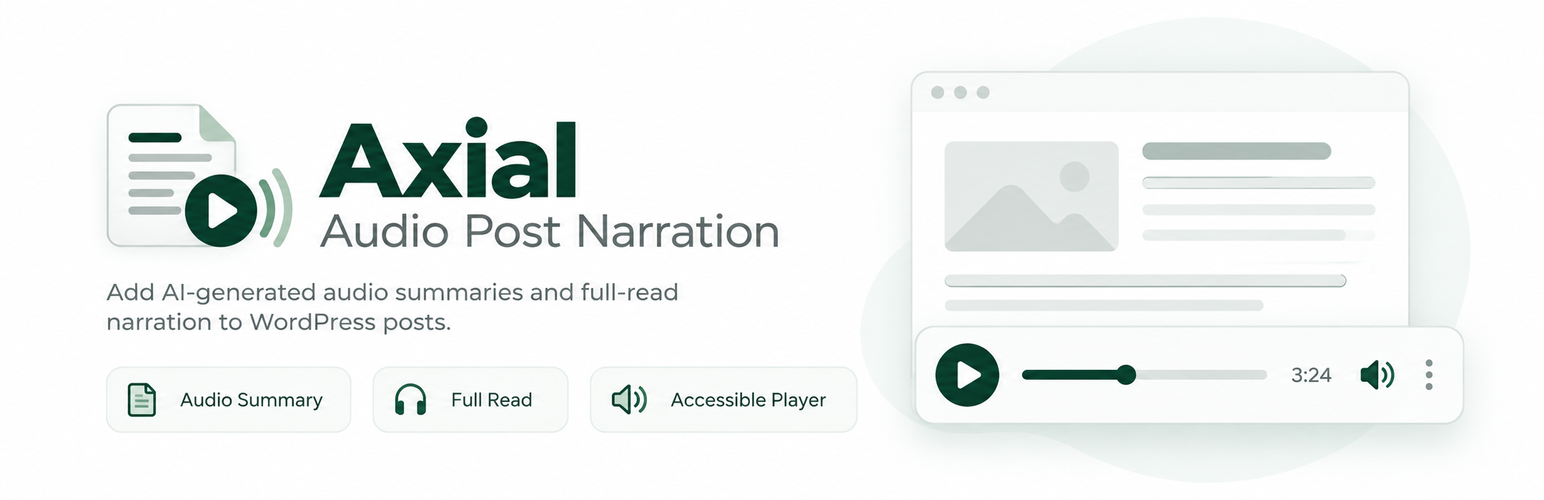
AXIAL Audio Post Narration 外掛將 WordPress 與 AXIAL Nebula Audio 服務連接,讓編輯能為已發佈內容生成音頻。支援音頻摘要和完整朗讀模式,並可將生成的音頻下載至媒體庫,方便展示。
【主要功能】
• 支援多個 Nebula Audio API 配置
• 可選擇不同的 API 生成音頻
• 自動生成音頻的預設 API 設定
• 估算生成音頻所需的服務點數
• 支援多篇文章的音頻生成
• 可配置的音頻播放器外觀
外掛標籤
開發者團隊
原文外掛簡介
AXIAL Audio Post Narration connects WordPress to the AXIAL Nebula Audio service and lets editors generate audio for already-published content.
The plugin supports two audio modes, selected in the Nebula API configuration:
Audio summary: Nebula prepares a shorter spoken version of the post.
Full reading: Nebula prepares the complete article for natural narration without intentionally summarizing it.
Enable optional dual-player mode to generate and display both audio modes on one post, each using its own configured API. Choose each player placement independently (before/after content, floating bottom bar, or shortcode), with 1x / 1.2x / 1.5x playback speeds (1.2x default). The original single-player interface remains available when dual mode is disabled.
The generated audio can be downloaded into the WordPress Media Library and displayed with an accessible audio player.
Features include:
Optional dual playback: separate summary and full-article MP3s for the same post.
Independent API and placement settings for each player.
Shortcodes [nebula_audio_resumen] and [nebula_audio_completo] for manual placement.
Configure multiple Nebula Audio APIs, each with its own identifiable name.
Select which API to use from each post editor; different APIs can use different voices or audio rules.
Choose one default API for automatic generation, bulk actions, and batch generation.
Estimate the credits required for a post with its selected Audio API before generating audio.
Generate audio from existing published posts.
Optional automatic generation when a post is published.
Generate audio for multiple existing posts.
Local validation to avoid sending posts that contain no useful editorial text.
Optional local MP3 copy in the Media Library.
Accessible floating player with play/pause, duration, and 1x / 1.2x / 1.5x playback speeds on standard pages; default speed is 1.2x, with visitor preference preserved.
AMP-compatible playback using native amp-audio actions (Play/Pause) without custom JavaScript.
Configurable player accent, background, and text colors.
Placement before content, after content, as a floating player, or through the [nebula_audio] shortcode.
Background status polling for asynchronous Nebula jobs.
Manual “Check status now” action from the post editor.
An AXIAL Nebula account, a Nebula Audio API key, and available service credits are required for audio generation. The WordPress plugin itself does not contain a paid-code unlock or local feature trial; charges apply to the external Nebula service.
Create an AXIAL account:
https://axial.ar/es/register/
AXIAL website:
External service
This plugin depends on the external AXIAL Nebula Audio service to generate audio.
Service endpoint used by the plugin:
https://axial.ar/apis/v1/audio-management
When an authorized editor requests audio generation, the plugin sends the following data to AXIAL Nebula:
The configured AXIAL/Nebula account email.
The configured Nebula API key in the Authorization header.
The WordPress post title.
The WordPress post content.
The post excerpt when the configured API uses Audio summary mode.
A request identifier used to avoid duplicate generation requests.
The site URL as part of the HTTP User-Agent string.
This data is sent only when the plugin needs to query API capabilities, estimate/generate audio, or retrieve the result of a previously requested job. If local audio storage is enabled, the plugin also downloads the generated audio URL returned by Nebula into the WordPress Media Library.
The external service may consume paid credits according to the user’s AXIAL/Nebula account and API configuration.
Service provider:
Privacy policy:
Privacy
The plugin itself does not add advertising or tracking scripts. It communicates with AXIAL Nebula only as required to authenticate, generate audio, check asynchronous job status, and retrieve generated audio. See the External service section for the exact data transmitted.
The plugin also adds suggested disclosure text to WordPress Settings > Privacy so site owners can include the integration in their own privacy policy when appropriate.







![WP-CopyProtect [Protect your blog posts]](https://s.w.org/plugins/geopattern-icon/wp-copyprotect_cccccc.svg)