外掛標籤
開發者團隊
原文外掛簡介
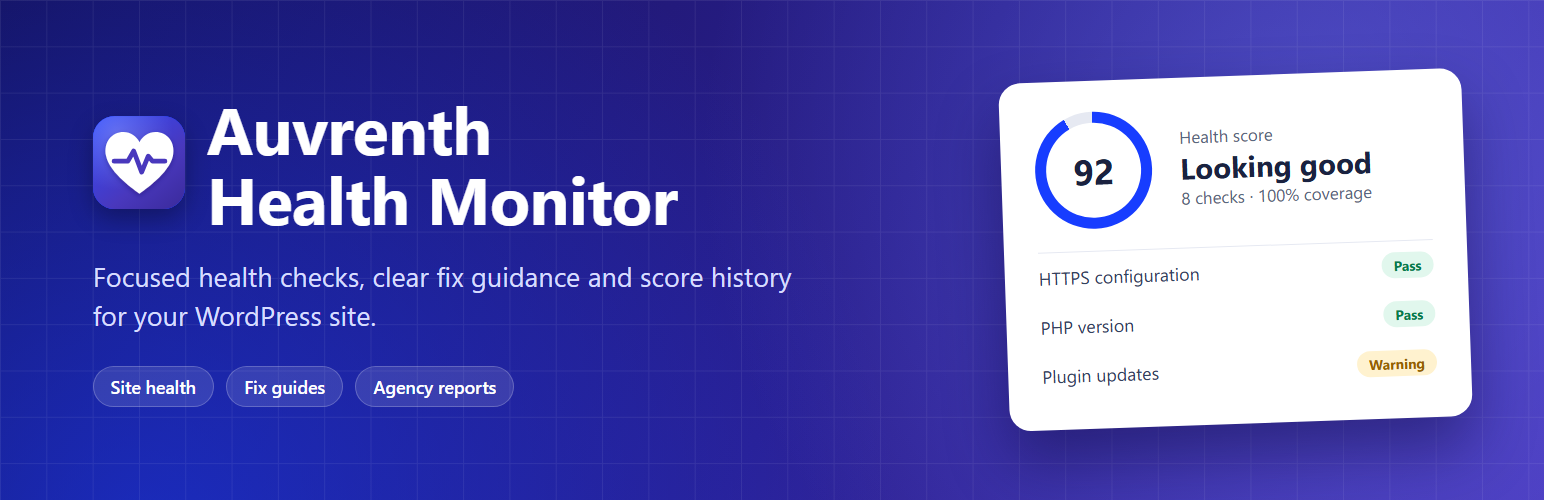
Auvrenth Health Monitor turns WordPress maintenance into a short, clear to-do list.
Run a scan and get a health score, the issues that need attention, why each one matters and a safe next step, with a link to the official WordPress documentation. No account and no external dashboard. Scan data stays in your own WordPress database.
The plugin only reads site state. It never updates software, changes settings or “fixes” things behind your back, so you stay in control of every change.
Why site owners and agencies use it
One clear score. A weighted 0-100 health score, shown together with check coverage so you always know how much of the site could be assessed.
Fix guides, not just warnings. Every finding explains what was found, why it matters, the evidence behind it and a safe next step.
History you can show. Track scores over time, export CSV and print client-ready reports.
Agency ready. Manage the health of many client sites from one dashboard, without a third-party monitoring service.
16 focused health checks
Each check is read-only, time-bounded and weighted by how much it matters:
HTTPS configuration – confirms both WordPress URLs use HTTPS.
WordPress core updates – reports available core releases.
Plugin updates – counts plugins with available updates.
Theme updates – counts themes with available updates.
PHP version – compares your PHP version with WordPress’s recommendation, using WordPress Site Health data.
Public error display – detects PHP errors that could be shown to visitors.
REST API loopback – checks that the site can reach its own REST API, which many features rely on.
Scheduled tasks – confirms the plugin’s scheduled scan is registered and not overdue.
Overdue scheduled events – flags a backlog of WP-Cron events that should already have run.
Dashboard file editing – warns when administrators can edit plugin and theme files from the dashboard.
Default administrator username – detects an administrator account named “admin”.
Automatic security releases – confirms automatic WordPress security updates are not disabled.
Autoloaded options size – warns when autoloaded options exceed the 800 KB WordPress recommends.
Inactive plugins – counts installed plugins that are not in use.
PHP resource limits – checks PHP memory and execution-time limits.
Persistent object cache – recommends a persistent object cache on larger sites.
A check that cannot run is marked as skipped. It lowers coverage instead of unfairly lowering the score. A score summarizes the completed checks; it is not a security certification.
Overview dashboard
Health score, check coverage, open issue count and last scan time at a glance.
Per-check results with Pass, Warning, Fail or Skipped status and the evidence behind each result.
Run a scan on demand with one click.
Issues & Fix Guides
Only findings supported by the most recent completed scan are shown.
For each issue: what was found, why it matters, a safe next step, the evidence and a link to the official documentation.
Issues are tracked over time, so a resolved issue closes automatically and a returning issue is flagged again.
History & Performance
Score trend chart from oldest to newest scan.
Table of recent scans with score, coverage, scan time and PHP peak memory.
Scans run manually or daily through WP-Cron, with automatic retries if a scheduled scan fails.
Keep history for 7 to 90 days. Older data is pruned automatically.
Reports
Download score and coverage history as CSV for any date range.
Open a printable report with the latest score, items to review, next steps and the recent trend, then print it or save it as PDF from your browser.
Reports are available for this site and for every paired client site.
Email alerts
Optional email alerts for new or returning failed checks.
Alerts use a cooldown so the same problem does not flood your inbox.
Emails are sent through your site’s own WordPress mail setup.
Agency Manager (optional, off by default)
Turn one WordPress site into a central dashboard for your client sites:
Secure pairing: connect a client site with a one-time code that expires after 10 minutes.
Signed reports: client sites running the separate Health Monitor Connector plugin send small, signed health summaries over HTTPS. Replayed, unsigned or malformed reports are rejected.
Client overview: see each site’s latest score, coverage, last report time and reported issues.
Search, filter and group: find sites by name, URL or group, and filter by low score (below 70), stale (no report for 48 hours), awaiting first report, active or revoked.
Internal notes: record follow-up notes per site. Notes stay on the Manager and are never sent to the client.
Key rotation and revocation: rotate a site’s connection key or revoke it at any time.
Agency alerts: optional emails when a client’s score drops below 70, recovers, reports a failing check or stops reporting for 48 hours.
The Manager validates each client report and stores its score and issue statuses. It does not log in to or scan client sites directly.
Built-in support
Select the Ask a question button on any Health Monitor screen to send a question to the team without leaving WordPress.
Choose a topic, write your question and optionally include basic site details so the team can help faster.
The reply arrives in your email inbox.
Built for developers
REST API under wphm/v1 for the dashboard, checks, issues, history and agency sites, restricted to administrators.
Filters to add scan schedules (wphm_scan_schedules), extend history retention (wphm_max_retention_days) and white-label printed reports (wphm_report_brand).
Multisite aware activation and deactivation.
Fully translatable.
Pro add-on
Auvrenth Health Monitor is fully usable on its own. A separately distributed Pro add-on adds more frequent scans, extended history, weekly summaries and external uptime checks.
Privacy and data
Local scans store check outcomes, small evidence values, scores, coverage, timestamps and scan metrics in the site’s WordPress database. The PHP version check uses WordPress’s Site Health information, which may contact WordPress.org’s Serve Happy API. The REST API check requests the site’s own REST endpoint.
When an administrator enables Agency Manager and pairs a client, that client sends its site name and URL during pairing. Later Connector reports send a score, coverage, approved check IDs and statuses, and the Connector version to the administrator-selected Manager site. The Manager stores the client name and URL, report history, issue statuses, connection credentials and any internal notes entered by its administrators. Reports do not include passwords, posts, user lists or customer records. The plugin does not use a developer-operated monitoring service.
Support questions
The Ask a question form sends data only when an administrator submits it. It sends the name, reply email address, topic and question to https://wp-taxonomy-manager.com/wp-json/wtmp-support/v1/message, which emails them to the support team. If Include site details stays checked, it also sends the site address, plugin version, plan (free or Pro), WordPress and PHP versions and site language. Privacy policy.
Email alerts and data removal
Email alerts are optional and are sent through the site’s WordPress mail setup. History retention is configurable, and deleting the plugin through WordPress removes its stored data. Revoking a client in Agency Sites stops future reports. Disconnecting only on the client does not remove the Manager’s existing records.