
內容簡介
### 總結:
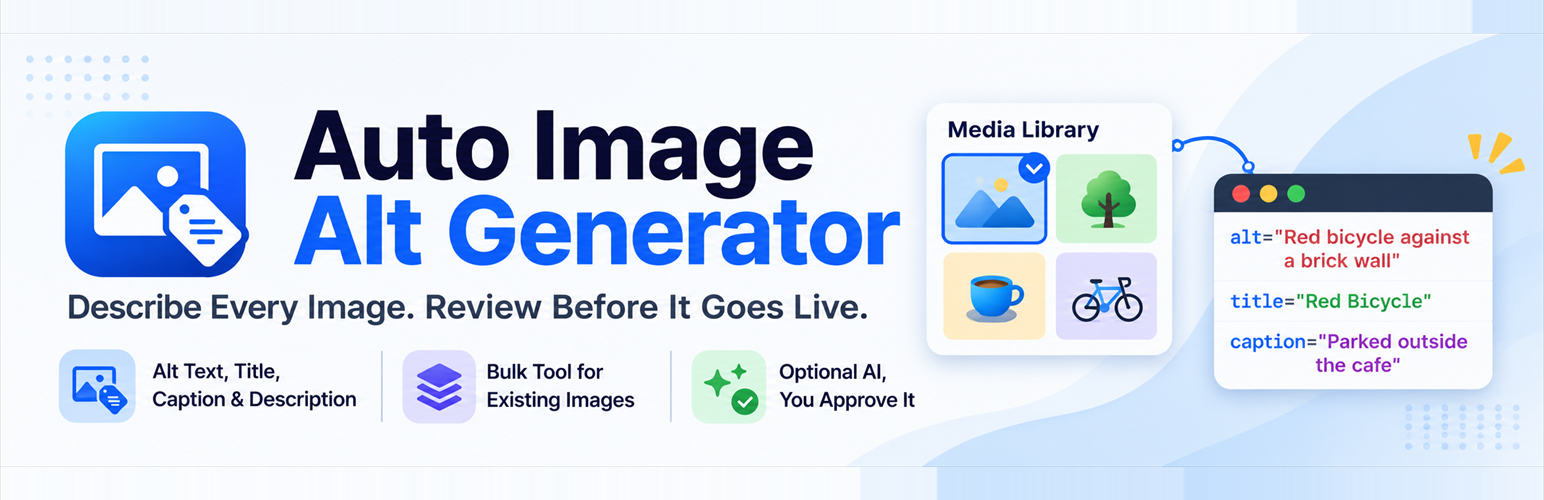
Auto Image Alt Generator能夠在您上傳圖片時自動生成圖片的alt文字,幫助您保持網站的可訪問性和SEO友好性。
### 問題與答案:
1. 這個外掛主要的功能是什麼?
- 答:Auto Image Alt Generator主要功能是在您上傳圖片時自動生成alt文字。
2. 如果忘記手動添加alt文字,會發生什麼事情?
- 答:如果忘記手動添加alt文字,這個外掛會使用圖片文件名的可讀版本來填充。
3. 這個外掛有哪些特點?
- 答:這個外掛具有以下特點:
* 上傳圖片時自動生成alt文字
* 使用可讀的文件名來生成乾淨易讀的文字
* 在不需額外努力的情況下改善可訪問性和SEO
* 輕量級,可以避免設置或資料庫膨脹
* 兼容經典編輯器和Gutenberg
4. 這個外掛是否會覆蓋現有的alt文字?
- 答:不會,這個外掛不會覆蓋現有的alt文字,確保您手動撰寫的內容保持原樣。
5. 這個外掛的授權是什麼?
- 答:這個外掛是自由軟體,您可以根據由 Free Software Foundation 發布的 GNU 通用公共授權條款進行再分發或修改,選擇使用授權條款第2版或任何以後版本。
6. 這個外掛是由誰開發的?
- 答:這個外掛是由 Ponsiva Pandian 開發。
感謝您提供的資訊,以上是對Auto Image Alt Generator外掛的問題與答案。如果需要進一步了解或有其他疑問,請隨時告訴我。
外掛標籤
開發者團隊
原文外掛簡介
Auto Image Alt Generator fills in image metadata in two independent ways. Only empty fields are filled, so text you wrote yourself is never changed.
1. Filename mode (default, local, free)
Uses a cleaned-up version of the filename. No account, no AI, nothing leaves your server. Works on every WordPress version the plugin supports.
blue-tshirt.jpg → “Blue Tshirt”
product-photo-1024x768.jpg → “Product Photo”
summer-dress-01.jpg → “Summer Dress”
Filenames that say nothing useful, such as IMG_1234.jpg, are skipped.
2. AI mode (optional, WordPress 7.0 or newer, off until you set it up)
Asks an AI model to look at the image and suggest alt text, title, caption and description in a language you choose. The plugin does not contact any AI service itself and stores no API keys: it uses the WordPress AI Client, so you connect a provider once under Settings → Connectors and WordPress handles credentials and requests. Suggestions wait in Media → AI Review, where you can edit, approve, reject or regenerate each field. AI text can be wrong; always check it. Read “External services” before enabling.
Filename text is a starting point, and AI text is a suggestion. Neither is a guarantee of accuracy or of accessibility compliance, and neither is promised to improve search ranking.
Features
* Alt text, title, caption and description, each switched on or off separately
* Optional AI image analysis through the WordPress AI Client (WordPress 7.0+); filename mode keeps working without it
* Review queue for AI suggestions with edit, approve, reject and per-field regenerate (Media → AI Review)
* Templates per field, for example Image: {filename} or {product_name} - {filename}
* Context from the parent post title and, if WooCommerce is active, the product name
* Bulk tool for existing images with preview, progress, summary and resume (Media → Bulk Alt Text), for both modes
* Alt Text Audit report (Media → Alt Text Audit)
* Decorative image patterns and a “keep empty alt text” option
* Skip rules by filename pattern, and image type selection
* Settings export and import (JSON)
* WP-CLI commands and developer hooks
External services
Filename mode contacts no one. AI mode is off by default and does nothing until an administrator ticks the confirmation box and enables it. It also needs WordPress 7.0+ and an AI provider connected under Settings → Connectors.
This plugin makes no network requests of its own. When AI runs, it asks the WordPress AI Client (wp_ai_client_prompt()), and WordPress sends the request to the provider you connected (for example Google, Anthropic or OpenAI). That provider’s terms, prices, rate limits and data-use rules apply; read them. The service, endpoint and credentials are chosen and stored by WordPress, not by this plugin.
What the plugin hands to WordPress for each AI request:
* The image: the 1024px “large” version if WordPress made one, otherwise the original file, only if it is 8000×8000 pixels or smaller and within the file size limit you set (default 5 MB, at most 7 MB). It is sent as file data from your server, never as a URL.
* The instructions the plugin writes, plus the options you tick under “Context sent with the image”: file name, title of the published page or post the image is attached to, WooCommerce product name, and the first 300 characters of that page’s excerpt or text. Draft, private and password-protected pages are never used. Your optional style notes are also sent.
When it runs: only when you start an AI bulk job, press “AI suggest” on an image, regenerate a field, run wp aag generate --method=ai, or (if you enabled it) when a new image is uploaded. Saving settings and the status check send nothing.
Free tiers and costs. Providers may charge per request or give a limited free allowance that they can change at any time. Some free tiers (for example Google Gemini’s, per Google’s terms checked 2026-10-21) allow the provider to use submitted content, including images, to improve its products and let people review it. Do not send private, client or personal images through a free tier. The plugin shows request counts but no cost estimates and cannot read your quota.
Credentials. The plugin stores no API keys. Version 3.0 deletes any key saved by version 2.x from the database when an administrator next opens the admin; revoke those old keys at their provider if you no longer use them.
Images and languages
Images: JPEG, PNG, GIF (first frame) and WebP, checked by reading the file itself, not its extension. Output languages: English, Tamil, Hindi, Spanish, French, German, Portuguese, Italian, Japanese, Chinese, Arabic, or your site language. Quality may differ between languages and models; existing text is never translated.
Quality checks on AI text
Each field must be plain text (no HTML or links), not too long, not generic (“image”), not just the filename, not a keyword list, different from the other fields, and in the right script for Tamil, Hindi, Japanese, Chinese and Arabic. A field that fails is dropped with a reason shown in AI Review. These checks catch common problems; they cannot tell whether a description is true.
Reliability
Network errors, timeouts and rate or quota errors are handled by pausing, not hammering: a bulk job stops, says how long to wait, and finished images are not sent again. Upload jobs run in WP-Cron (never blocking the upload), try up to 3 times, then fall back to the filename if that is enabled. Upload jobs need WP-Cron to run.
Template variables
{filename} the cleaned filename
{attachment_id} the attachment ID
{post_title} title of the public post or page the image is attached to
{site_name} the site name
{product_name} WooCommerce product name, only when the image belongs to exactly one product
A variable with no value is left out. If {filename} is used but the filename is uninformative, or every variable is empty, that field is not filled. Templates are plain text and never run as code.
Decorative images
List filename patterns under Decorative images and their alt text is never generated. An empty alt text saved on purpose can be kept with the “keep empty” option. The AI is also told it may return empty alt text for a purely decorative image; that is treated as “no suggestion”.
WP-CLI
wp aag status
wp aag missing --limit=50
wp aag generate --dry-run (filename mode, writes nothing)
wp aag generate --fields=alt,caption --limit=200
wp aag generate --method=ai --limit=20 sends images to your connected AI provider; suggestions go to AI Review. Add --apply to save them into empty fields. --dry-run with --method=ai makes no request.
Exit code is 1 if an image failed or arguments were invalid.
Developer hooks
aag_skip_attachment (bool $skip, int $id, string $filename)
aag_generate_field (bool $generate, string $field, int $id)
aag_generated_text (string $text, string $field, int $id, string $filename): also applied to AI text
aag_template_variable (string $value, string $name, int $id)
aag_ai_providers (array $providers): replace the AI provider class (it must implement AAG_Provider)
aag_metadata_updated action (int $id, array $updates)
Settings are under Settings → Auto Image Alt.
Known limitations
AI mode needs WordPress 7.0 or newer and a provider connected in WordPress. It has been tested here against a stand-in provider and WordPress’s real client without any provider, not against a live AI service.
AI accuracy, and quality in each language, cannot be guaranteed.
The plugin cannot read your provider quota or choose the model.
Bulk jobs run while the page is open; background processing exists only for new uploads.
Individual images cannot be picked for bulk jobs; use scope, skip patterns, or “AI suggest” per image.
License
This plugin is free software; you can redistribute it and/or modify it under the terms of the GNU General Public License as published by the Free Software Foundation; either version 2 of the License, or (at your option) any later version.
Credits
Developed by Ponsiva Pandian
Website: http://iamponsiva.rf.gd














