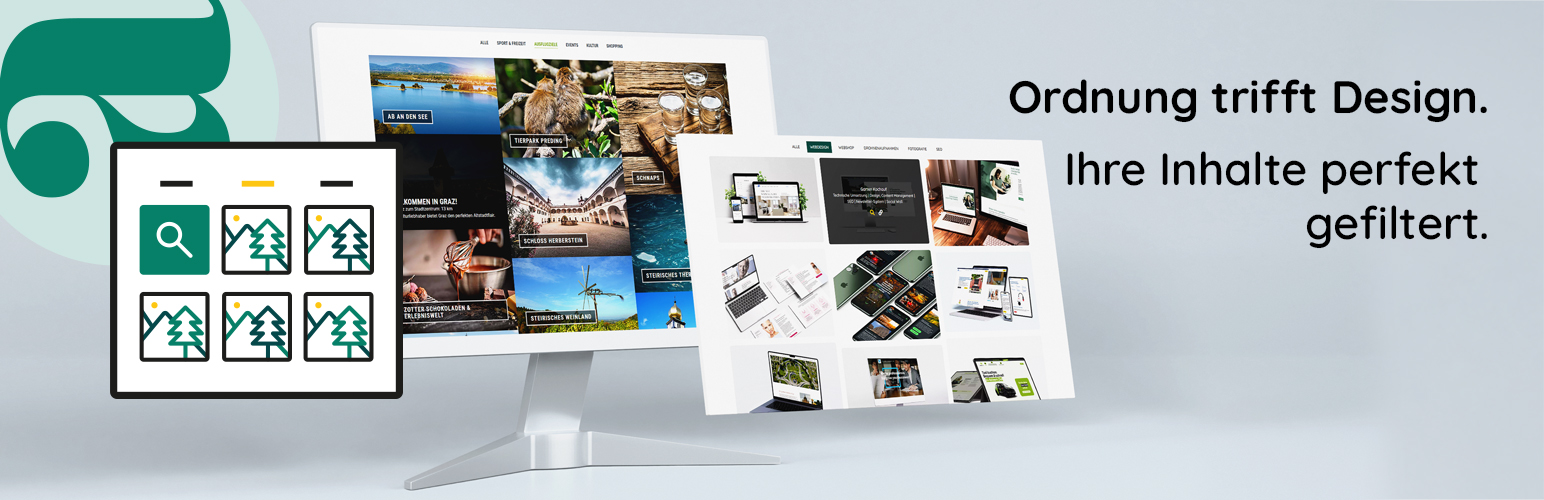
內容簡介
aronda Filter Gallery 是一款專為 Elementor 設計的外掛,提供強大的篩選和畫廊功能,幫助使用者以結構化的方式展示內容,並讓訪客能快速透過分類或搜尋詞找到所需資訊,提升使用體驗。
【主要功能】
• 直觀的篩選功能
• 支援「載入更多」按鈕
• 完全整合於 Elementor
• 個性化佈局與設計調整
• 響應式設計
外掛標籤
開發者團隊
② 後台搜尋「aronda Filter Gallery – Filter, Structure & Gallery for Elementor」→ 直接安裝(推薦)
原文外掛簡介
aronda Filter Gallery – Filter, Structure & Gallery for Elementor
The aronda Filter Gallery extends Elementor with a powerful filter and gallery function. Present your content in a structured way and allow visitors to quickly find content via categories or search terms – ideal for portfolios, references, products, events, image galleries or blog posts.
Filtering works without page reload, so content is displayed instantly and usability is significantly improved.
Intuitive filter function
Enable targeted navigation through your content – without reloading the page.
Search engine friendly & accessible
Thanks to semantic markup and accessible code, your website remains easy to read not only for users but also for Google.
Optimized for performance
Fast loading times and a resource-saving “Load More” mechanism ensure a smooth user experience – even with many items.
Individually customizable
Adjust layout, colors, spacing and effects to match your design – directly in the Elementor editor, without programming knowledge.
The Filter Gallery integrates seamlessly into your existing web design and makes it easy for visitors to discover content in a structured way.
Key Features
Filter by categories
Content can be structured and displayed using filter buttons. Visitors can sort content by categories or individual filter terms.
Load More function
Large amounts of content can be loaded step by step using a “Load More” button. This improves performance and loading times.
Elementor integration
The Filter Gallery is fully integrated into Elementor and can be used like any other widget – without programming.
Individual layout and design customization
Colors, spacing, columns, hover effects, navigation, icons and layout can be adjusted directly in the Elementor editor.
Responsive design
The Filter Gallery works on desktop, tablet and smartphone and can be customized individually.
Use Cases
The Filter Gallery is particularly suitable for:
Portfolios
References
Product overviews
Image galleries
Blog posts
Projects
Real estate
Events
Case studies
Works perfectly with the Elementor Website Builder
The plugin was specifically developed for Elementor and integrates fully into the editor.
All settings can be configured directly in the Elementor panel – layout, filters, gallery, navigation, colors and spacing.
Free Version Features
The free version already includes:
Filter function
Grid layout
Elementor widget
Responsive settings
Basic design customization
Performance optimized display