
內容簡介
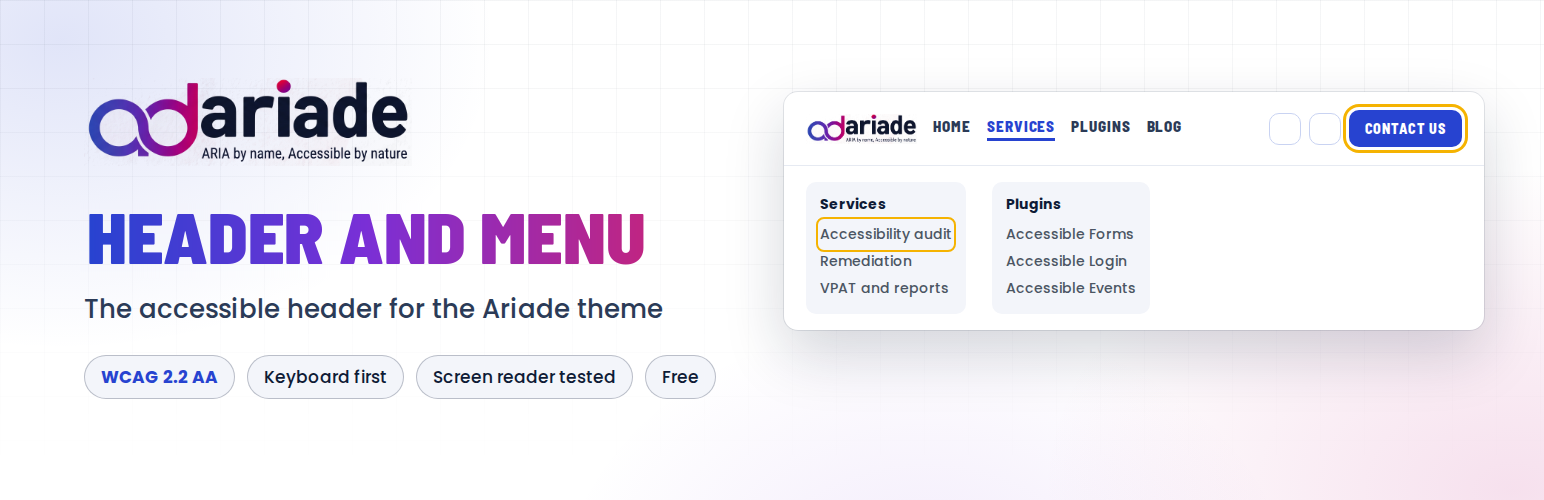
Ariade Header and Menu 外掛為免費的 Ariade 區塊佈景主題提供標頭功能,讓使用者輕鬆設置網站標頭,無需撰寫程式碼或 CSS,並確保符合無障礙標準。
【主要功能】
• 自訂品牌樣式與顏色設定
• 支援無障礙的下拉選單
• 自動生成網站地圖區塊
• 行動裝置專用的選單抽屜
• 有效的 HTML 格式保持
• 完全符合 WCAG 2.2 Level AA 標準
外掛標籤
開發者團隊
原文外掛簡介
Ariade Header and Menu gives the free Ariade block theme its header. WordPress.org theme rules keep this kind of functionality out of themes, so it lives here, in a small plugin you install once and forget. Activate it and the Ariade header is in place – there is nothing to switch on.
What you get
One header, set up from its own settings. Select the Ariade Site Header block in the Site Editor and everything is in its settings panel: brand style, colours, the menu it shows, the header buttons and letter case. No code and no CSS needed.
Brand style. Logo only, logo with site name and tagline, or name and tagline only.
Header colours with a contrast check. Background, menu links, hover, current page, button, drop-down panel and the mobile menu. Each pair is checked against WCAG as you choose, and hover and the current page are also underlined, so they never rely on colour alone.
A logo that works on a dark header. Show the logo in white, or choose a separate logo for dark backgrounds.
You can see where the menu comes from. The settings panel names the menu shown in the header and links straight to it.
A drop-down menu that works for everyone. Arrow keys move between items, Escape closes a sub-menu, focus is always visible, and screen readers hear each item once, with no stray numbers or icons.
A mobile drawer with the same buttons. The menu drawer on small screens shows the same header button as the desktop header, with the text and link you set once.
An auto-built sitemap block. Drop it on a page and it lists every page, post and category on the site, grouped and paginated, kept up to date on its own.
Valid HTML, kept that way. Under Settings, Ariade Header and Menu: one title tag per page when an SEO plugin prints its own, no invalid “auto” in image sizes, stray style code moved out of the body, and anything injected between the head and the body removed. All four are on by default and can be switched off.
Text exactly as you wrote it. Made to match Ariade’s house style: plain hyphens, no automatic dashes.
Built accessibility-first
Every part of this plugin was tested by hand with JAWS, NVDA, VoiceOver and TalkBack, on the keyboard alone, and at 200 and 400 percent zoom. It meets WCAG 2.2 Level AA.
For developers
The filter ariade_brand_markup still replaces the brand lockup completely (it now also receives the chosen brand style). ariadec_use_ariade_header set to false keeps the theme’s core Navigation header.
Live demo: showcase.ananyoo.com













