內容簡介
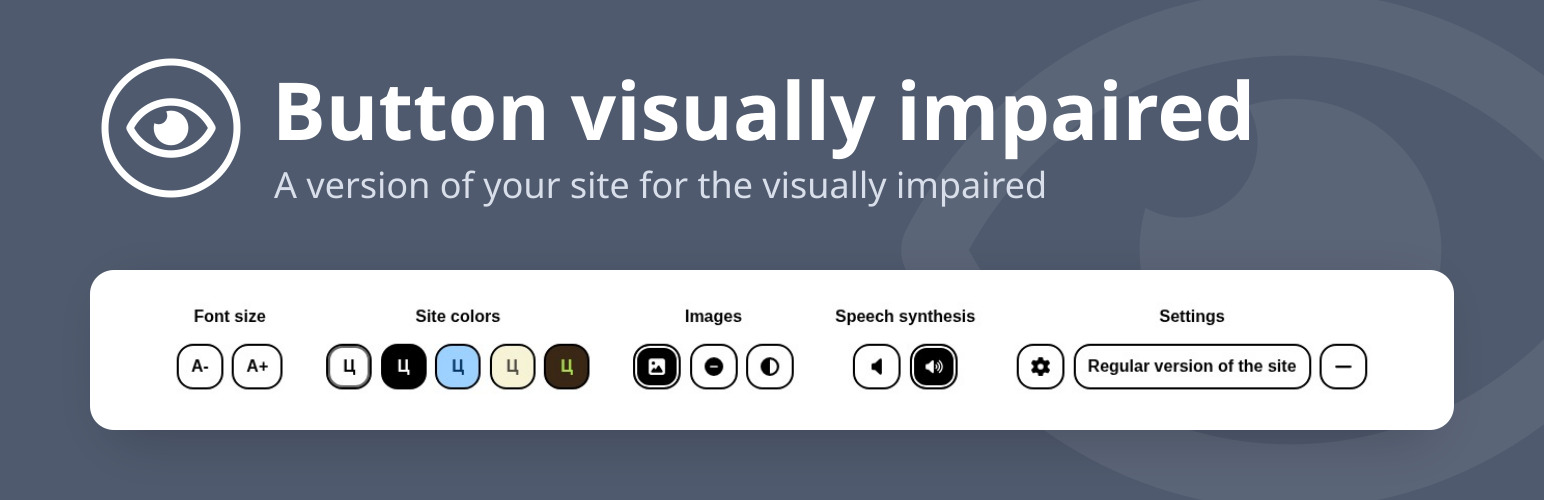
Button visually impaired 外掛自動將您的網站轉換為視障人士友好的版本。訪客可以調整顏色方案、字型大小及樣式,並透過語音合成器朗讀內容,讓網站更符合殘障人士的需求。
【主要功能】
• 調整字型大小(最多 200%)
• 更改網站顏色方案
• 調整字母間距和行距
• 支援語音合成器朗讀內容
• 提供 11 種語言介面和語音
• 鍵盤控制功能
外掛標籤
開發者團隊
原文外掛簡介
Button visually impaired automatically changes your site into a version for the visually impaired. The panel on the site lets visitors change the color scheme, the font size and family, spacing and images, and a speech synthesizer reads aloud the changes and the text you mark for it. Thanks to it, your site meets the needs of people with disabilities.
Features
Change the font size (up to 200%);
Change the color scheme of the site;
Change the font of the site (serif or sans serif);
Change the image (gray scale, hide the image with an alt caption);
Change letter spacing (kerning);
Change line spacing;
Speech synthesizer reads aloud changes to display settings;
Disable embedded elements (videos, maps, etc.);
Play text to voice;
Interface and speech in 11 languages;
The panel follows the selected color scheme and collapses into a menu on phones and tablets;
Keyboard control (Tab, arrow keys, Home, End, Space, Enter, Esc);
Support for browsers Chrome, Firefox, Safari, Microsoft Edge, Opera.
Ways to add the button
The Gutenberg block “Button for the visually impaired”: icon, text, colors (also on hover, gradient), font, spacing, borders, shadow, size;
The Gutenberg block “Speech text”: a container whose content a visitor can listen to;
The shortcode [bvi] with the attributes text, icon, color and background;
The “Button visually impaired” widget: title, text, colors, showing the icon and the text;
Any element with the bvi-open class.
Detailed instructions and a FAQ are on the “BVI → Instructions” page in the admin.
HTML classes
bvi-speech adds text-to-speech buttons to the block;
bvi-hide hides the element in the version for the visually impaired;
bvi-show shows the element only in the version for the visually impaired;
bvi-no-styles disables the plugin styles inside the block.
Demo version