
內容簡介
Appalify Subscriptions for WooCommerce 是一款專為 WooCommerce 設計的外掛,能夠輕鬆創建和管理自動定期付款,讓商家能夠有效地管理訂閱服務,提升顧客的購物體驗。
【主要功能】
• 用戶與管理員管理
• 自動定期付款
• 註冊費用設定
• 失敗付款重試
• 分開的運送週期
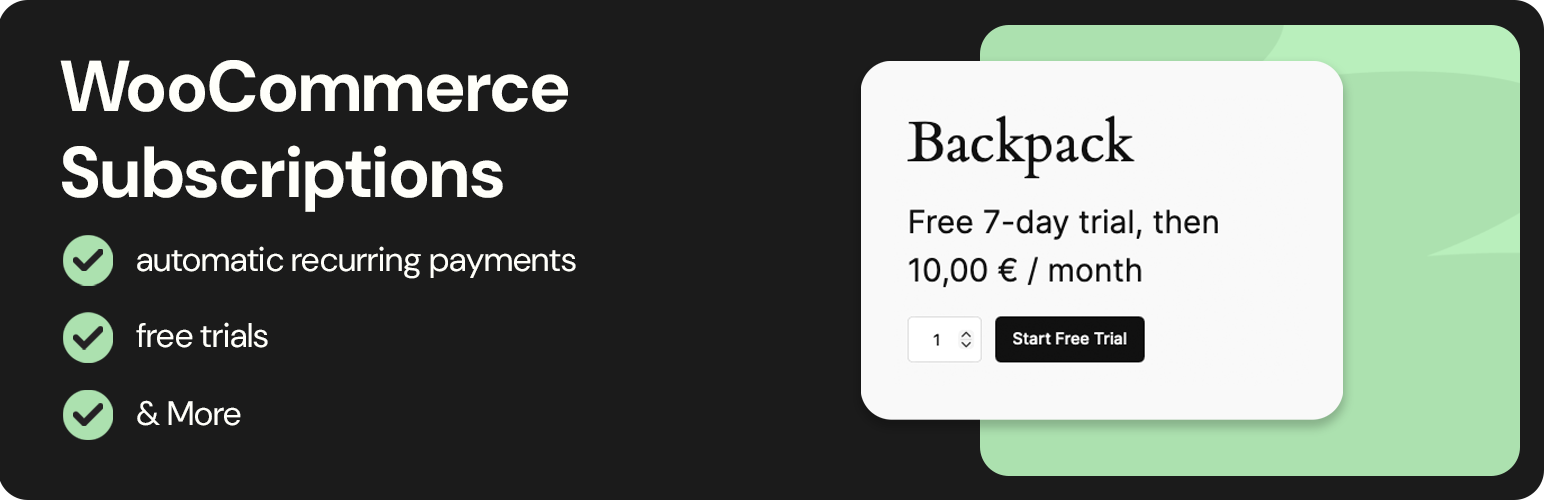
• 免費試用選項
外掛標籤
開發者團隊
② 後台搜尋「Appalify Subscriptions for WooCommerce」→ 直接安裝(推薦)
原文外掛簡介
Create and manage automatic recurring payments for all products.
Features
User and admin management
Subscriptions can be managed from both the My Account page and a dedicated admin page.
Automatic recurring payments
Payment methods are securely saved at checkout and automatically billed each interval.
Sign-up fees
Add additional fees on sign-up.
Retry on failed payments
Set the interval and duration for retries on a failed payment.
Separate shipping cycles
Set the free and sell quantity for each offer.
Free trials
Offer free trials for your subscriptions.
Cancel limits
Set how long after creation or how long before renewal a user can cancel.
Gateways
Appalify Subscriptions for WooCommerce uses the standard WooCommerce payment gateway systems, ensuring compatibility with all gateways that support recurring payments.
Here’s how it works:
1. Gateway Integration
The plugin does not introduce a new payment method. Instead, it connects directly to WooCommerce’s existing gateways through the built-in gateway’s API. This means any payment provider that supports tokenization and recurring billing (such as Stripe, PayPal, or Authorize.net) will work seamlessly.
2. Saving Payment Methods
When a customer checks out, their payment method is securely saved by the gateway using WooCommerce’s token system. This token is then used to charge the customer automatically at each renewal interval — without requiring manual re-entry of payment details.
3. Automatic Billing and Retries
On each billing cycle, WooCommerce triggers a renewal event. Appalify Subscriptions for WooCommerce uses the stored token to attempt payment. If a payment fails, the plugin’s retry system can automatically try again based on your configured retry intervals and limits.
4. Gateway Requirements
• The selected gateway must support automatic recurring payments.
• The gateway must support tokenization (saving payment methods).
• Gateways that only support one-time payments will process the initial charge but cannot renew automatically.
5. Admin and User Transparency
All renewal transactions, payment retries, and gateway responses are logged in both the admin order view and the user’s “My Account” subscriptions list for full transparency.
Current supported gateways:
– PayPal
– Woopayments
– Stripe
– more gateways are being added on 11/25
If you have another gateway that you would like to add, please email us at [email protected] and we will take a look.
Requirements:
– WordPress
– Woocommerce
External services
This plugin connects to the API of both Paypal and Stripe via the token saved in the Paypal and Stripe Plugins.
Paypal:
The API is used to create a subscription. This token is then saved, so it can be checked periodically, if it is still active.
The API is also used to cancel the subscription.
This service is provided by PayPal Holdings, Inc.: Terms of Use | Privacy Policy
Stripe:
The API is used to recharge the users payment method each billing cycle. First the payment_id is saved and then it is charged each billing cycle.
The API is also used to cancel the subscription.
This service is provided by Stripe, Inc.: Terms of Use | Privacy Policy














