
外掛標籤
開發者團隊
② 後台搜尋「BotGate – AI Crawler Control」→ 直接安裝(推薦)
原文外掛簡介
AI companies send crawlers to read websites, some to train models and some to answer questions in AI search. BotGate lets you decide which of them may read your site, from one screen under Settings → BotGate.
AI bot control
A table of known AI crawlers: name, company, purpose (AI training, AI search or user request) and an Allow / Block switch.
Three one-click presets: Block training, allow search (recommended), Block all AI bots and Allow all AI bots. Fine-tune any bot after picking one.
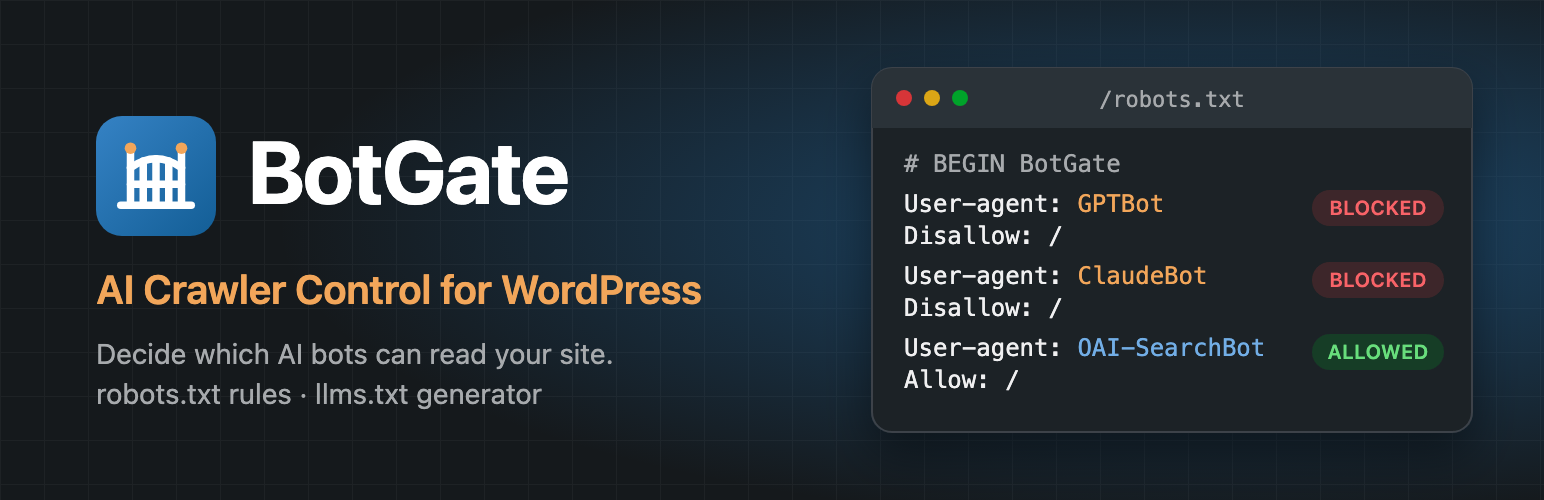
Rules are added to WordPress’s virtual robots.txt through the robots_txt filter, between # BEGIN BotGate and # END BotGate. BotGate never edits a file on your server.
A live preview shows exactly which rules will be added before you save.
Conflict detection warns you when a physical robots.txt file overrides the virtual one, when the site discourages search engines, when WordPress is installed in a subdirectory, or when plain permalinks are used.
A Site Health test (Tools → Site Health) reports the same conflicts.
llms.txt generator
Publishes a Markdown file at /llms.txt with your site name, a short description, the pages you choose and the latest posts from the categories you choose.
Preview the file before saving.
Regenerates automatically when you publish, update or delete content.
Password-protected, private and draft content is never included.
Privacy
The free version makes no external requests and does no tracking.
Known bots in this release
GPTBot, OAI-SearchBot, ChatGPT-User (OpenAI) · ClaudeBot, Claude-User (Anthropic) · Google-Extended (Google) · PerplexityBot (Perplexity) · CCBot (Common Crawl) · Bytespider (ByteDance) · Applebot-Extended (Apple) · Meta-ExternalAgent (Meta).
The list ships with the plugin and is updated with each release. Developers can change it with the botgate_bots filter.














