內容簡介
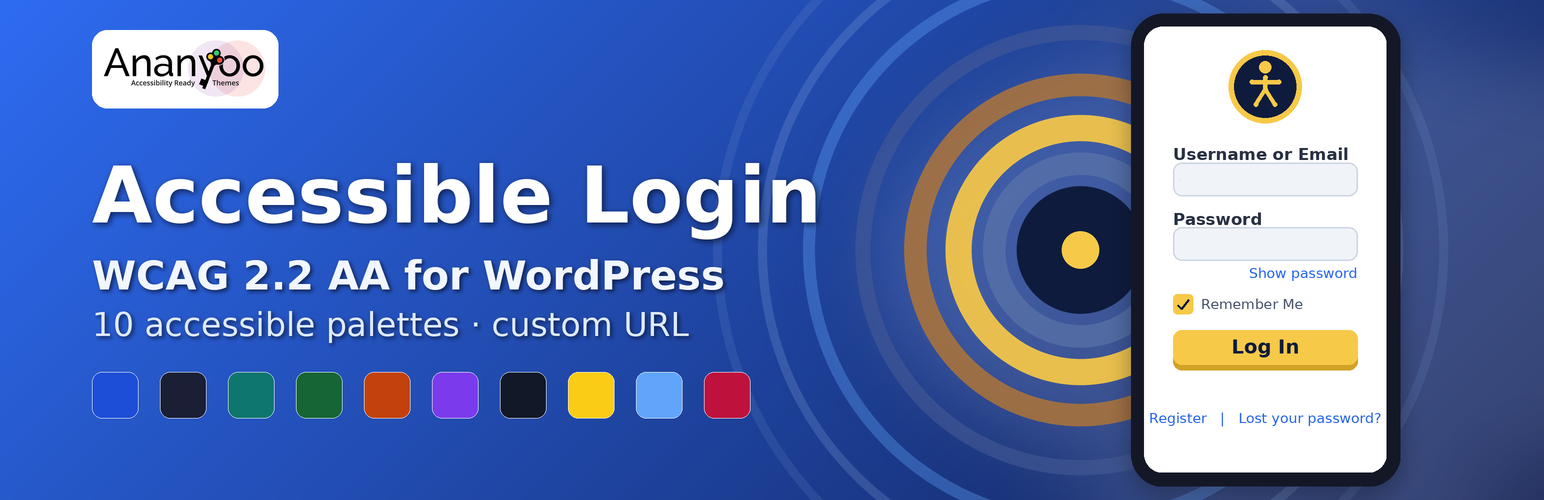
Accessible Login 外掛將 WordPress 的登入、找回密碼、重設密碼及註冊畫面轉換為完全無障礙且適合行動裝置的體驗,符合 WCAG 2.2 Level AA 標準,並保留現代登入外掛所需的視覺自訂功能。
【主要功能】
• 10 種經調整的 WCAG 2.2 AA 合規色彩調色盤
• 自訂後端登入 URL,增強安全性
• 可訪問的品牌登入電子郵件模板
• 省時的對比檢查功能
• 兼容 WooCommerce 的電子郵件設置
外掛標籤
開發者團隊
② 後台搜尋「Accessible Login – WCAG AA Login & Registration」→ 直接安裝(推薦)
原文外掛簡介
Accessible Login transforms the default WordPress login, lost-password, password-reset and registration screens into a fully accessible, mobile-friendly experience that conforms to WCAG 2.2 Level AA out of the box – without sacrificing any of the visual customization power that site owners expect from a modern login plugin.
Live demo: Try the accessible login demo »
Why this plugin?
This plugin approaches login customization with accessibility as the starting point. Its defaults, palettes and customization options are designed around WCAG 2.2 AA requirements – colour combinations are checked for contrast, focus indicators are preserved, and target sizes are kept within recommended bounds – so that customizing the login screen does not come at the expense of accessibility.
Key features
10 hand-tuned, WCAG 2.2 AA compliant color palettes – pick one during the 1-minute setup wizard and apply it instantly. Or design your own; the plugin never forces a palette on you.
Custom backend login URL with a real block (optional – off by default) – replace /wp-login.php with a slug you choose (e.g. /my-secret-door). With blocking on, the old URL returns a generic 404 for every logged-out request – all HTTP methods including POST and all actions – so brute-force bots cannot even submit credentials there. Logged-out visits to /wp-admin also return 404 instead of a redirect that would reveal your hidden URL.
Accessible branded login emails – the WordPress password-reset, welcome and password-changed emails become a small accessible HTML template: your logo with alt text, readable 16 px text, and the action link as a large high-contrast button plus a copy-paste address. Every colour is contrast-checked before sending; anything failing falls back to audited colours. On WooCommerce stores, one click applies the same accessible palette to the WooCommerce email settings.
Save-time contrast enforcement – the same WCAG pairs the live checker shows are now enforced when you press Save: a colour change that would break a required pair is rejected with a precise explanation (which pair, measured ratio, required ratio) and the previous colours are kept. The plugin can no longer be saved into an inaccessible state.
Logo upload + customization – your logo, your dimensions, your alt text, your link target (defaults to your homepage, never wordpress.org).
Five layout styles – centered, minimal, split-left, split-right, full background image.
Background customization – solid color, image upload, overlay opacity, or one of four CSS-only patterns (dots, grid, waves).
Typography control – pick from system, Inter, Poppins, classic sans, serif or monospace; minimum 16 px enforced.
Show / hide password toggle – satisfies WCAG 2.2 SC 3.3.8 Accessible Authentication.
Caps-lock warning – announces to screen readers via aria-live.
3 px focus ring with 2 px offset – meets the new WCAG 2.2 SC 2.4.11/2.4.13 focus requirements.
44 × 44 default target size (24 × 24 enforced minimum) – meets WCAG 2.2 SC 2.5.8.
Reflows cleanly at 320 px – no horizontal scrolling on the smallest phones.
prefers-reduced-motion respected – animations disabled for users who request it.
Windows High Contrast / forced-colors mode supported.
Settings export / import – JSON-based, useful for migrating between sites.
Structured layout controls – fine-tune corner radius, form width and padding, input height, button weight, focus-indicator width and a card-shadow toggle. Every value is bounded to a WCAG-safe range; the plugin does not accept arbitrary CSS, JavaScript or PHP.
Real-time contrast checker – every important colour pair is checked live against WCAG (4.5:1 text, 7:1 AAA, 3:1 for borders and focus) as you pick colours, shown with a symbol and words, never colour alone.
Cognitive accessibility boosters (WCAG 2.2 SC 3.3.7 / 3.3.8) – an optional “You are signed in” hold screen with an adjustable 1-5 second delay and a live region, plus a contextual “Need help signing in?” help drawer with your own guidance text.
Accessible password strength meter – strength shown in words (Weak / Fair / Good / Strong) with friendly suggestions, never by colour alone.
Accessibility health check – a dashboard widget scores your login screen out of 100, checking every contrast pair plus text size, target size, field height and focus-ring width.
Front-end login block & shortcode – place the accessible form anywhere with [accessible_login] or the “Accessible Login” block, carrying the same accessible styling and a signed-in state with logout.
WooCommerce styling bridge (optional) – applies the same accessible colours, focus states and target sizes to the WooCommerce “My Account” login and registration forms.
Reset to defaults with a single click.
Semantic versioning + DB schema versioning – safe automatic migrations on upgrade.
Translation-ready – all strings wrapped in __() with the ananyoo-accessible-login text domain.
Accessibility testing
This plugin is tested with the same tools and standards used in commercial accessibility audits:
JAWS, NVDA, VoiceOver (macOS & iOS), TalkBack (Android)
Keyboard-only navigation
Color Contrast Analyzer
Browser zoom up to 400 %
Deque AXE
Google Lighthouse
wave.webaim.org
These tools and assistive technologies are part of the plugin’s development and testing workflow.
About the author
Shivaji Mitra is the proprietor of M/S. Anblik (est. 2003) and an Accessibility Consultant based in Kolkata, India. He specializes in building websites and mobile applications that meet the needs of users with disabilities, in conformance with WCAG guidelines. Find more of his accessibility work at https://ananyoo.com.
Links
Plugin home & documentation
Live demo
More accessibility plugins from Ananyoo – further WordPress accessibility plugins are in active development.
Support & contact
Privacy Policy
This plugin does not collect, store or transmit any personal information about your visitors or your site administrators. All settings are stored in your own WordPress database. No telemetry, no phone-home, no third-party requests.