內容簡介
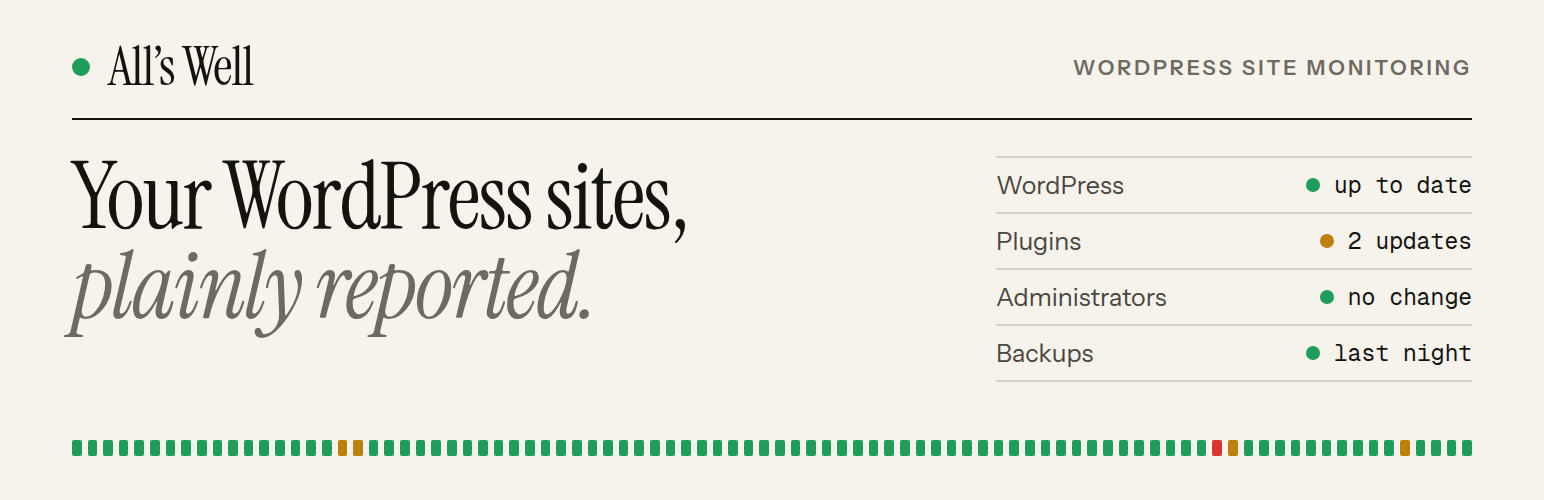
All's Well 是一款監控 WordPress 網站運行狀態的外掛,能夠每小時報告網站的版本、安裝的外掛與佈景主題、風險設定及管理員帳號等資訊,確保網站的安全與穩定。
【主要功能】
• 每小時報告網站狀態
• 監控 WordPress、PHP 和資料庫版本
• 提醒風險設定與新管理員帳號
• 支援 UpdraftPlus 和 BackWPup 備份時間
• 整合 Action Scheduler 進行報告管理
外掛標籤
開發者團隊
原文外掛簡介
All’s Well is an uptime monitoring service that also keeps an eye on the inside of your WordPress sites. Connect a site and it is checked from outside around the clock; this plugin adds what an outside check can’t see.
Uptime and SSL
Connecting a site adds two checks on its address, unless your team already has them or your plan’s monitors are all in use. All’s Well checks the site is up every 5 minutes on the free plan and every minute on paid plans (as often as every 30 seconds on Pro and Business), and it warns you 30, 14 and 7 days before the SSL certificate expires. Alerts go to email, Slack, Discord, Telegram or a webhook, and every plan includes public status pages.
What the plugin reports
Once an hour, and whenever something changes, the plugin reports:
WordPress, PHP and database versions
installed plugins and themes, with pending updates
risky settings, such as debug output shown to visitors or the file editor left on
administrator accounts, so a new administrator raises an alert
the time of the last backup, when UpdraftPlus or BackWPup is active
All’s Well alerts you when the plugin stops reporting, when a new administrator appears and when a setting becomes risky.
Many sites, one place
Freelancers and agencies connect every client site to one team, with the Connect button or a team enrolment key, and see them all on one dashboard. Each plan includes its own allowance of sites, separate from its monitors.
Light on your site
The plugin reads; it never changes anything. On WordPress 6.9 and later, reports run through Action Scheduler. You can see them under Tools → Scheduled Actions, in the “alls-well” group. On older WordPress they run through WP-Cron.
External services
This plugin sends the information listed above to All’s Well (https://alls-well.io, or the address set in the ALLS_WELL_URL constant), once an hour and when plugins, themes or administrators change. No information about the site is sent until you connect it. Administrator email addresses are never sent; logins that are email addresses are masked.
When you click Connect, your browser goes to All’s Well with this site’s address and name, the address of this settings page to come back to, and two one-time values that tie the answer to your request. After you approve the site there, the plugin sends All’s Well the one-time code it came back with, a secret that proves the request started here, and the site’s address, name and plugin version. All’s Well answers with the site’s token.
Once the site is connected, All’s Well’s own servers request its home page every few minutes to check it is up, and read its SSL certificate, as any uptime monitor does. These checks come from outside the site; the plugin takes no part in them.
Terms: https://alls-well.io/terms. Privacy policy: https://alls-well.io/privacy.
Third-party libraries
Action Scheduler (https://actionscheduler.org), GPLv3 or later. It is bundled in vendor/woocommerce/action-scheduler and loaded only on WordPress 6.9 and later.