內容簡介
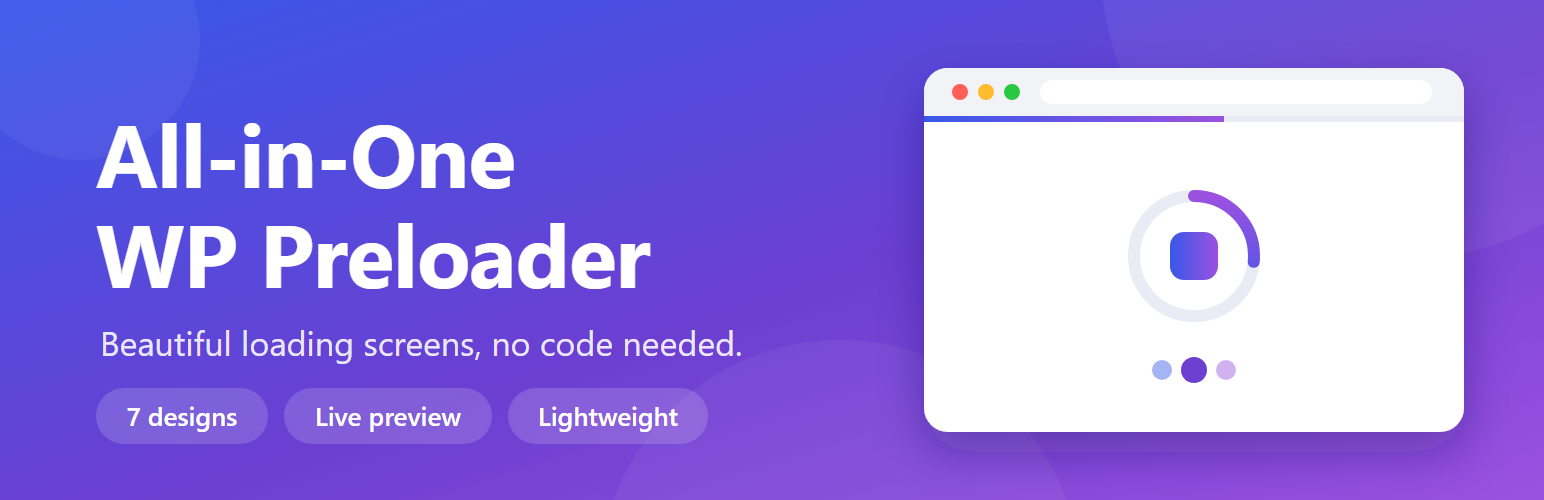
All-in-One WP Preloader 是一款能在頁面加載時顯示載入畫面的外掛,並在內容準備好後以流暢動畫隱藏。用戶無需編碼,只需選擇設計、添加標誌和選擇顏色即可輕鬆完成設置。
【主要功能】
• 提供 7 種預載入畫面設計
• 支援自訂標誌或媒體庫中的圖片
• 設定背景顏色
• 設有即時預覽功能
• 使用純 CSS 動畫,適應各種螢幕尺寸
• 與經典及區塊佈景主題相容
外掛標籤
開發者團隊
原文外掛簡介
All-in-One WP Preloader shows a loading screen while your page loads, then hides it with a smooth animation once everything is ready. No code needed: pick a design, add your logo, choose a color and you are done.
The settings page has a live preview, so you can see exactly what your visitors will see, and replay the hide animation, before saving anything.
7 preloader designs
Loader 1: Logo inside a spinning ring.
Loader 2: Centered image that slides away.
Loader 3: Image with a three-panel reveal.
Loader 4: Logo with bouncing dots, fades out.
Loader 5: Logo with a progress bar, slides up.
Loader 6: Logo with an orbiting dot, curtains open.
Loader 7: Logo with ripples, circle reveal.
Features
Enable or disable the preloader with one switch.
Use your own logo or image from the Media Library, or the built-in default.
Set any background color.
Live preview on the settings page, with a replay button for the hide animation.
Modern settings page built with the WordPress components you already know.
Pure CSS animations, responsive on every screen size.
Works with classic and block themes.
Optional: delete all plugin data when the plugin is uninstalled.
Translation ready.
Lightweight by design
The preloader CSS and JavaScript load only when the preloader is enabled.
No external requests, no tracking, no extra database tables.
All settings are stored in a single option.