內容簡介
以下是本文的要點:
- AI Content Creator 是 WordPress 的一個插件,它使用了 OpenAI 的 GPT-3.5 和 GPT-4 模型來生成高質量的內容。
- 只需要輸入文章的標題,點擊“創建文章”,剩下的工作就交給插件即可。
- 使用插件需要一個 OpenAI API 金鑰,可以在插件的幫助部分中找到獲取免費金鑰的指南。
- 插件檢查初步錯誤以幫助您在發布之前捕捉任何問題。
- 插件支持多種語言,如果您需要支持的語言不在列表中,只需告訴我們即可。
- 為了保護您的 API 金鑰不被未經授權的人訪問,插件實施了各種措施來保護它。
- 為了使用插件,需要最低 PHP 版本 8.0,如果使用之前的版本,可能會導致安全風險。
外掛標籤
開發者團隊
② 後台搜尋「AI Content Creator – Easy ChatGPT powered article generator」→ 直接安裝(推薦)
原文外掛簡介
Are you tired of spending hours creating content for your website? Do you want to take your website’s content to the next level? Look no further than the AI Content Creator plugin for WordPress!
Looking for an easy and efficient way to create posts for your website? Look no further than AI Content Creator!
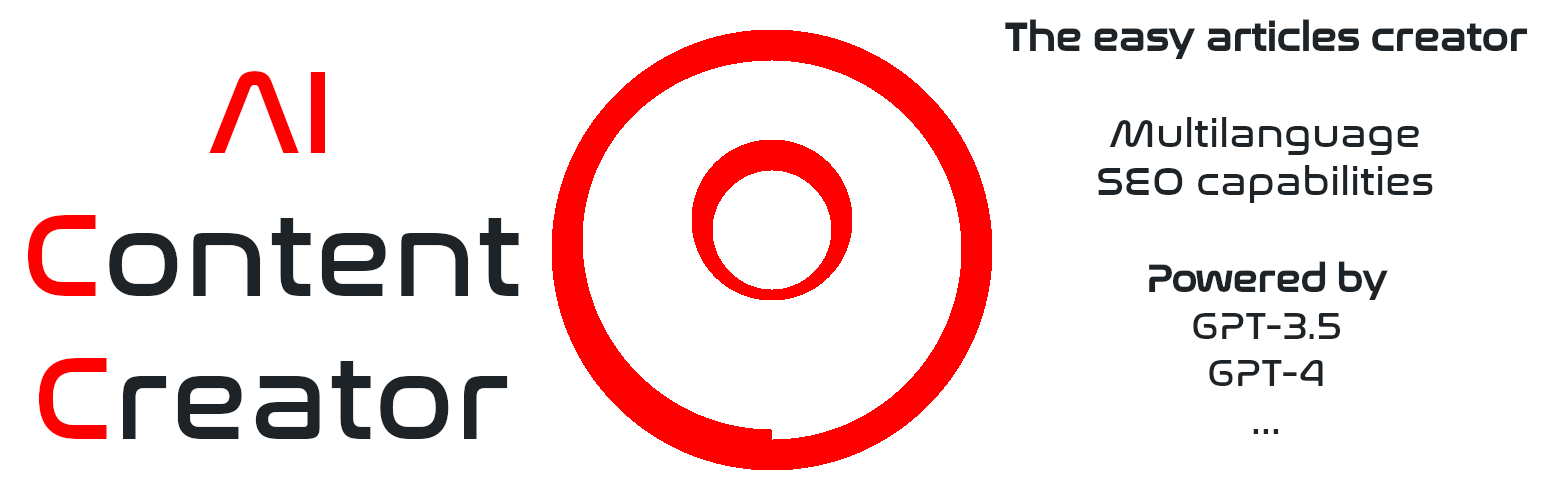
With this powerful WordPress plugin, you can quickly generate high-quality content using OpenAI’s GPT-3.5 and GPT-4 models. Simply enter a title for your article, click “Create article,” and let the plugin do the rest.
Please note that you’ll need an OpenAI API key to use the plugin. Don’t worry if you don’t have one yet; we provide instructions on how to get a free key in the plugin’s help section. Once you’ve used up your free credit, you can continue using the plugin for a low monthly fee.
While AI-generated content is not always perfect, the plugin includes preliminary error checks to help you catch any issues before publishing. Plus, you can preview the content and edit it as needed before creating a post draft and hitting “publish.”
After article has been created, you may use the featured image selector included. It offers you a bunch of royalty free suggestions from Pixabay related to the article topic and includes a image search engine to make it as easy as possible.
SEO capabilities include automatic tags for the article, as well as meta keywords and description if the AI creates them and Yoast SEO, All in One SEO or Rank Math SEO are installed and active on your site.
We’re constantly working to improve the plugin’s capabilities and stay up-to-date with the latest AI technologies. In fact, we’re planning to add support for upcoming OpenAi’s GPT competitors like Google Gemini (Bard), ChatSonic API, Chinchilla, and more.
The plugin supports multiple languages. And if there’s a language you need that’s not yet supported, just let us know; we’re always open to feedback and suggestions.
You can configure the plugin to write articles in these languages:
– English (English)
– Spanish (Español)
– Portuguese (Português)
– French (Français)
– German (Deutsch)
– Russian (русский)
– Japanese (日本語)
– Italian (Italiano)
– Chinese (中文)
– Dutch (Nederlands)
– Korean (한국어)
– Arabic (العربية)
– Turkish (Türkçe)
– Polish (Polski)
– Ukrainian (українська)
– Persian (فارسی)
– Swedish (Svenska)
– Czech (čeština)
– Danish (Dansk)
– Finnish (Suomi)
– Hungarian (Magyar)
– Catalan (Català)
– Basque (Euskara)
– Galician (Galego)
– Asturian (Asturianu)
Performance and quality may be affected when writing in languages used by a low population.
To ensure your API key stays safe and secure, we’ve implemented various measures to protect it from unauthorized access. For example, the plugin erases your key from queries prior to saving, and access to the plugin’s settings is restricted to administrators.
Need help getting started? Check out the plugin’s help section for detailed instructions on how to use AI Content Creator to its full potential.
Requirements
An API key to access an AI account.