內容簡介
**總結**:
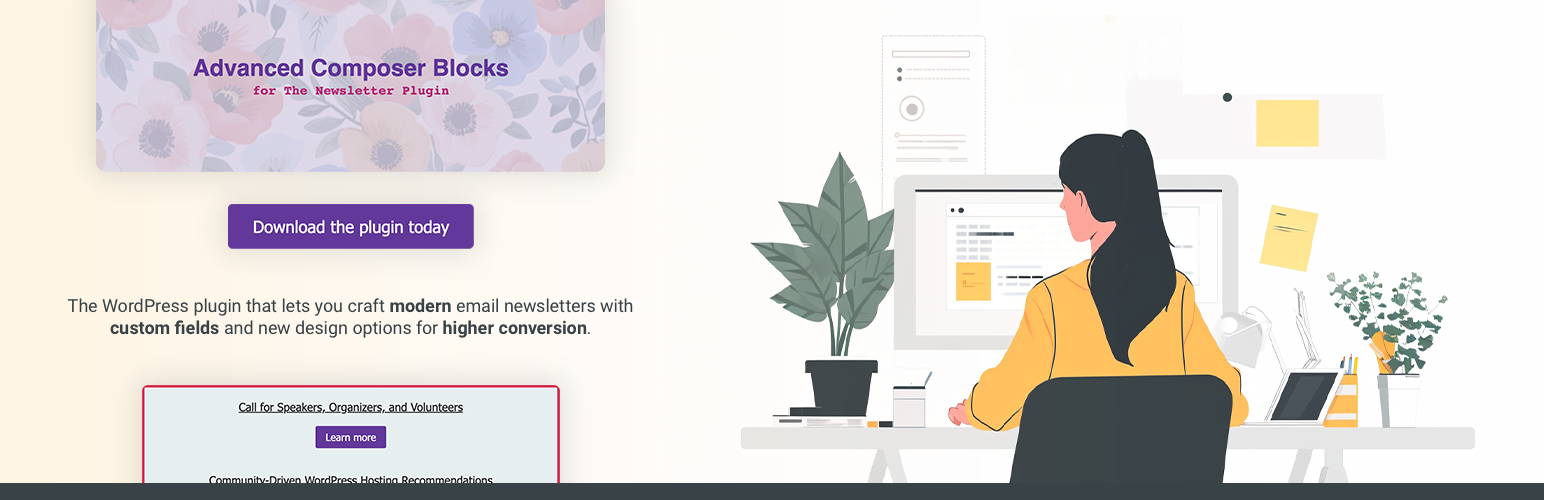
這個 WordPress 外掛讓您使用自訂字段和新的設計選項打造現代電子報。透過升級的區塊和自訂字段功能,Advanced Composer Blocks 提升了您的電子報設計和內容選項,為 Newsletter 外掛帶來前所未有的功能。
**問題與答案**:
1. 這個 WordPress 外掛的主要功能是什麼?
- 讓您使用自訂字段和新的設計選項來打造現代電子報。
2. 這個外掛包含了多少個新的區塊?
- 6 個新的功能豐富的區塊。
3. 這個外掛有哪些編輯增強功能?
- 進行編輯體驗的增強功能,讓您更輕鬆地製作電子報,例如「Live Preview」按鈕可快速在新標籤中預覽您的電子報。
4. 如何使用 WordPress 自訂字段標籤?
- 利用您已經存在的自訂字段,進一步簡化建立文章列表。
5. 免費版本的外掛包含哪些區塊?
- Image+ 和 Posts List。
6. 付費版本的外掛包含哪些區塊?
- Cover、Text+、Call to Action+ 和 Single Post+。
外掛標籤
開發者團隊
② 後台搜尋「Advanced Composer Blocks for Newsletter」→ 直接安裝(推薦)
原文外掛簡介
The WordPress plugin that lets you craft modern email newsletters with custom fields and new design options.
With upgraded blocks and custom field functionality, Advanced Composer Blocks elevates your newsletter with design and content options not available anywhere else for the Newsletter plugin.
NOTE: Requires at least free version of the Newsletter plugin.
Plugin features:
6 new, feature-packed blocks – Six additional, advanced composer blocks open up a ton of new design and content options.
Composer editing enhancement – Make testing your newsletters even easier with the “Live Preview” button that allows you to quickly preview your email newsletter in a new tab.
Composer editing enhancement – Make crafting your newsletters faster with composer block “COPY” and “PASTE” features – which allows you to duplicate blocks between emails as well!
WordPress custom field tags – Take advantage of the custom fields you already have to further simplify creating post listings.
Blocks included:
Text+ Watch demo video
Image+ Watch demo video
Posts List Watch demo video
Cover Watch demo video
Call to Action+ Watch demo video
Single Post+ Watch demo video