內容簡介
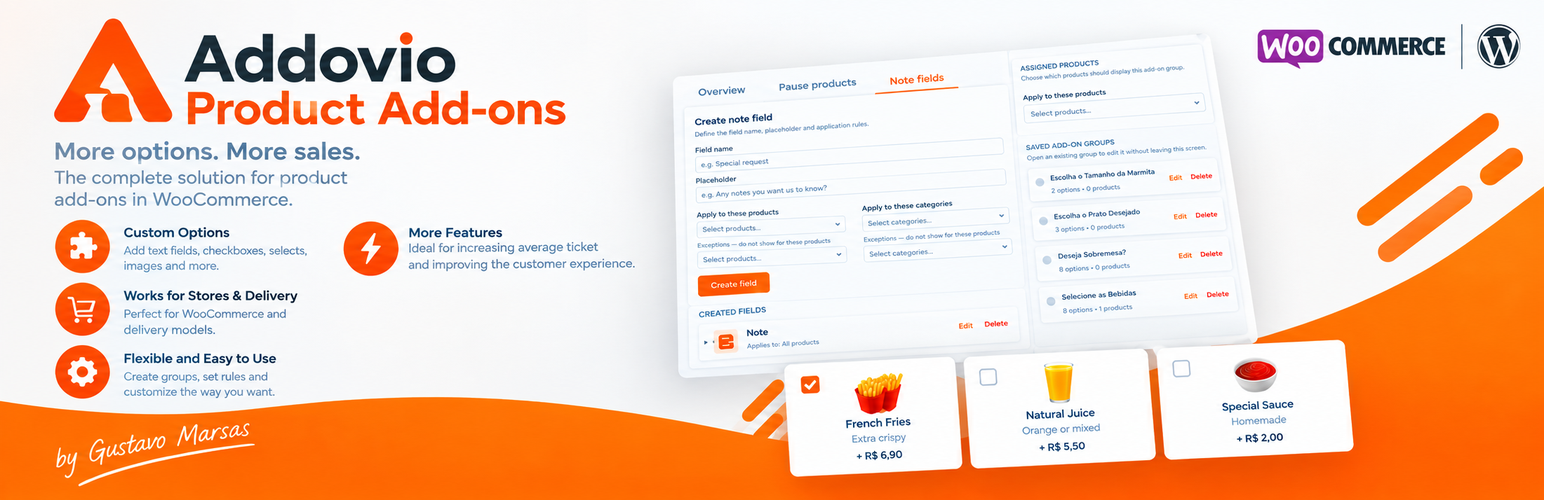
Addovio Product Add-ons 讓顧客在將 WooCommerce 產品加入購物車前,自訂額外選項。此外掛適合餐廳、食品外送、個性化產品及其他提供額外選擇的商店,提升顧客購物體驗。
【主要功能】
• 產品自訂 – 直接在 WooCommerce 產品頁面新增選項
• 價格設定 – 每個選項可設定額外價格
• 可重複使用的選項組 – 創建一次可多次使用
• 彈性選擇規則 – 設定單選或多選組合
• 必選選項 – 設定最低選擇限制
• 實時價格摘要 – 顯示基礎價格及選擇的附加項目
外掛標籤
開發者團隊
原文外掛簡介
Addovio Product Add-ons lets customers customize WooCommerce products with extra options before adding them to the cart.
Create reusable groups of product options, set additional prices, and control how many options customers can select. It is ideal for restaurants, food delivery stores, personalized products, accessories, and other WooCommerce stores that offer additional choices.
Example
Sell a burger and let customers choose:
Cheese +$2.00
Bacon +$3.00
Mushrooms +$2.00
Extra sauce +$1.00
Customers can select their options directly on the product page before adding the product to the cart.
You can configure each group as single-choice or multiple-choice and set minimum and maximum selection limits.
Features
Product customization – add extra options directly to WooCommerce product pages.
Product add-ons with pricing – give each option its own additional price.
Reusable option groups – create groups once and assign them to multiple products.
Flexible selection rules – configure single-choice or multiple-choice groups with minimum and maximum selections.
Required selections – use minimum selection limits to require customers to choose an option.
WooCommerce integration – selected extras are carried through the cart and order.
Simple management – manage reusable product extras from a central screen.
Responsive interface – provide customers with a mobile-friendly product customization experience.
Brand color customization – set a global color for active add-on selectors across groups and options.
Add-on images – display visual images for options on the single product page.
Live price summary – show the base price, selected add-ons, and current total on the single product page.
Free Features
Create unlimited reusable product add-on groups
Add product options and add-ons to WooCommerce products
Set an additional price for each option
Single-choice and multiple-choice groups
Minimum and maximum selection limits
Required selections using minimum limits
Assign groups directly to WooCommerce products
Reuse the same group on multiple products
Manage reusable groups from a central screen
Carry selected extras into the WooCommerce cart and order
Responsive customer-facing interface
English-first interface for international stores
Global brand color for active selectors
Add-on images on the single product page
Live price summary on the single product page
Use Cases
Restaurants and food delivery
Add toppings
Choose side dishes
Select sauces
Add drinks
Customize meals
Customize pizzas
Customize burgers
Customize desserts
Personalized products
Add accessories
Offer paid customizations
Let customers choose additional product options
Add optional extras to products
Other WooCommerce stores
Addovio Product Add-ons can be used whenever customers need to make additional choices before purchasing a product.
For example, you can use product extras for gifts, accessories, personalized items, bundles, services, and other products that require additional selections.
Addovio Product Add-ons Pro
The optional Addovio Product Add-ons Pro add-on extends the free plugin with advanced product option and management features.
Pro adds:
Product and category targeting
Product and category exclusions
Linked products
Individual add-on availability controls – temporarily pause specific extras when an ingredient or add-on is unavailable, without disabling the entire product.
Reusable note fields
Advanced ordering controls
Additional configuration options
The Pro add-on requires Addovio Product Add-ons to be installed and activated.
License
Addovio Product Add-ons is licensed under the GPLv2 or later.