內容簡介
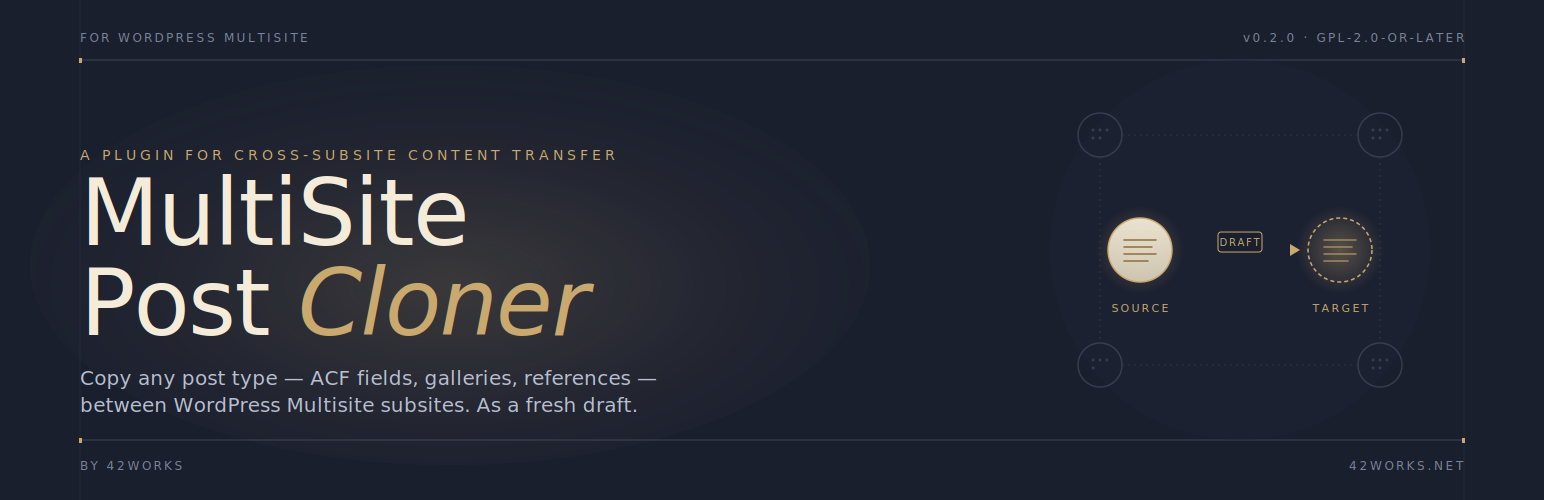
42Works Multisite CPT Migrator 是一款專為 WordPress Multisite 網路設計的外掛,能夠在子網站之間複製文章,並保持所有內容完整。它適合擁有豐富內容模型的網站,特別是使用 Advanced Custom Fields 的自訂文章類型。
【主要功能】
• 複製文章時保持所有標準欄位完整
• 自動重新上傳媒體到目標子網站
• 標記需人工檢查的問題項目
外掛標籤
開發者團隊
② 後台搜尋「42Works Multisite CPT Migrator」→ 直接安裝(推薦)
原文外掛簡介
For WordPress Multisite networks: copy a post from one subsite to another while keeping everything intact.
This plugin is built for sites with rich content models — custom post types backed by Advanced Custom Fields, where each post can contain deeply nested repeater rows, image galleries, and links to other posts. The cloner walks all of it, re-uploads attachments into the target subsite’s media library, and re-resolves post references on the target by slug.
Every copy is created as a fresh draft. Existing posts on the target are never overwritten or modified. If something can’t be transferred cleanly (an image fails to copy, a referenced post doesn’t exist on the target, an ACF field group has drifted), the plugin flags it on the cloned draft with a yellow warning panel so the editor sees exactly what to fix before publishing.
What gets copied
Standard post fields (title, content, excerpt, date, menu order, slug, comment/ping status, password)
Images and files embedded in the post content and in ACF WYSIWYG/textarea/text/url fields — block editor image, cover, gallery, file, video, audio and media-text blocks, classic tags, and shortcodes, and any source upload URL; IDs and URLs (every image size) are rewritten to the target copies
All other post meta (SEO plugins, page builders, custom meta), with source media URLs rewritten
Media that already exists in the target media library (same file) is reused instead of duplicated; new uploads are attached to the cloned post
Featured image — re-uploaded into the target site’s media library
All ACF field values, including deeply nested repeaters, groups, and flexible content
Image, file, and gallery attachments — re-uploaded; never linked across sites
post_object, relationship, and page_link references — re-resolved by slug and post type on the target
Page parent — re-resolved by slug
Taxonomy terms — matched by slug; missing terms are auto-created
What gets flagged
A yellow notice on the cloned draft lists anything that needs human review:
Images that failed to copy → re-upload manually
References to posts that don’t exist on the target → pick the right one
Page parent that doesn’t exist on the target → set manually if needed
Taxonomy terms that had to be auto-created → verify or merge
ACF field-group drift (fields on the source that don’t exist on the target)
The panel disappears automatically the first time the post is published, or can be dismissed manually.
Requires WordPress Multisite and Advanced Custom Fields Pro (repeater, gallery, and flexible content are Pro-only field types).