內容簡介
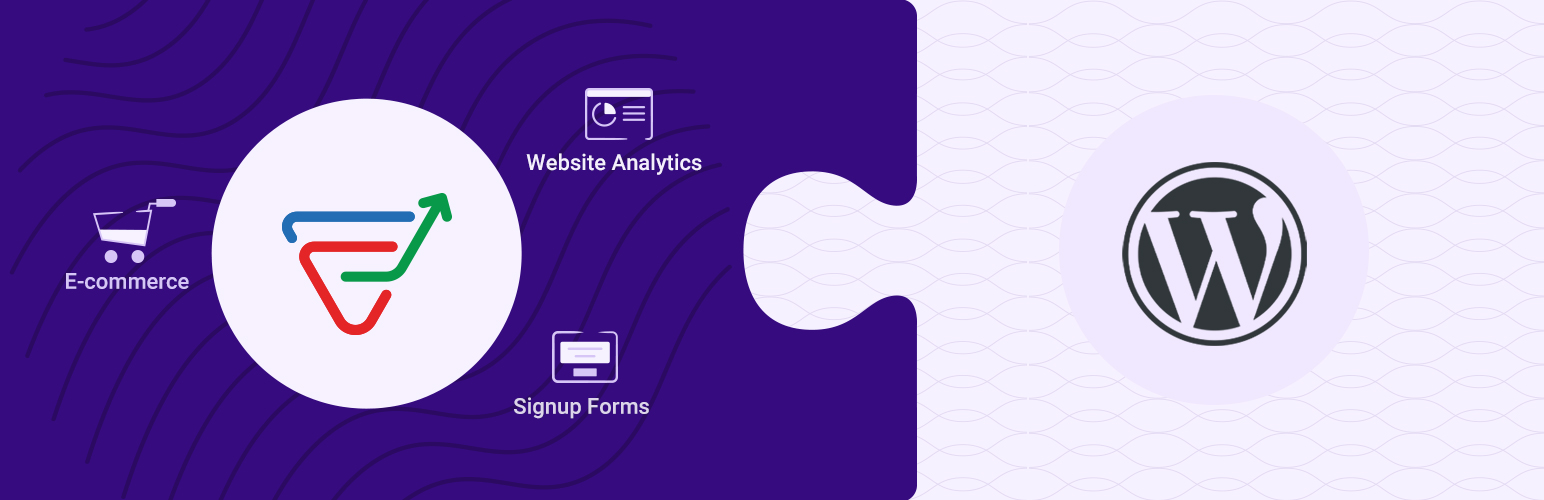
Zoho Marketing Automation 是一款全方位的行銷自動化軟體,幫助用戶管理多渠道的行銷活動,提升潛在客戶的轉換率並維持客戶忠誠度。透過此外掛,您可以分析網站訪客行為,嵌入報名表單,並整合電子商務數據以提升轉換效果。
【主要功能】
• 網站訪客行為分析
• 嵌入報名表單
• 電子商務數據整合
• 自訂訪客轉換旅程
• 自動化行銷活動
外掛標籤
開發者團隊
原文外掛簡介
Zoho Marketing Automation is an all-in-one marketing automation software that helps you successfully manage your marketing activities across multiple channels. It allows you to generate, nurture, and qualify more leads into customers while also retaining them as loyal customers.
Using the Zoho Marketing Automation plugin, you can analyze your website visitors’ behavior and activities, convert them into leads by embedding signup forms on your web pages, and utilize the new eCommerce integration to monitor shopping activities and boost conversions.
With the Zoho Marketing Automation plugin, you can add:
Web Assistant
Analyze your website visitors’ actions, the pages they navigate, and the topics that interest them. Our behavior tracking tool helps you set up events for different actions on your web pages and set goals for your visitors to perform. Based on whether your visitors achieve or miss these goals, you can build personalized journeys that engage them, and help them convert into customers.
Choose whether you want to track all the pages on your site, only specific pages, or pages of specific categories.
Using a ‘date’ option, you can choose to track the pages created after a selected date.
Signup Forms
Embed signup forms to your WordPress site and entice your web visitors to sign up for your content. Once they sign up, they’re automatically added as leads in the respective mailing lists inside your Marketing Automation account.
You can fetch these signup forms from your Marketing Automation account and embed them on your site using short codes.
Instantly show or hide a signup form on your site through a control within WordPress.
eCommerce
Seamlessly transfer your WooCommerce store data to Marketing Automation 2.0 with simple integration methods. Start sending targeted emails, automate your ecommerce activities and personalize your marketing efforts with the help of MA 2.0 after you connect your WooCommerce store.
Once the integration is complete, you can start utilizing the powerful features of MA 2.0 to boost your ecommerce activities and increase your sales. So why wait? Connect your store with MA 2.0 today and take your ecommerce game to the next level.