
內容簡介
### 總結:
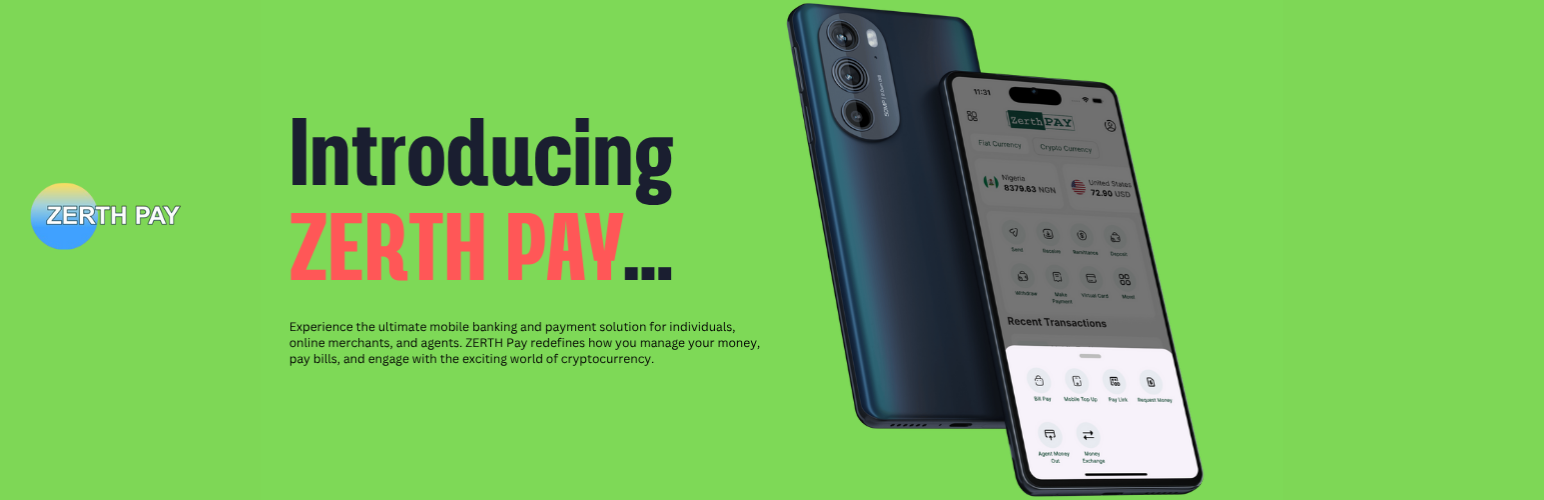
ZERTH Pay 可讓商家允許客戶在 WooCommerce 結帳時使用奈拉幣、美元和加密貨幣支付,商家可將付款匯入奈拉幣或加密貨幣。即使客戶使用加密貨幣支付,作為商家,您也可以以當地貨幣提取。
### 問題與答案:
1. 商家使用 ZERTH Pay 可以允許客戶使用哪些貨幣在 WooCommerce 結帳?
- 答:奈拉幣、美元和加密貨幣。
2. ZERTH Pay 提供哪些付款方式?
- 答:本地銀行轉帳在結帳時、多種加密貨幣(如USDT、BTC、DOGE、LTC等)以及更多即將推出。
3. 列舉開始使用 ZERTH Pay 的好處:
- 答:即刻開始接收付款,從註冊到首筆實際交易僅需最少15分鐘;透明簡單的定價,沒有隱藏費用;先進的防欺詐檢測;透過簡潔優雅的儀表板更好地了解您的客戶;全天24/7專業支持;當我們推出新功能和付款選項時,獲得免費更新;具有清晰文檔的API,可建立自定義的支付體驗。
4. ZERTH Pay 外掛的使用限制是什麼?
- 答:此外掛僅供尼日利亞的商家使用,或能夠收取尼日利亞銀行的付款。
5. 如果想更改 Webhook URL,應該如何進行?
- 答:前往 includes/class-wc-gateway-zerth.php,調整相關代碼。
外掛標籤
開發者團隊
原文外掛簡介
With ZERTH Pay, Merchants can allow customer pay at Woocommerce check using Naira, USD and cryptocurrency and the Merchant get his payment remitted in Naira or cryptocurrency. Even if you customers pay with Crypto, you as a merchant may withdraw as local currency.
With ZERTH Pay for WooCommerce, you can accept payments via:
Local Bank Transfer at Checkout
Cryptocurrencies in (USDT, BTC, DOGE, LTC etc)
Many more coming soon
Why ZERTH Pay?
Start receiving payments instantly—go from sign-up to your first real transaction in as little as 15 minutes
Simple, transparent pricing—no hidden charges or fees
Advanced fraud detection
Understand your customers better through a simple and elegant dashboard
Access to attentive support 24/7
Free updates as we launch new features and payment options
Clearly documented APIs to build your custom payment experiences
Note
This plugin is meant to be used by merchants Nigeria or could recieve payout with a Nigerian Bank.
WEBHOOK
Your Webhook URL is:
https://yourdomain.com/wp-json/zerthpay/v1/webhook
Where “yourdomain.com” is your website base URL
If you want to change it, go to includes/class-wc-gateway-zerth.php and adjust the code below to your preference
//includes/class-zerth-pay-webhook-handler.php
add_action( ‘rest_api_init’, ‘zerth_pay_register_webhook_route’ );
function zerth_pay_register_webhook_route() {
register_rest_route( ‘zerthpay/v1’, ‘/webhook’, array(
‘methods’ => ‘POST’, // Webhooks typically send POST requests [8, 22]
‘callback’ => ‘zerth_pay_handle_webhook’,
‘permission_callback’ => ‘__return_true’, // Authenticity will be validated in the callback
) );
}
function zerth_pay_handle_webhook( WP_REST_Request $request ) {
// Placeholder for webhook processing
// Details will be covered in “Receiving and parsing incoming webhook data” and “Validating webhook authenticity”
return new WP_REST_Response( array( ‘status’ => ‘success’ ), 200 ); // Respond with 200 OK [22]
}