內容簡介
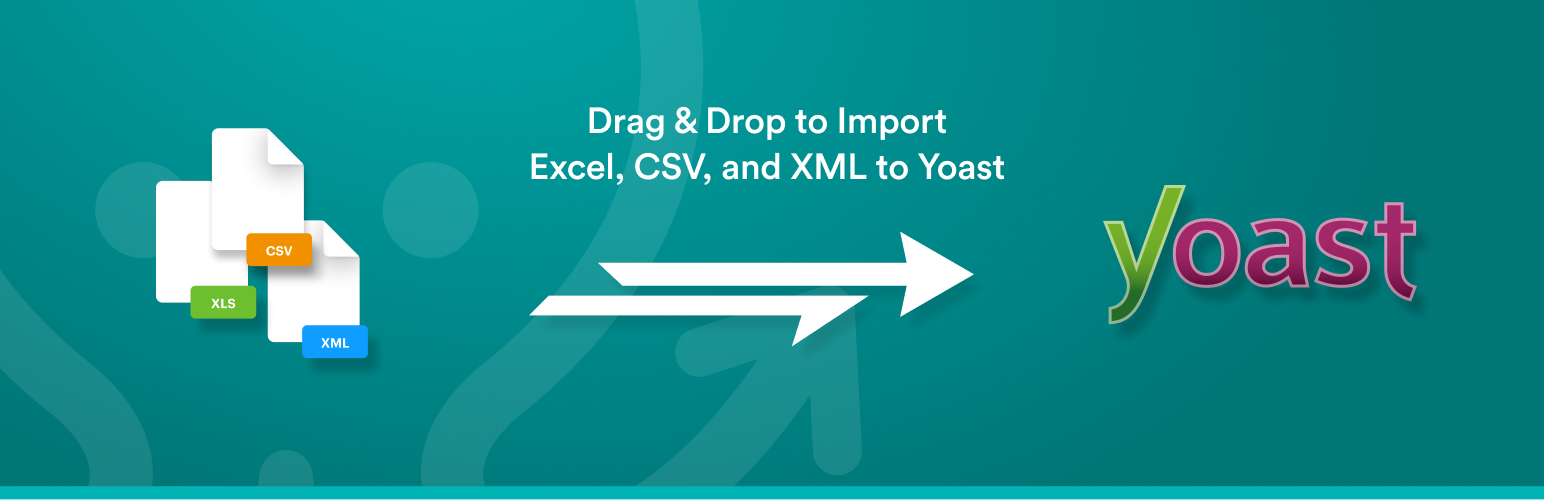
Yoast WordPress SEO Add-On 是 WP All Import 的外掛程式,可讓您輕鬆將 SEO 設定大量匯入到 Yoast WordPress SEO 外掛程式中,並在不到 10 分鐘內完成。
左側顯示所有可匯入的欄位,右側顯示來自您的 XML/CSV 檔案的資料。然後,您只需將 XML 或 CSV 中的資料拖放到 Yoast WordPress SEO 欄位中即可匯入它們。
這個匯入工具非常直觀,幾乎就像手動配置添加/編輯文章時的 Yoast WordPress SEO。
為什麼您應該使用 Yoast WordPress SEO Add-On for WP All Import
在同一次匯入中匯入新的文章、頁面或自訂文章類型並配置它們的 SEO 設定。
更新已發佈到您的網站上的現有文章、頁面或自訂文章類型的 SEO 設定。
與所有其他 WP All Import 外掛程式兼容。
完整支持 - 為您的文章配置所有可用的 SEO 設定,包括社交媒體圖像。
WP All Import 專業版
Yoast WordPress SEO Add-On for WP All Import 完全與 WP All Import 的免費版本兼容。
但是,WP All Import 專業版包括高級支援並添加以下功能:立即升級至 WP All Import 專業版。
從 URL 匯入檔案:下載並匯入來自外部網站的檔案,即使它們受 HTTP 驗證保護也可以。
Cron 作業/循環匯入:WP All Import Pro 可以定期檢查檔案是否有更新,然後添加、編輯、刪除和更新文章。
自訂 PHP 函數:在匯入模板中使用 [my_function({data[1]})] 通過自訂功能傳遞您的資料。WP All Import 將通過 My_function 傳遞 {data[1]} 的值並使用它返回的任何值。
訪問高級技術支援。
開發人員:建立您自己的外掛程式
此外掛程式是使用 WP All Import 的 Rapid Add-On API 建立的。我們非常容易撰寫自己的外掛程式。
沒有時間?我們可以為您編寫。
閱讀有關為您的外掛程式或佈景主題創建外掛程式的更多信息。
相關外掛程式
匯入設定到全能 SEO匯入設定到 WordPress SEO Plugin-Rank Math 中
支援
我們不支援在 WordPress.org 的社群論壇中處理支援問題。
我們會嘗試為免費版本的使用者提供支援的電子郵件地址:
免費版本客戶的支援不保證,並基於能力。如需高級支援,請購買 WP All Import 的專業版。
外掛標籤
開發者團隊
② 後台搜尋「WP All Import – Import SEO Settings for Yoast SEO」→ 直接安裝(推薦)
原文外掛簡介
The Yoast WordPress SEO Add-On for WP All Import makes it easy to bulk import your SEO setting to the Yoast WordPress SEO plugin in less than 10 minutes.
The left side shows all of the fields that you can import to and the right side displays the data from your XML/CSV file. Then you can simply drag & drop the data from your XML or CSV into the Yoast WordPress SEO fields to import them.
The importer is so intuitive it is almost like manually configuring Yoast WordPress SEO when adding/editing a post.
Why you should use the Yoast WordPress SEO Add-On for WP All Import
Import new posts, pages, or custom post types and configure their SEO settings all in the same import.
Update SEO settings for existing posts, pages, or custom post types already published on your site.
Compatible with all other WP All Import add-ons.
Complete support – configure all available SEO settings for your posts, including social media images.
WP All Import Professional Edition
The Yoast WordPress SEO Add-On for WP All Import is fully compatible with the free version of WP All Import.
However, the professional edition of WP All Import includes premium support and adds the following features:
Import files from a URL: Download and import files from external websites, even if they are password protected with HTTP authentication.
Cron Job/Recurring Imports: WP All Import Pro can check periodically check a file for updates, and add, edit, delete, and update your posts.
Custom PHP Functions: Pass your data through custom functions by using [my_function({data[1]})] in your import template. WP All Import will pass the value of {data[1]} through my_function and use whatever it returns.
Access to premium technical support.
Upgrade to the professional edition of WP All Import now.
Developers: Create Your Own Add-On
This Add-On was created using the Rapid Add-On API for WP All Import. We’ve made it really easy to write your own Add-On.
Don’t have time? We’ll write one for you.
Read more about getting an Add-On made for your plugin or theme.
Related Plugins
Import Settings into All In One SEO
Import Settings into WordPress SEO Plugin – Rank Math
Support
We do not handle support in the WordPress.org community forums.
We do try to handle support for our free version users at the following e-mail address:
E-mail: [email protected]
Support for free version customers is not guaranteed and based on ability. For premium support, purchase WP All Import Pro.