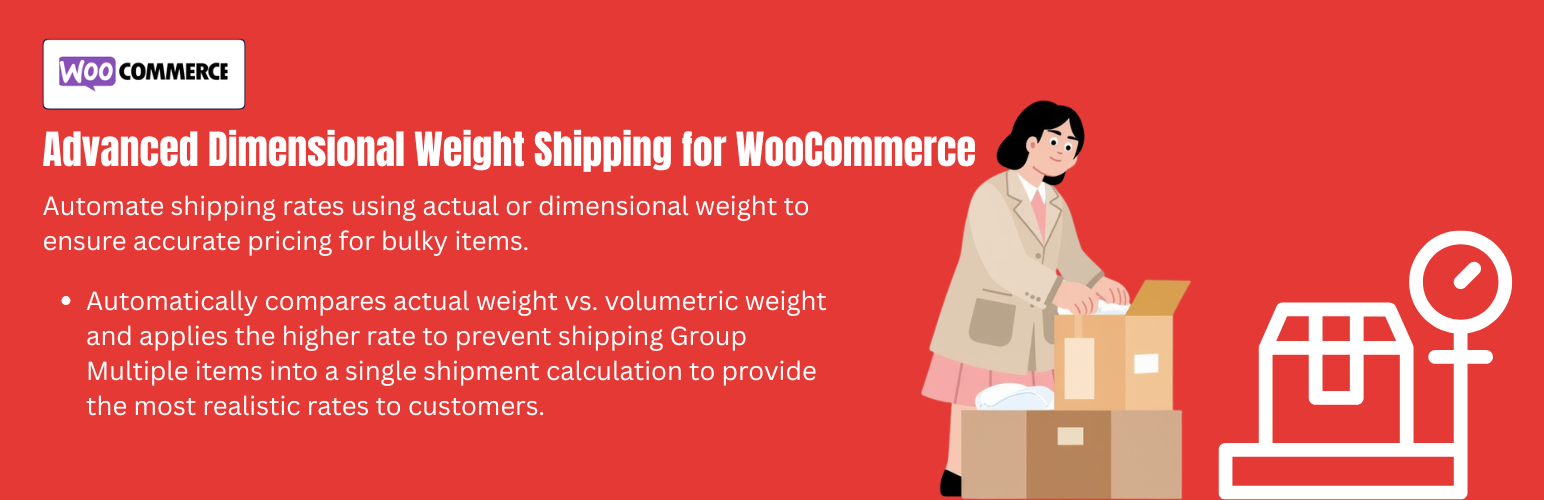
內容簡介
YeeShipping 是一款專為 WooCommerce 設計的表格運費計算外掛,能根據重量、體積重量、產品數量及用戶角色等因素,提供精確的運費計算,幫助商家制定靈活的運費策略,避免因運費問題造成的損失或購物車放棄。
【主要功能】
• 精確的體積重量與運費計算
• 強大的條件運費規則設定
• 支援多種用戶角色的運費調整
• 自訂體積重量除數配置
• 可依購物車狀況設定運費
• 時間基礎的運費規則設定
外掛標籤
開發者團隊
② 後台搜尋「YeeShipping – Weight & Dimensional Weight Rates for WooCommerce」→ 直接安裝(推薦)
原文外掛簡介
Tired of losing money on shipping costs or abandoning carts due to rigid shipping fees? YeeShipping is the ultimate WooCommerce table rate shipping plugin designed to help you calculate highly accurate shipping rates based on weight, dimensional weight (volumetric weight), product quantities, user roles, and advanced conditional rules.
Whether you need to charge extra for heavy or oversized items, offer free shipping for specific VIP roles, or set up complex location-based pricing, YeeShipping gives you the flexibility to build a shipping strategy that fits your unique business needs perfectly.
Demo: https://demo.add-ons.org/demo/?clone_id=11
Documentation: https://add-ons.org/document-weight-dimensional-weight-rates-for-woocommerce/
Pro Version: https://add-ons.org/plugin/yeeshipping-pro/
Why Choose YeeShipping for WooCommerce?
Shipping isn’t one-size-fits-all. Standard shipping methods often fail when dealing with varying product sizes and weights. YeeShipping solves this by introducing Dimensional Weight (DIM) calculations, ensuring you don’t undercharge for large, lightweight boxes, while also supporting advanced table rate conditions.
Core Features
1. Accurate Dimensional Weight & Volumetric Shipping
Stop losing money on shipping oversized items! Calculate shipping costs based on the highest value between actual physical weight and dimensional weight (L x W x H / DIM Divisor).
* Full volumetric weight support.
* Custom DIM divisor configurations.
2. Powerful Conditional Shipping Rules
Create unlimited table rate shipping scenarios using flexible conditions:
* Cart-based rules: Cart subtotal, total item count, and distinct line items.
* Product-based rules: Actual weight, dimensions, volume, categories, tags, and WooCommerce shipping classes.
* Customer-based rules: Adjust shipping costs dynamically based on WordPress User Roles (perfect for wholesale/B2B and VIP retail pricing).
* Time-based rules: Set specific rates based on the day of the week or time of day (e.g., weekend surcharges or happy hour delivery).
* Location & Distance rules: Calculate precise distance-based delivery fees.
3. Advanced Shipping Pricing Calculator
Easily set up complex shipping fee structures:
* Configure base shipping costs for any rule.
* Add additional surcharges or discounts based on:
– Cart subtotal or item quantity.
– Total weight (actual or exact dimensional weight).
– Overall carton volume.
– Calculated shipping distance.
* Stack multiple additional cost rules to create a dynamic pricing formula.
4. Smart Rule Processing & Logical Operators
You have full control over how multiple shipping methods behave:
* Support for advanced logical operators: is, is not, any, all, and none.
* Define minimum and maximum value ranges for exact targeting.
* Special Actions: Hide other standard shipping methods if a specific YeeShipping rule is matched, or stop rule processing entirely to prevent rate stacking.
* Granular control over rule execution priority.
5. Seamless WooCommerce Integration
* Native integration with WooCommerce Shipping Zones.
* Works out of the box with block-based checkouts and traditional shortcode checkouts.
* Smooth, admin-friendly dashboard to manage all table rate rules.
6. Import & Export Flexibility
* Quickly export all your perfectly crafted shipping rules as a JSON file.
* Ideal for site backups or migrating configurations between staging and production sites.
Common Use Cases: What Can You Build with YeeShipping?
Heavy/Bulky Item Surcharge: Add a handling fee automatically when cart weight exceeds 50lbs, or an item measures over 40 inches.
Wholesale vs. Retail Shipping: Offer a flat $10 shipping rate for regular customers but provide FREE freight shipping for B2B Wholesale user roles on orders over $500.
Category-Specific Delivery Fees: Charge $5 shipping for “T-Shirts” but $50 for “Furniture”.
Distance-Based Delivery Rates: Calculate accurate local delivery costs per mile/kilometer from your store address.
Time-Sensitive Delivery: Charge $15 more for weekend deliveries.
Premium Features & Support
Need even more power? YeeShipping is actively maintained and optimized for high-performance WooCommerce stores.
Get priority support, premium features, and regular core updates. Visit add-ons.org for more information.
Detailed Configuration Guide
1. Conditions (When to apply a rule)
Price
This condition triggers based on the total subtotal of the cart. It is typically used to offer incentives for higher order values. For example, you can set a rule to provide free shipping if the “Price” is greater than or equal to $100.
Item Quantity
This evaluates the total number of items currently in the customer’s cart. It is perfect for bulk discounts or quantity-based shipping fees. For example, you can apply a flat shipping discount if the customer buys 5 items or more in a single order.
Cart Line Item
Unlike total item quantity, this condition looks at the number of unique products (or “lines”) in the cart. If a customer buys 10 apples and 1 orange, that counts as 2 cart line items. This is useful when you want to charge a flat fee based on the variety of items being packed.
Weight
This calculates the rule based on the actual physical weight of all items combined in the cart. It is the most standard method for calculating freight and shipping costs for regular items.
Dimensional Weight
Also known as volumetric weight, this calculates the “space” an item takes up (Length x Width x Height divided by a dimensional factor). The system compares the actual weight and the dimensional weight, and uses the higher value of the two. This is an essential feature for merchants shipping large, bulky, but lightweight items.
Volume
This triggers based on the total cubic volume of all products in the cart combined. It is highly useful when you need to know exactly how much space an entire order will consume in a shipping box or on a truck.
Max Dimension
This condition scans all products in the cart and identifies the single longest side (whether it is Length, Width, or Height) among all of them. This is frequently used to apply an oversize surcharge. For example, if the “Max Dimension” exceeds 1.5 meters, you can automatically add a $50 handling fee.
Total Overall Dimensions
This evaluates the sum of the Length, Width, and Height for all items in the cart. It is often required by postal services to ensure a package does not exceed their maximum allowed girth limits.
Product Length / Width / Height
These conditions target the maximum value of one specific dimension across all items. For example, you can use “Product Length” to check if any item in the cart is longer than 2 meters, regardless of its other dimensions.
User Role
This allows you to create dynamic, customer-specific shipping rates. You can apply specific rules only for certain WordPress user roles, such as ‘Wholesale’, ‘Retailer’, or ‘VIP’. It is perfect for B2B stores that need to offer freight shipping to businesses but standard rates to regular consumers.
Stock Quantity & Status
These conditions trigger rates based on your current inventory levels. “Stock Status” can check if any item is on backorder, allowing you to charge a split-shipping fee. “Stock Quantity” checks the total remaining stock of the items in the cart, which can be used to add express shipping fees for high-demand, low-stock items.
Time of Day & Day of the Week
These time-based conditions allow you to set rules that only activate during specific hours or days. This is incredibly useful for local delivery services that want to apply weekend surcharges, or offer “happy hour” delivery discounts during slow periods.
Distance
Calculated automatically via the Google Maps API, this condition measures the driving distance from your store’s origin address to the customer’s delivery doorstep. You can use it to restrict deliveries beyond a certain radius (e.g., Distance > 20 miles) or charge higher rates for distant zones.
2. Additional Costs (How to calculate extra fees)
Additional costs allow you to “stack” calculated fees on top of the base Rule Cost, creating a dynamic pricing formula.
Based on Weight or Dim Weight
This calculates a fee by dividing the total weight (or dimensional weight) by the “Per” value you set, and multiplying it by the cost. For example, adding $2 for every 1 kg of weight.
Based on Item or Cart Line Item
This adds a specific fee for every unit or unique line item in the cart. For example, adding a $1 handling fee for every single item the customer purchases.
Based on Volume
This multiplies an extra fee based on the cubic volume of the cart. For example, adding $5 for every 1000 cm3 of space the order requires.
Based on Distance
This applies a per-mile or per-kilometer fee. For example, you can charge a base fee of $10, and then add $1 for every 1 mile of distance using this metric.
Based on Price
This adds a fee scaled by the total order value. For example, adding $5 for every $100 spent by the customer to cover premium insurance costs.
Based on Shipping Cost
This adds a surcharge based on the rule’s base cost. It functions perfectly as a multiplier or percentage fee. For example, to add a 10% fuel surcharge to a $50 base shipping rate.
3. Pro Tips for Advanced Users
Special Action: “Stop”
When you enable this action, the system will stop checking any further rules if this specific rule is matched. This is critical to prevent “rate stacking” where multiple fees from different rules are accidentally added together.
Special Action: “Hide Others”
When this action is triggered, YeeShipping will force itself to be the only shipping option visible to the customer at checkout. It will automatically hide all other standard WooCommerce methods like Flat Rate or Local Pickup.
Third-Party Service Integration
This plugin utilizes the Google Maps Distance Matrix API to calculate the precise travel distance between your store and the customer’s delivery address.
Optional Integration: The connection to Google’s servers is only established if you manually provide and save a Google API Key in the plugin settings.
Privacy & Data Control: If the API Key is not configured or if the distance-based shipping method is not in use, the plugin will not send any data (such as locations, coordinates, or addresses) to Google.
Service Terms: Use of this feature is subject to the Google Privacy Policy.
Requirement: To enable this functionality, you must activate the “Distance Matrix API” in your Google Cloud Console.