內容簡介
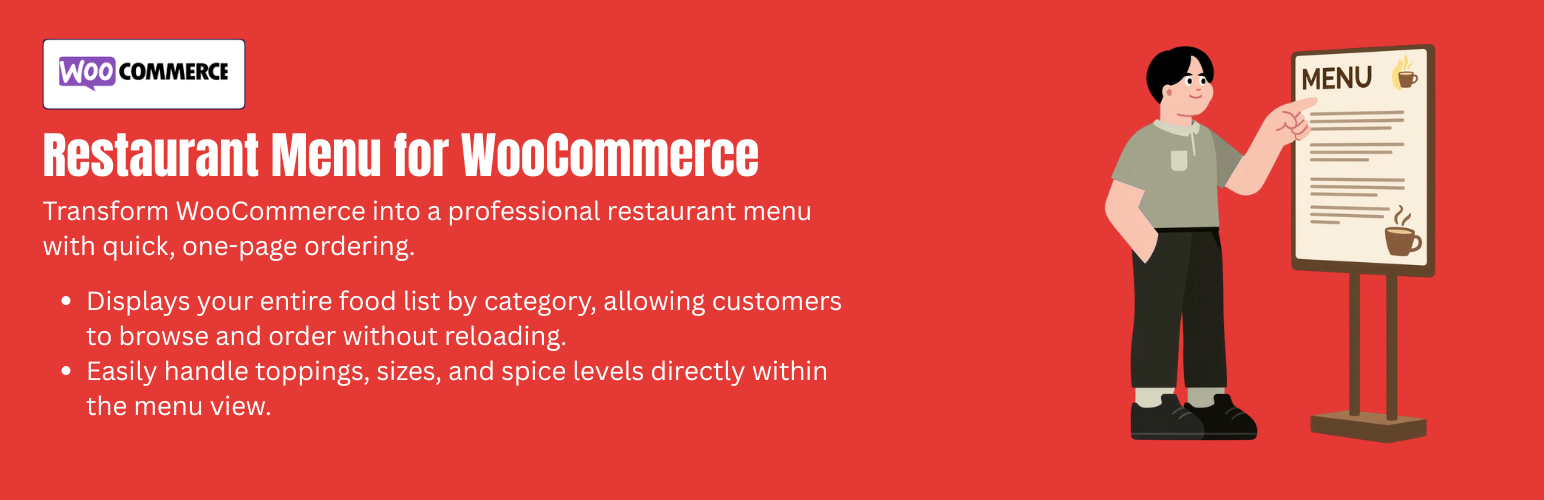
YeeMenu 是一款專為 WooCommerce 設計的餐廳菜單外掛,能將您的網路商店轉變為流暢的餐飲訂購平台。它提供簡潔的介面,讓顧客能輕鬆瀏覽菜單、選擇附加產品及用餐偏好,提升顧客體驗。
【主要功能】
• 多樣化佈局:支援網格、列表、磚塊及滑動視圖
• 標籤菜單:按類別分類菜品以減少滾動
• AJAX 篩選:即時按類別或標籤篩選菜品
• 快速查看彈窗:顯示菜品詳情及營養資訊
• 一頁式訂購:單一畫面內加入多項商品並結帳
• 自動列印整合:與雲端/熱感式印表機相容
外掛標籤
開發者團隊
② 後台搜尋「YeeMenu – Restaurant Menu for WooCommerce」→ 直接安裝(推薦)
原文外掛簡介
Restaurant Menu transforms your WooCommerce store into a seamless, app-like restaurant ordering platform. Designed specifically for food businesses, it provides a streamlined interface for customers to browse categories, select product add-ons, and choose their dining preferences (Delivery, Takeaway, or Dine-In) without ever leaving the menu page.
Demo: https://demo.add-ons.org/restaurant-menu/menu/
Documentation: https://add-ons.org/document-restaurant-menu-for-woocommerce/
Pro Version: https://add-ons.org/plugin/yeemenu-restaurant-menu-for-woocommerce/
Features:
Menu Display & Visuals
Diverse Layouts: Supports Grid, List, Masonry, and Slider views.
Tabbed Menus: Categorize dishes by tabs (e.g., Starters, Main Course, Drinks) to reduce scrolling.
AJAX Filtering: Instant filtering by category or tags (e.g., Vegan, Spicy, Gluten-Free) without page reloads.
Quick View Popups: Shows dish details, nutritional info, and calories in a modal to keep customers on the menu page.
Responsive & Touch-Optimized: Mobile-first design with large touch targets and swipeable categories.
Admin Order Management (For Kitchen)
Chef View Filter: A one-click quick filter that shows only today’s active orders, automatically sorted by their scheduled pickup/delivery time.
Quick Actions: Mark orders as “Served” (Completed) or “Skip” (No-show/Cancelled) directly from the order list with AJAX buttons.
Custom Meta Columns: Service Type (Delivery/Takeaway/Dine-In), Branch, Guest Count, and Time Slot with live countdowns.
Advanced Filtering: Narrow down orders by Branch, Service Type, or Time Slot (Today, Tomorrow, Custom Date).
High-Conversion Ordering Flow
One-Page Ordering: Add multiple items to the cart and checkout on a single screen (App-like UX).
Dynamic Product Add-ons: Radio/Checkboxes for sizes, crust types, and toppings.
Floating Side Cart: A persistent cart drawer showing the total price and items in real-time.
Distance-Based Fees: Integration with Google Maps to calculate delivery costs based on radius or travel time.
Fulfillment & Kitchen Management
Kitchen Order View: High-contrast dashboard for chefs to manage “Pending” vs “Processing” orders.
Auto-Print Integration: Compatibility with Cloud/Thermal printers (Star/Epson) to print receipts instantly.
Order Status Alerts: Automatic email/Sound notifications to the kitchen when a new order arrives.