外掛標籤
開發者團隊
② 後台搜尋「WTL – Missing Image ALT Checker」→ 直接安裝(推薦)
原文外掛簡介
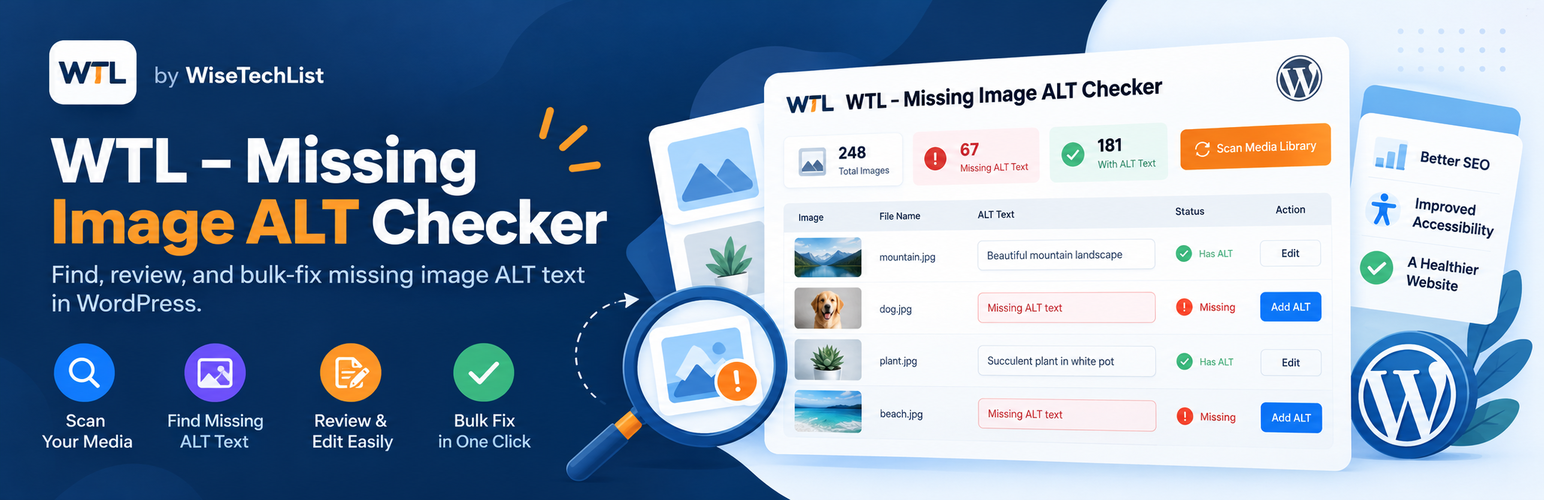
WTL – Missing Image ALT Checker by WiseTechList is a manual-first accessibility and SEO audit workflow for image ALT text. Unlike automatic ALT text generators, it helps site editors examine each image occurrence and write their own meaningful descriptions without an external service.
The plugin separates missing Media Library ALT metadata from ALT embedded in saved article HTML, supports reviewing repeated image usage, and keeps Gutenberg editing in the post editor to avoid invalid blocks.
Features:
View image ALT coverage in the Media Library.
Find missing or empty ALT text, filter, search, and edit image ALT metadata.
Bulk-save filled ALT descriptions on the current Media Library results page.
Review stored image tags in posts and pages, including featured-image ALT metadata.
Scan public post types in batches instead of one large request.
Inspect each reported image usage with a thumbnail and link to the post editor.
Update individual ALT attributes in classic post HTML with a confirmation step and content-change protection.
Leave Gutenberg block markup unchanged and use Edit Post for block-content ALT changes.
Images that are purely decorative may correctly have empty alternative text (alt=””). The plugin identifies items for human review; it is not an accessibility compliance certificate and does not automatically fill every blank field.
Media ALT metadata and HTML ALT attributes stored inside post content are separate. Updating Media Library ALT does not necessarily update ALT attributes already stored in posts.
The full-content scan counts image usages, not unique files. The same image may appear in several posts and be counted more than once. Dynamic builder output, frontend-rendered theme images, and CSS background images are not included. Scan results are not saved after a page reload.
No account, AI service, paid API, or external tracking is required. Data is processed in the WordPress admin on your own website.
Developed by WiseTechList.