內容簡介
點擊後在彈出視窗中顯示 YouTube/Vimeo 影片
檢視示範
功能
適用於 Vimeo 和 YouTube 影片
可自訂播放按鈕
可選擇播放圖示
簡單且輕量的區塊
推薦佈景主題和示範
Inspiro Lite
Inspiro Classic
Inspiro PRO - 新增
快速提示
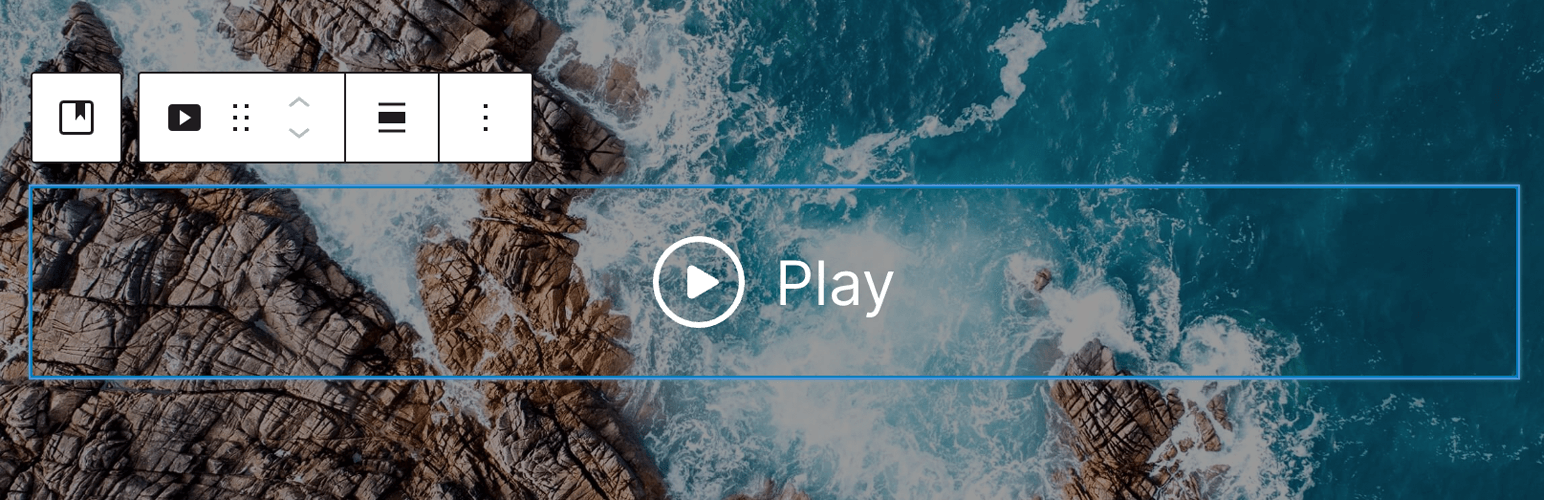
將此區塊放置在封面區塊中,以在背景中添加影片或圖像
其他資源
撰寫評論
獲取免費佈景主題
WPZOOM 網站
GitHub 存儲庫
外掛標籤
開發者團隊
原文外掛簡介
Video Popup Block by WPZOOM – a simple yet powerful single-block WordPress plugin designed to enhance your website with engaging video content. This plugin adds a Gutenberg block to your WordPress editor, enabling you to effortlessly create customizable buttons that, when clicked, open a responsive popup containing a YouTube, YouTube Shorts, TikTok, Vimeo, or Self-Hosted (MP4) video.
VIEW DEMO
Features
Works with Vimeo & YouTube videos
Supports YouTube Shorts videos in portrait orientation — NEW
Supports TikTok videos in portrait orientation — NEW
Supports self-hosted (MP4) videos
Customize the Play button as you want
Choose your Play icon
Simple & Lightweight block
Single-block plugin that can be installed directly in the editor. No bloat!
Perfect for Block Themes (FSE – Full Site Editing Themes)!
Recommended Themes & DEMO
Inspiro Blocks – NEW
Inspiro Lite
Inspiro Premium
Inspiro PRO – NEW
Quick Tips
Place this block inside a Cover block.
Read more –> How to add a Video Popup in the Header Hero in Inspiro Lite using Gutenberg
Additional Resources
Leave a Review
Grab a free theme
WPZOOM website
GitHub repository