內容簡介
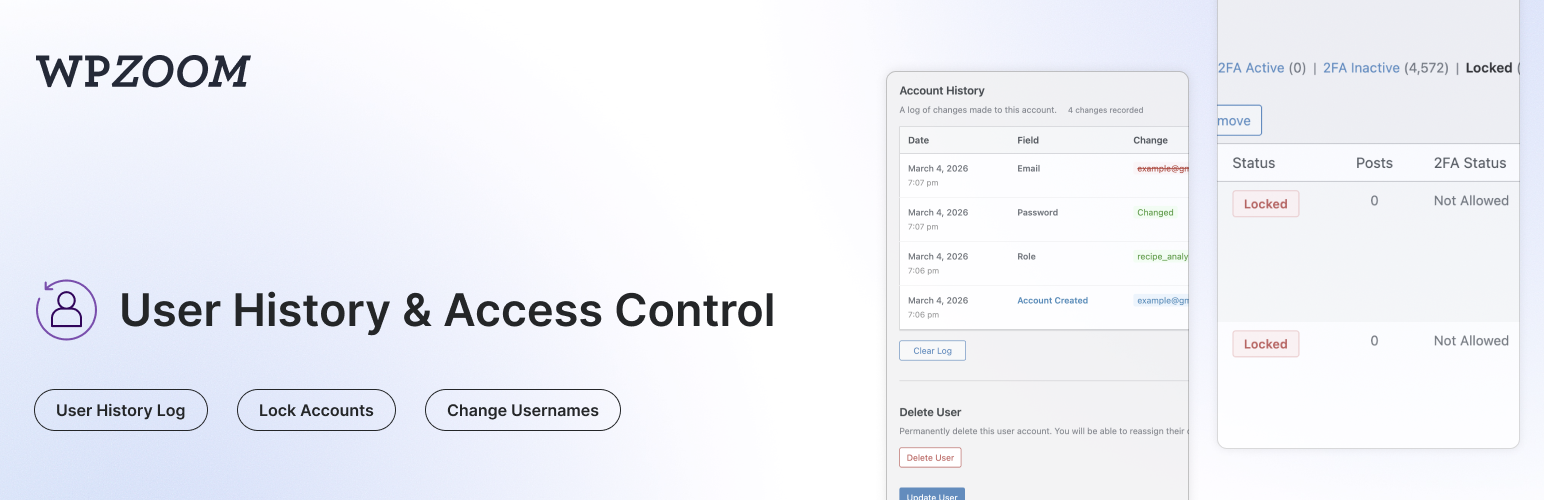
WPZOOM User History 外掛可追蹤用戶檔案的所有變更,並在用戶編輯頁面顯示完整的歷史紀錄。管理員可以鎖定或解鎖用戶帳戶、變更用戶名稱、監控登入/登出活動,並管理活躍會話,提升網站安全性和管理效率。
【主要功能】
• 追蹤用戶檔案變更
• 監控登入與會話活動
• 鎖定及解鎖用戶帳戶
• 直接變更用戶名稱
• 隱私與合規性設定
• 支援多站點安裝
外掛標籤
開發者團隊
② 後台搜尋「WPZOOM User History – Lock Users & Change Usernames」→ 直接安裝(推薦)
原文外掛簡介
User History tracks all changes made to user profiles and displays a complete history log on the user edit page. It also lets admins lock or unlock user accounts, change usernames, monitor login/logout activity, manage active sessions, and search for users by their previous details.
Profile Change Tracking:
Track Profile Changes – Automatically logs changes to username, email, display name, first/last name, nickname, website, bio, and role
Password Change Logging – Records when passwords are changed (without storing any password data)
See Who Made Changes – Each log entry shows whether the user changed their own profile or if an admin made the change
IP Address Tracking – Records the IP address for each change (can be disabled for GDPR compliance)
Search by Previous Values – Find users on the All Users page by their old email or username
Clear History – Admins can clear the history log for any user
Login & Session Monitoring:
Login/Logout Tracking – Records successful logins, logouts, and failed login attempts with date, IP address, and browser info
Failed Login Attempts – Track failed login attempts for existing user accounts
Active Sessions – View all active WordPress sessions for any user, including login time, IP address, browser, and expiry
Log Out Everywhere – Destroy all active sessions for a user with one click
Browser & OS Detection – Automatically detects and displays the browser and operating system from the user agent
Lock/Unlock User Accounts:
Lock User Accounts – Prevent users from logging in by locking their account
Instant Session Termination – Locked users are logged out immediately and all active sessions are destroyed
Application Password Blocking – Locked users cannot authenticate via application passwords (REST API, XML-RPC)
Status Column – See which users are locked at a glance with a status column on the All Users page
Bulk Lock/Unlock – Lock or unlock multiple users at once from the All Users page
Row Actions – Quickly lock or unlock individual users from the All Users list
Locked Users Filter – Filter the All Users list to show only locked accounts
Custom Lock Message – Set a custom message shown to locked users on the login screen (Settings > User History)
WP-CLI Access – Locked users can still be managed via WP-CLI
Admin Tools:
Change Username – Allows admins to change usernames directly from the user edit page (WordPress normally doesn’t allow this)
Delete User Button – Quick access button to delete a user directly from their profile page
Data Retention – Automatically delete old logs after a configurable number of days (default: 30 days)
Clear All Logs – Bulk delete all history logs for every user from the settings page
Privacy & Compliance:
IP Tracking Toggle – Enable or disable IP address recording for GDPR compliance (Settings > User History)
Configurable Retention – Set how long logs are kept (1-365+ days, or keep forever)
Automatic Cleanup – Daily cron job removes logs older than the configured retention period
Compatibility:
Multisite Compatible – Works with WordPress multisite installations, including super admin username changes
Members Plugin Compatible – Correctly tracks role changes when using the Members plugin for multiple role assignments
Migration from Lock User Account plugin – Automatically migrates locked users from the Lock User Account plugin
Use Cases:
Find customers who changed their email after making a purchase
Track when and who changed user roles
Audit user profile modifications for security
Monitor login activity and detect suspicious access
View and manage active user sessions
Allow username changes without database access
Lock compromised or suspended accounts instantly
Temporarily disable user access without deleting accounts