外掛標籤
開發者團隊
② 後台搜尋「WP to Firebase – Sync WooCommerce & WordPress Data」→ 直接安裝(推薦)
原文外掛簡介
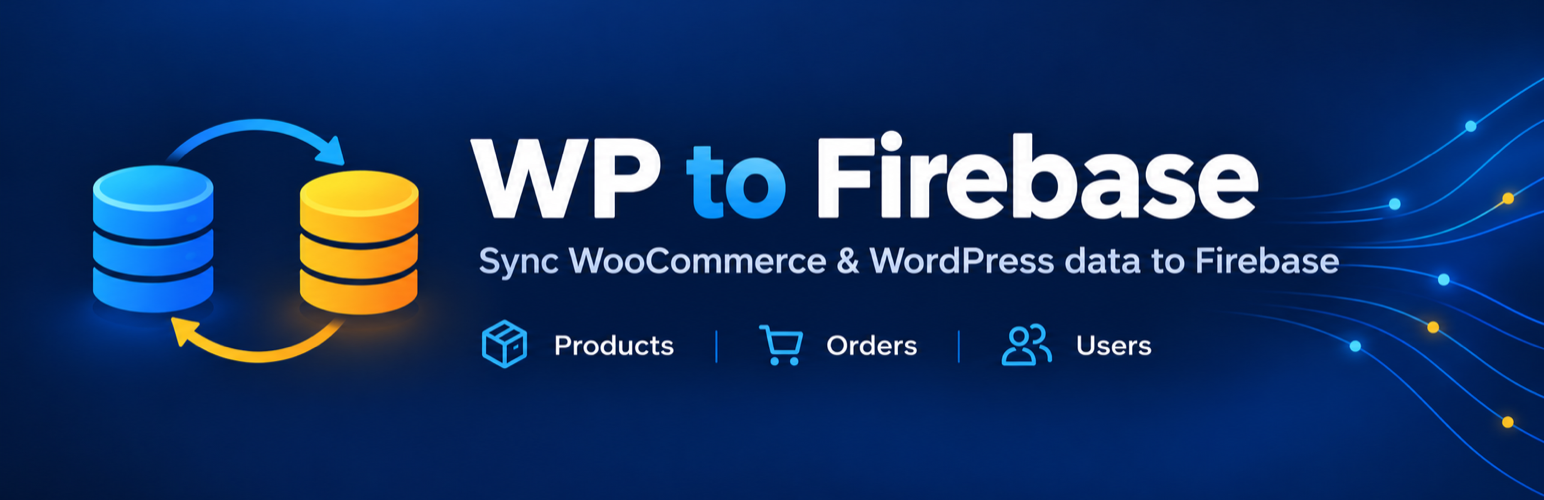
WP to Firebase keeps a Firebase Realtime Database in step with your WordPress site. Use it to power a mobile app, a dashboard, or any service that reads from Firebase, without writing your own export code.
What it syncs
WooCommerce products: name, prices, stock, images, categories, tags, attributes, and variations.
WooCommerce orders: status, totals, line items, shipping lines, and billing and shipping details.
WordPress users: email, display name, first and last name, roles, and registration date.
You choose which of these to sync. Products are on by default. Users and orders contain personal data, so they stay off until you turn them on.
How it works
Full sync: click “Sync now”, or schedule an hourly, twice-daily, or daily sync. Items are sent in the background, 50 at a time, so your site stays fast.
Live updates: when a product, order, or user is created, updated, or deleted, the change reaches Firebase a few seconds later.
Secure authentication: the plugin signs in with a Google service account and short-lived access tokens. Your private key is never shown again after you save it.
Safe by design: passwords, password reset keys, and other credentials are never sent. Nothing runs during normal page loads.
Compatible with WooCommerce High-Performance Order Storage (HPOS).
Data structure
Records are written under the path you choose (default wordpress), with keys prefixed by type:
wordpress/products/product_42
wordpress/orders/order_1057
wordpress/users/user_7
Custom development
Need extra fields, Cloud Firestore, a different data structure, or a mobile app built on this data? The plugin is built and maintained by Ali Nawaz, a WordPress & Shopify developer who builds custom WordPress plugins.
External services
This plugin connects to two Google services to write your data to Firebase. Nothing is sent until you add a database URL and a service account key and enable at least one type of data.
Google OAuth 2.0 token service (https://oauth2.googleapis.com/token)
Used to exchange your service account credentials for a short-lived access token. The plugin sends a request signed with your service account’s private key, containing the service account email and the requested permissions. This happens when a sync runs and no valid token is cached, at most about once an hour.
Firebase Realtime Database (your database URL, ending in firebaseio.com or firebasedatabase.app)
Receives the data you choose to sync: product details, order details including customer names, email addresses, phone numbers, and billing and shipping addresses, and user details including email addresses, names, and roles. Data is sent during a full sync, on your chosen schedule, and a few seconds after an item changes if live updates are on.
Both services are provided by Google.
Firebase terms of service: https://firebase.google.com/terms
Google Cloud terms of service: https://cloud.google.com/terms
Google privacy policy: https://policies.google.com/privacy