內容簡介
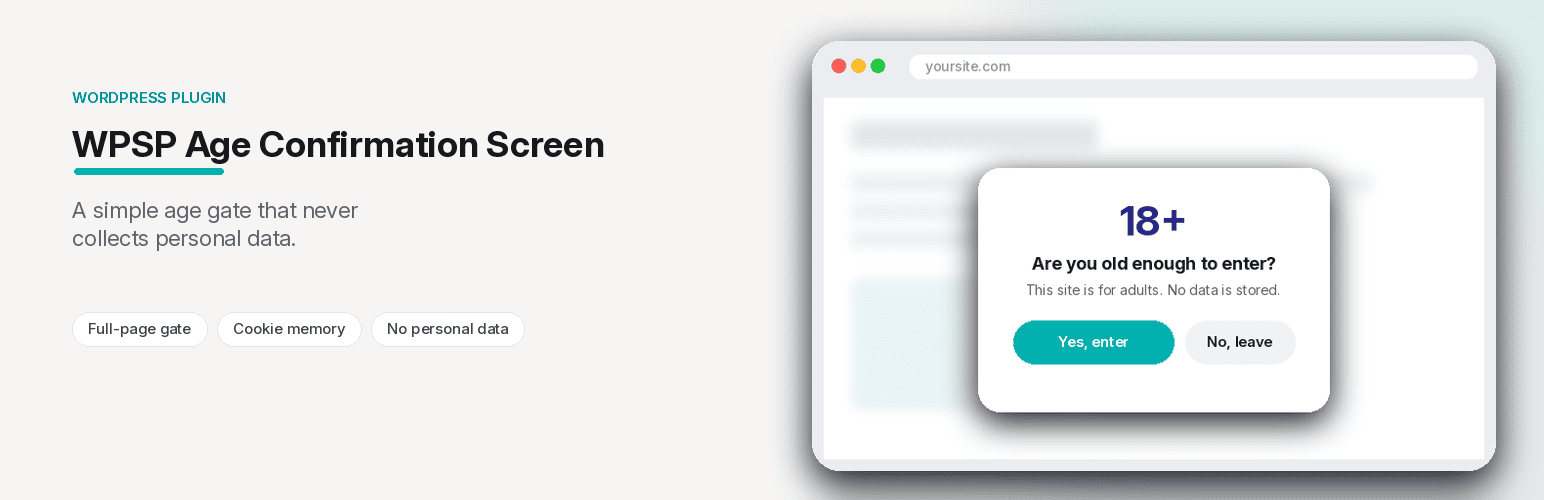
WPSP Age Confirmation Screen 是一款能在訪客查看內容前顯示全頁年齡確認的外掛,讓網站擁有年齡限制的功能。使用者可設定最低年齡,並自訂訊息,確認後的訪客在指定天數內不會再次被詢問。
【主要功能】
• 全頁面顯示,背景模糊
• 可設定最低年齡,直接顯示在訊息中
• 完全自訂標題、訊息及按鈕文字
• 點擊「否」的訪客立即被重定向
• 確認的訪客在指定天數內不再被詢問
• 不會將任何資料儲存於伺服器,僅透過 Cookie 記錄
外掛標籤
開發者團隊
② 後台搜尋「WPSP Age Confirmation Screen」→ 直接安裝(推薦)
原文外掛簡介
WPSP Age Confirmation Screen shows every visitor a full-page confirmation before they can see your content — set your minimum age, customize the message, and visitors who confirm aren’t asked again for as long as you choose.
This is a self-declaration screen: it takes the visitor’s word and does not check identity or age, and it does not by itself make a site compliant with any law.
Features
Full-page screen with a blurred background — the page is covered until the visitor responds
Configurable minimum age, shown directly in the message
Fully customizable header, message, and button text
Visitors who click “No” are redirected away immediately — to a URL you choose
A confirmed visitor isn’t asked again for a configurable number of days, remembered via cookie
Nothing is sent to or stored on your server — a Yes/No click is remembered only in a cookie in the visitor’s browser
Takes priority over the popups of WP Small Plugins’ WPSP Ad Blocker Alert and WPSP Discount Wheel plugins when they are active on the same site, so a marketing popup never covers the age check
Upgrade to Pro
WPSP Age Confirmation Screen Pro adds:
Date-of-birth entry instead of a single Yes/No click (the age is worked out from the date the visitor types)
WooCommerce product and category-specific gating — restrict just the pages that need it, not your whole site
Multiple gates with different age thresholds and targeting rules
An analytics dashboard showing confirmations vs. declines over time