
內容簡介
WPBuoy Endpoint Manager 是一款專為管理 WordPress REST API 端點而設計的外掛,能夠清楚顯示網站上的所有端點,並提供一鍵關閉不必要的端點,降低安全風險,提升網站的安全性與性能。
【主要功能】
• 清晰顯示所有 REST API 端點
• 一鍵關閉不必要的端點
• 實時預覽端點回應
• 快速搜尋與過濾端點
• 安全日誌記錄所有被阻擋的請求
外掛標籤
開發者團隊
原文外掛簡介
Every plugin and theme you install registers REST API endpoints. Most are public by default — including the ones your site never uses.
Unused endpoints are unnecessary exposure. They reveal information about your stack, invite probing, and become liabilities when a vulnerability is discovered in a plugin you forgot to audit.
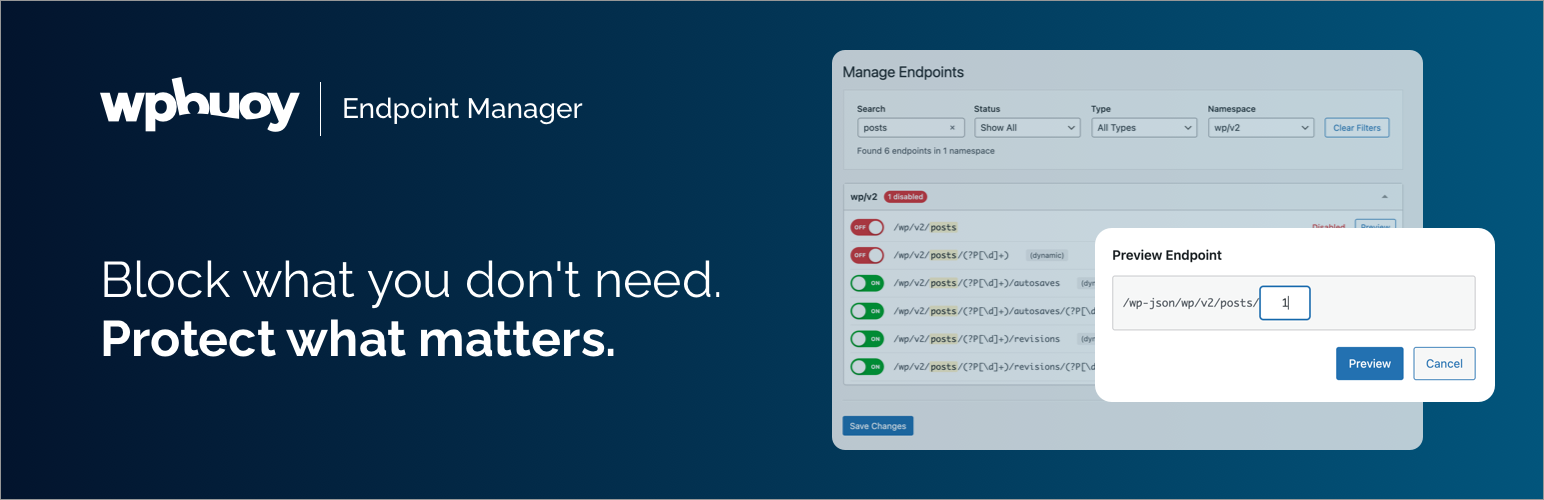
WPBuoy Endpoint Manager gives you a clear view of every endpoint on your site and a one-click toggle to disable the ones you don’t need.
See your full API surface
Every REST API endpoint from WordPress core, plugins, and themes in one organized view — grouped by namespace, with a count of how many are currently disabled.
Block endpoints instantly
Toggle any endpoint off and it returns a 403. No code, no rules, no guesswork. One click. Requires an active Pro license.
Preview before you block
Click the preview icon on any static endpoint to fetch its live REST API response in an inline modal — without leaving the admin. Know exactly what you’re disabling before you disable it.
Search and filter your endpoints
Find any endpoint instantly with keyboard search (Ctrl/Cmd+F) and result highlighting. Filter by status, route type, method, or namespace to focus on what matters.
Security logging
Every blocked request is logged with IP address, endpoint, user agent, and timestamp — so you always know what’s being probed. Filter logs by IP, endpoint, or date range. Logs auto-clean after 30 days.
Clean and accessible
Built to WordPress admin standards. Fully keyboard-navigable with screen reader support.
Who it’s for
Agencies hardening client sites. Developers locking down staging environments. Site owners running WooCommerce, membership, or any setup where REST API exposure is a real risk.
Go further with Pro
WPBuoy Endpoint Manager Pro adds:
Endpoint blocking with a configurable response code and message (requires license)
Dynamic route support with regex pattern matching
Interactive preview modal for dynamic endpoints (auto-resolves default parameter values)
Global rate limiting — cap the total number of REST API requests per time window
Per-endpoint rate limiting — set independent limits on individual routes
IP Block List — manual blocking, auto-block IPs that exceed rate limits, and an allowlist for trusted IPs
CSV export of security logs
Automatic plugin updates
Priority support
Learn more about Endpoint Manager Pro