內容簡介
這個外掛可以讓你輕鬆地在 WordPress 中點擊按鈕快速更改使用者角色。你將立即切換到新的使用者角色。這在測試環境中非常方便,因為你可以在不同帳戶之間反覆登出和登入,或者在需要在不同使用者角色中測試功能的管理員之間切換多個帳戶。
功能
立即切換角色:從頂部管理列立即切換到任何使用者角色。
回復原角色:立即切換回您的原始使用者角色。
與 WordPress、WordPress Multisite、WooCommerce 兼容。
安全性
只有能夠編輯其他使用者的使用者才能更換使用者角色。在單站點安裝上,只有管理員有此權限,在多站點安裝上,只有超級管理員有此權限。
使用方式
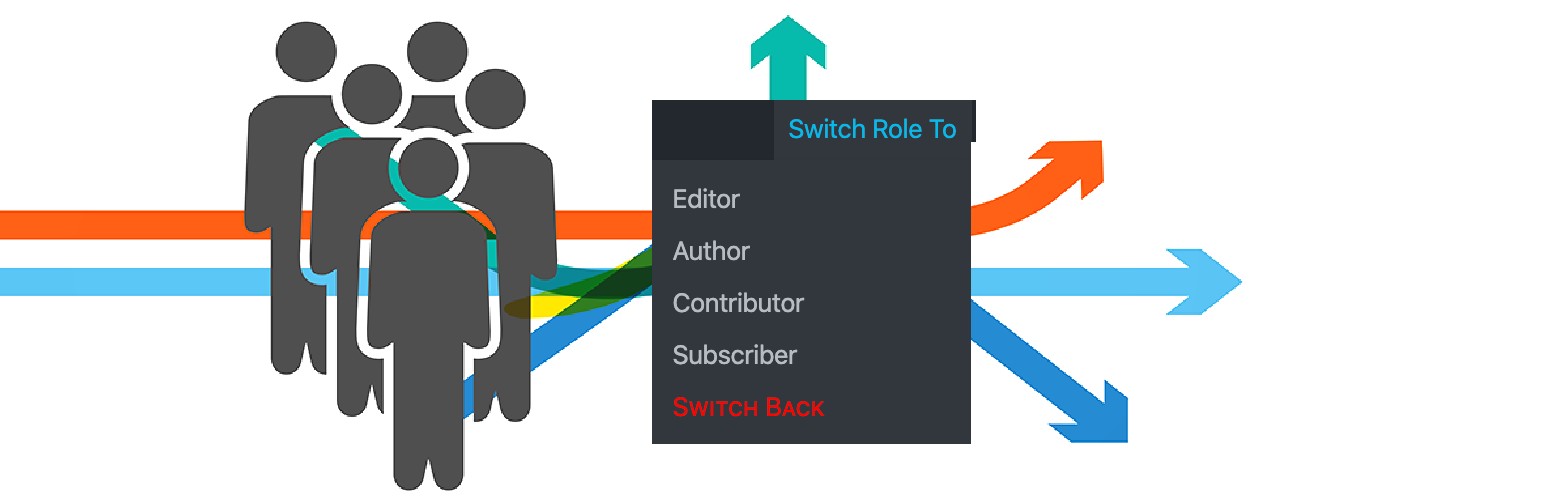
一旦啟用外掛,您將在頂部管理列上看到“切換角色”。
點擊這將帶出系統中可用的使用者角色列表。
點擊你想要測試的任何使用者角色。
您可以通過頂部管理列上的“回復原角色”鏈接切換回原始的使用者角色。
外掛標籤
開發者團隊
原文外掛簡介
This plugin allows you to quickly swap between user roles in WordPress at the click of a button. You’ll be instantly switched to the new user role. This is handy for test environments where you regularly log out and in between different accounts, or for administrators who need to switch between multiple accounts to test the feature in different user roles.
Features
Switch Role To: Instantly switch to any user role from the admin bar at top.
Switch back: Instantly switch back to your originating role.
Compatible with WordPress, WordPress Multisite, WooCommerce.
Security
Only users with the ability to edit other users can switch user roles. By default this is only Administrators on single site installations, and Super Admins on Multisite installations.
Usage
Once plugin is activated, you will see Switch Role To in the top admin bar.
Clicking this will bring the list of user roles available in the system.
Click on any user role you want to test as.
You can switch back to your originating user role via the Switch back link on the top admin bar.