內容簡介
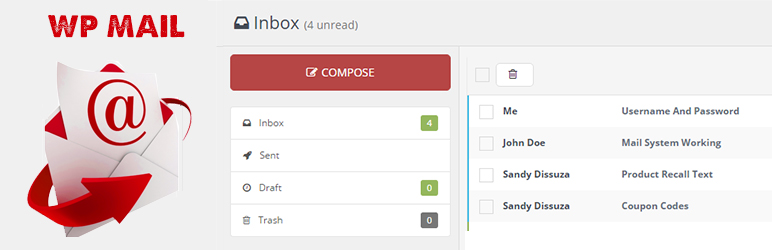
WP Mail外掛是一個簡單的 WordPress 網路郵件或訊息系統。使用者可以在 WordPress 網路中傳送郵件或訊息給其他使用者。
WP Mail的主要功能
WP Mail – 允許 WordPress 管理員以及 WordPress 使用者透過註冊的使用者電子郵件位址在 WordPress 環境內傳送/接收電子郵件。
多用戶郵件 – 您可以透過輸入逗號分隔的電子郵件位址,向多個使用者傳送電子郵件,例如:[email protected], [email protected]。
存為草稿 – WordPress 使用者可以將訊息存為草稿。
如何使用
首先啟用外掛。
進入WP Mail菜單。
建立新郵件 – 點擊Compose菜單。
檢查訊息 – 點擊Inbox菜單
* WordPress 3.3+
* PHP 5.x
* MySQL 5.x
如有任何問題,請到http://www.webdesi9.com/support/聯繫我們。
外掛標籤
開發者團隊
原文外掛簡介
WP Mail plugin is simply a wp network mail or message system. User can send mail or messages to other users over one wp network.
Key Features of WP Mail
WP Mail – It allows WordPress administrators as well as wordpress users to send/recieve emails to registered users with in respective wordpress environment or manually typed in registered user’s email addresses.
Multiuser mails – You can send mails to multiple users by adding comma seprated mail ids ex:[email protected],[email protected].
Mail as draft – WP users can save message in draft.
How to use
First Activate Plugin.
Go to Wp Mail Menu
To Create New Mail – Click Compose Menu
To Check Message – Click Indox Menu= Minimum requirements for Mail System =
* WordPress 3.3+
* PHP 5.x
* MySQL 5.x
If any problem occurs, please contact us at http://www.webdesi9.com/support/.